
Shop not showing on Google search even after creating your business listing?
This is a very common problem faced by many small business owners and shopkeepers.
Even after listing creation, Google may take time to show your business publicly or there may be some issues in your profile that are blocking visibility.
The good news is — this problem can be fixed if you follow the right steps.
Even after listing creation, Google may take time to show your business publicly or there may be some issues in your profile that are blocking visibility.
The good news is — this problem can be fixed if you follow the right steps.
Why Your Shop Is Not Showing on Google Search
There can be many reasons why your shop is not visible on Google even after creating a listing.
Most of the time, the issue is not serious, but it needs to be corrected properly.
Some common reasons include profile not verified, wrong business category, incomplete information, or Google still reviewing your business details.
Sometimes Google temporarily hides new listings to prevent fake businesses.
Most Common Problems That Stop Your Listing From Showing
- Your business is not fully verified
- Address or pin location is incorrect
- Business category is not properly selected
- Business name has keyword stuffing
- Duplicate listings exist for same shop
- Google has temporarily suspended the profile
If even one of these problems exists, Google may not show your shop on search or Maps.
That is why checking each part of your profile is very important.
Many times shop owners think that once listing is created, their shop will immediately start showing on Google.
But in reality, Google takes some time to trust new businesses and verify the details properly.
If your business is in a competitive area, Google may also delay showing your shop until it receives some activity like profile views, photo uploads, and correct business information.
That is why regular profile updates are very important for new shops.
What You Should Do to Fix This Problem Fast
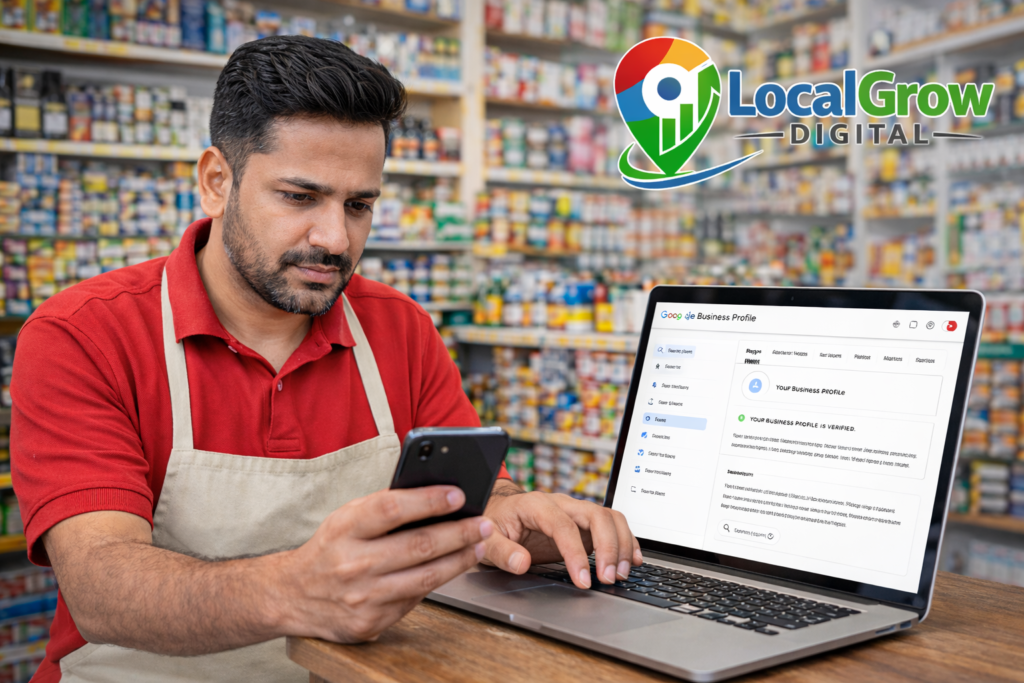
First, make sure your Google Business Profile is fully verified.
If verification is pending, your shop will not appear publicly.
Second, check your address and map pin carefully.
If the pin is wrong, Google may not trust your location.
Third, upload real shop photos and update your working hours and phone number.
Complete profiles always perform better on Google search.
If you are starting a new business, proper registration also helps in building trust and long-term growth.
Government registrations like MSME also support your business credibility online.
How Long Does It Take for a New Shop to Appear on Google
Normally, after verification, Google may take anywhere between 24 hours to a few days to start showing your shop in search results.
In some cases, it may take up to one or two weeks depending on area competition and profile quality.
If your shop is still not visible even after several days, it usually means some technical or profile-related issue needs correction.
This is where professional help becomes useful because small mistakes can stop your visibility completely.

Need Help? We Can Fix Your Listing for You
If you don’t want to waste time figuring out technical issues, our team at LocalGrow Digital can help you get your shop visible on Google faster.
We check your profile, fix errors, help in verification, and guide you step-by-step until your shop starts appearing on search and Maps.
Getting expert help early can save your business time and prevent ranking delays.
👉 Click below to chat with us on WhatsApp and get your shop listed properly today.