
Some businesses appear correctly in Google Search results but fail to show on Google Maps due to differences in how Google processes organic search rankings and Maps visibility signals.
If you are facing broader visibility issues across Google Maps, this complete troubleshooting guide explains all common causes and solutions.
If this is happening to you, don’t worry. This is a common Google Business Profile issue, and in most cases, it can be fixed with a few important corrections. That is where proper Google Business Profile setup becomes very important for your business visibility.
If your profile is not properly configured, our Google Business Profile setup service can help you fix these issues and improve your Google Maps visibility.
Why Your Business Shows on Search But Not on Maps
Google Search and Google Maps work on slightly different ranking systems. A business may appear on search because of website or business name signals, but Maps depends heavily on location accuracy, verification status, and category relevance.
So even if your business profile exists, Google Maps may not trust it enough to show it publicly.
This is why business not showing on Google Maps but showing on search has become a very common complaint among small business owners.
This is why many owners complain that their business is not showing on Google Maps even after setting up their profile.
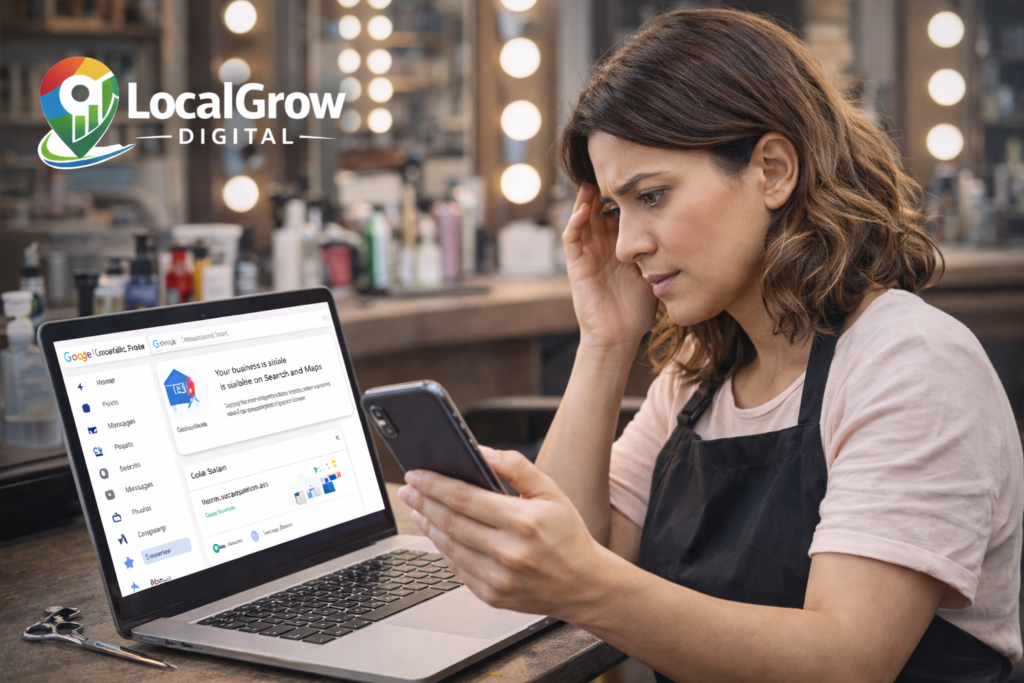
Difference Between Google Search Results and Google Maps Results
Google Search and Google Maps use different ranking systems. While Search relies more on website content, relevance, and keywords, Google Maps depends heavily on location trust, business verification, category accuracy, and real-world engagement signals.
This is why a business can appear on Google Search but remain invisible on Google Maps until Google fully trusts the business profile and its local signals.
Common Reasons Your Business Is Missing from Google Maps
If your location pin is placed incorrectly or far from your actual shop, Google may hide your business from Maps results. This often happens when the address was auto-detected instead of manually confirmed.
Even if your business shows on Google Search, an incomplete or pending verification can prevent it from appearing on Maps. Google gives priority only to fully verified and trusted listings.
If your primary category does not match what customers usually search for, your business may not rank on Maps. For example, a salon listed under “personal services” instead of “beauty salon” may lose visibility.
Sometimes multiple profiles are created for the same business. This confuses Google’s system and may block all listings from appearing correctly on Maps.
Google officially explains that business verification, location accuracy, and relevance are core factors that influence whether a business appears on Google Maps results.
How to Fix Google Maps Visibility Issues Quickly
The fastest way to fix Google Maps visibility problems is to properly optimize and verify your Google Business Profile with correct location, categories, and business details.
You should also keep your business hours updated, respond to customer reviews, and regularly post updates on your Google Business Profile. These small actions send trust signals to Google and improve your chances of appearing on Google Maps faster.
If you want professional help, our Google Business Profile setup service can fix these issues and improve your local visibility.

If your business is new, proper registration also helps build trust with Google and customers. Government registration strengthens your business identity online.
Once your business starts appearing correctly on Google Maps, customers can easily find, call, and visit your shop. But online visibility is only the first step of building a strong and trusted business.
To grow safely and access official benefits, your business should also be properly registered with the government.
Most small business owners in India choose to register under MSME (Udyam Registration) to get benefits like government schemes, easier loans, subsidies, and business recognition.
If your business is related to food — like restaurant, bakery, cloud kitchen, tiffin service, grocery, sweet shop, or packaged food, then FSSAI Registration is mandatory by law.
To understand which FSSAI license you need and how to apply, check our guide:
👉 FSSAI Registration for Food Businesses in India
Need Help Getting Your Business on Google Maps?
If your business is not showing on Google Maps even after creating a profile, it’s best to get expert help before losing customers.
Our team at LocalGrow Digital helps small businesses fix listing problems, improve Maps ranking, and get more calls from nearby customers.
If your business is not getting calls or not showing on Google Maps, we can help you fix it quickly.
👉 Message us on WhatsApp today and get your Google Maps visibility fixed fast.