

Shop not showing on Google Maps after creating listing? This is one of the most common problems faced by new shop owners and small business owners in India. Many people create their Google Business Profile and then wait for customers to start calling, but their shop still does not appear on Maps.
If you are checking your phone again and again and thinking “listing bana di, phir bhi Maps par nahi aa raha”, then you are not alone. This is a very common problem for new business profiles.
If you have not properly completed your Google listing setup, it may be the main reason behind this issue. A correct and optimized setup plays a big role in Maps visibility. You can check our detailed guide on Google Business Profile setup to make sure everything is done the right way.
The good news is — in most cases, this issue can be fixed easily if the profile is set up and verified properly. Let’s understand why this happens and what you should do next.
Why New Listings Do Not Appear on Google Maps Immediately
When you create a new Google Business Profile, Google does not always show it on Maps instantly. Google checks several trust signals before making a business publicly visible on Maps results.
During this time, your business may appear on Google Search sometimes, but not on Google Maps where customers usually look for nearby shops and services.
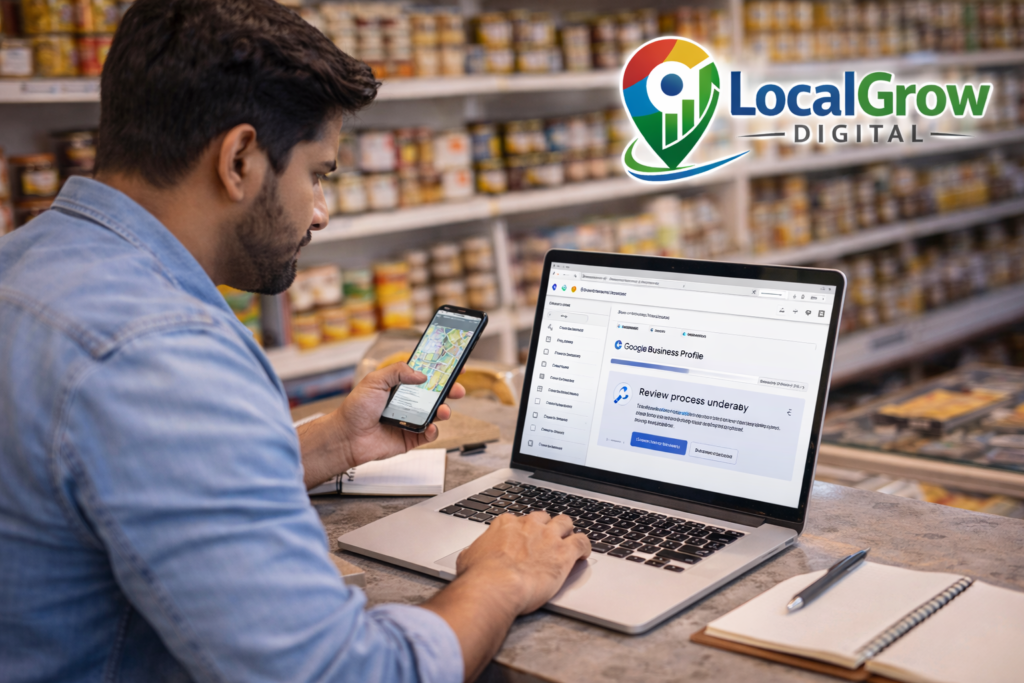
Main Reasons Your Shop Is Still Not Visible on Maps
One of the biggest reasons is incomplete or pending verification. If Google has not fully verified your address or business ownership, it will not display your shop on Maps.
Another common issue is incorrect location pin. If your pin is placed far from your actual shop, Google may hide the listing to protect users from wrong directions.
Wrong business category also affects visibility. If your category does not match what customers usually search, your shop may not appear even if the profile exists.
Sometimes duplicate listings or policy issues can also block Maps visibility without showing any clear warning to the business owner.
What You Should Do to Make Your Shop Appear on Google Maps
The most important step is to properly complete and optimize your Google Business Profile with correct address, accurate pin location, proper category, and verified ownership.
If you want expert help, our professional
Google Business Profile setup service
can fix all listing issues and help your shop start appearing on Maps faster.

Getting visibility on Google Maps helps customers find your shop, but online presence is only one part of growing a trusted business. To build strong credibility and access official benefits, your business should also be properly registered with the government.
Most small businesses in India choose
MSME (Udyam Registration)
to get benefits like business recognition, loan support, and government schemes.
If your business is related to food — like restaurant, bakery, cloud kitchen, tiffin service or grocery — then
FSSAI Registration
is mandatory by law to avoid penalties and legal problems.
How Long Does It Take for a New Listing to Show on Google Maps?
In many cases, Google Business Profile listings may take a few days to a few weeks to start appearing on Google Maps after verification. This delay happens because Google checks location accuracy, business activity, and trust signals before showing the listing publicly.
If your profile is properly verified, has correct address details, and no policy issues, your shop usually starts appearing faster. But if there are mistakes in category, location pin, or verification, the delay can become much longer.
That is why it is always better to fix setup issues early instead of waiting and hoping the listing will appear automatically.
Need Help Fixing Your Google Maps Listing?
If your shop is still not showing on Google Maps after creating the listing, do not wait and lose customers. Most listing problems can be fixed quickly with proper setup.
Our team at LocalGrow Digital helps small business owners get verified, rank better on Maps, and receive more local customer calls.
👉 Click the WhatsApp button below and get your Google Maps visibility fixed today.