
Service area business not showing on Google Maps is a serious problem for plumbers, electricians, cleaners, delivery services, and other home service providers who depend on local customers.
When a service area business does not appear on Google Maps, the issue is usually related to profile settings, category relevance, address visibility, trust signals, or Google policy checks. The good news is that most visibility problems can be fixed by correcting setup errors and improving engagement signals.
In this guide, you will learn why service businesses fail to appear in map results, how Google treats service area listings differently, and the exact steps to fix your Google Business Profile so you can start getting more calls and inquiries again.
If your business is verified but still not appearing, you should also read why a verified business is not showing on Google Maps and how to fix it.
If your ranking dropped after profile changes, check why business ranking dropped on Google Maps and what recovery steps to take.
If you need professional help to set up or fix your listing, our Google Business Profile setup and optimization service can help improve your visibility faster.
Table of Contents
What Is a Service Area Business on Google Maps?
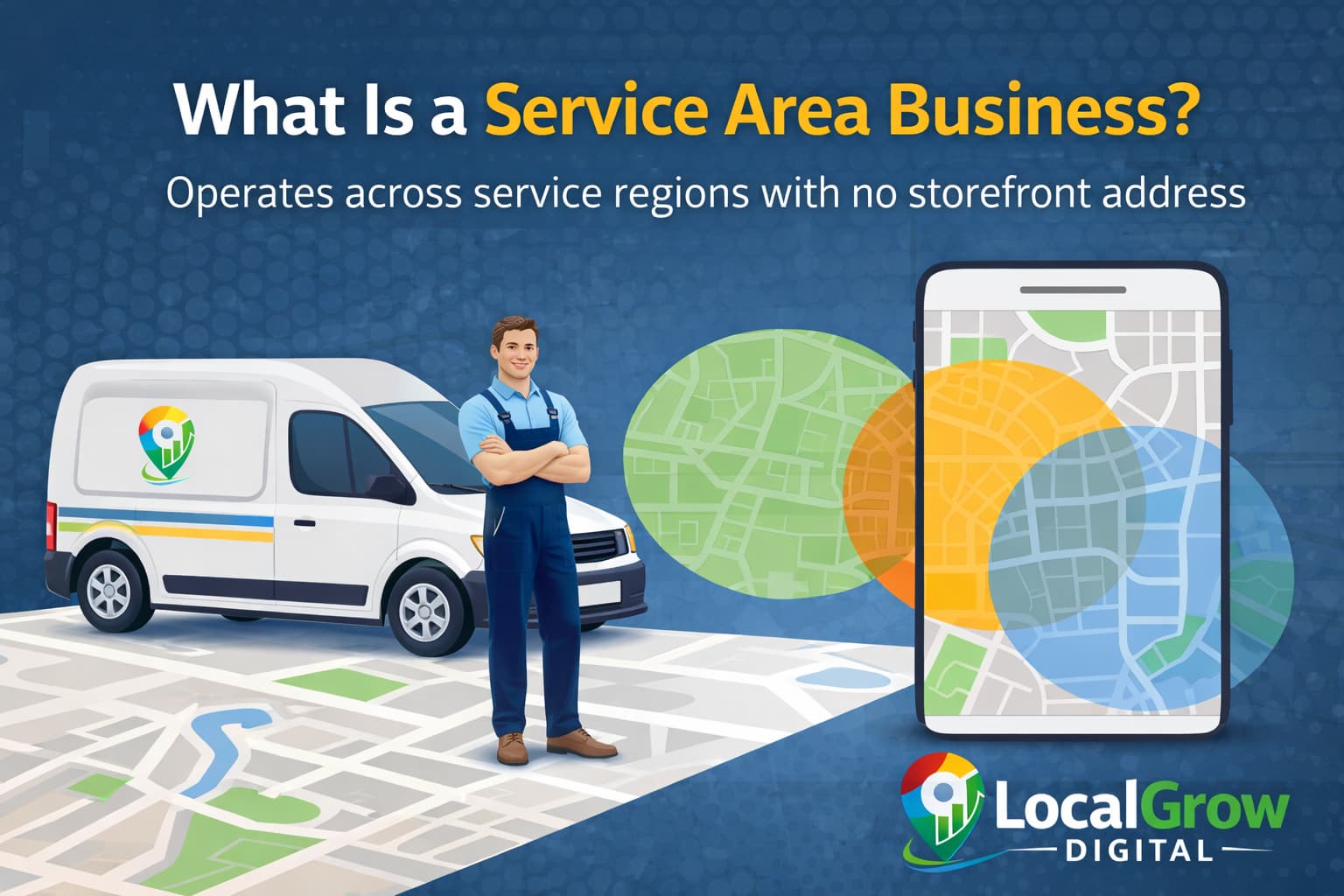
A service area business (SAB) is a business that visits or delivers services to customers instead of serving them at a physical storefront. Examples include plumbers, electricians, pest control services, cleaners, tutors, and delivery providers.
Google allows service area businesses to hide their exact address and display only the areas they serve. While this protects privacy, it also means these businesses are ranked differently compared to shops and offices with public addresses.
Why Service Area Businesses Do Not Appear on Google Maps
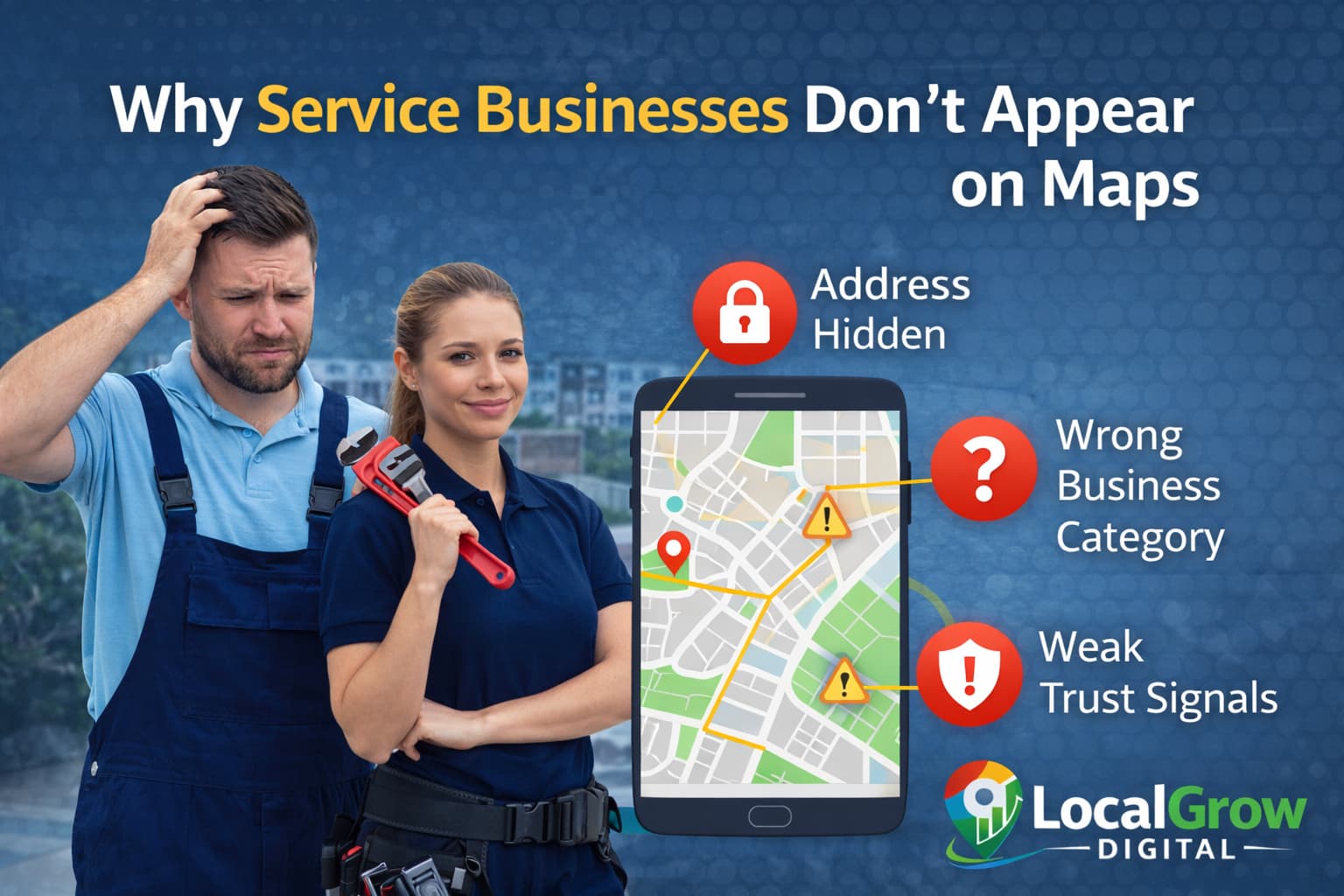
Several technical and trust-related issues can prevent service area businesses from showing in search results even when the profile is verified.
- Incorrect service area settings
- Hidden address combined with weak trust signals
- Wrong primary business category
- Low engagement activity
- Policy-related risk flags
When service area business not showing on Google Maps happens, it usually means Google cannot confidently match your services to local search intent.
Hidden Address and Service Area Settings Can Affect Visibility
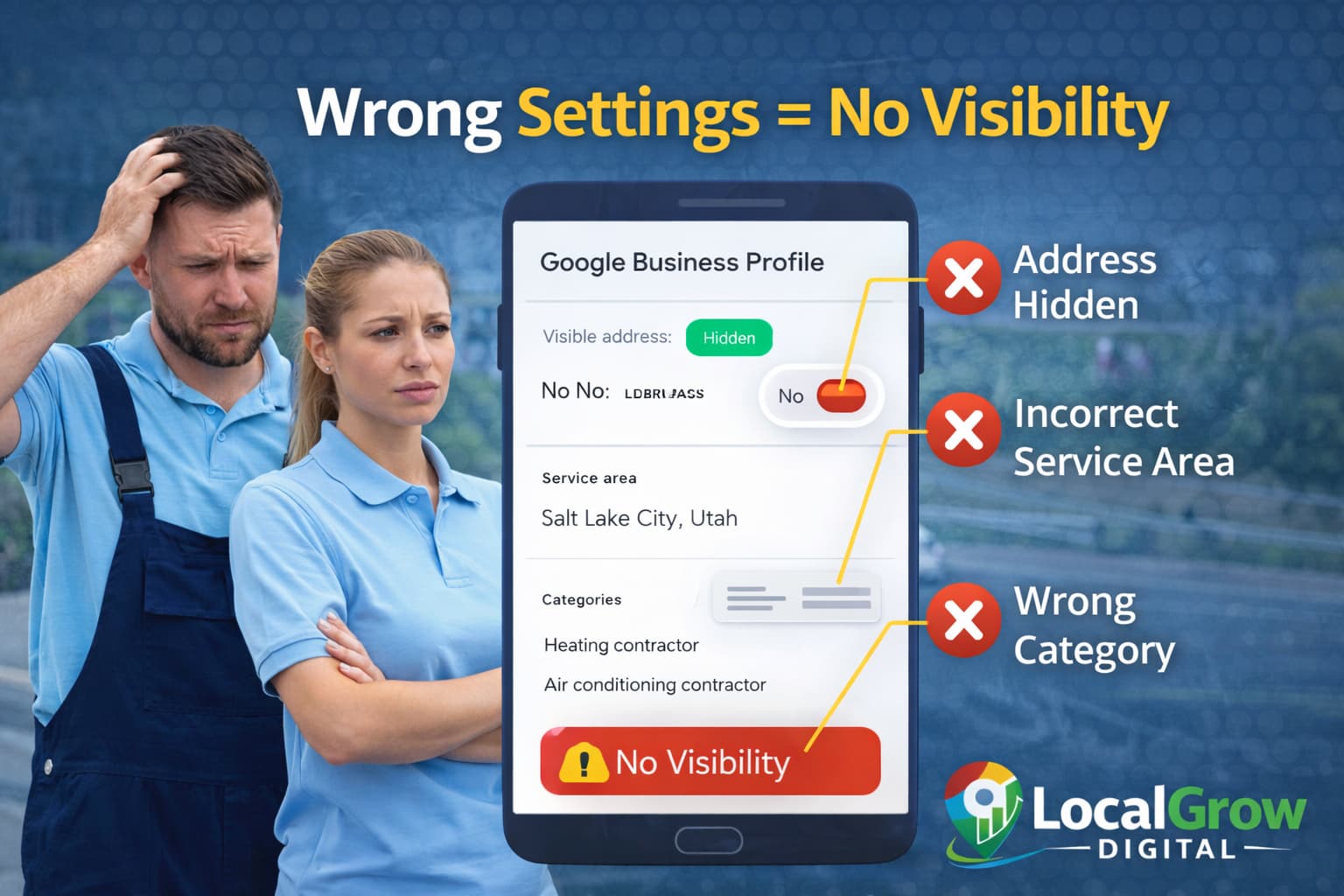
If your address is hidden and service areas are not set correctly, Google may not understand where your business operates. This reduces your chances of appearing in local searches.
- Service areas too large or too broad
- No specific cities or locations added
- Profile not matching website location details
- Address hidden without proper trust signals
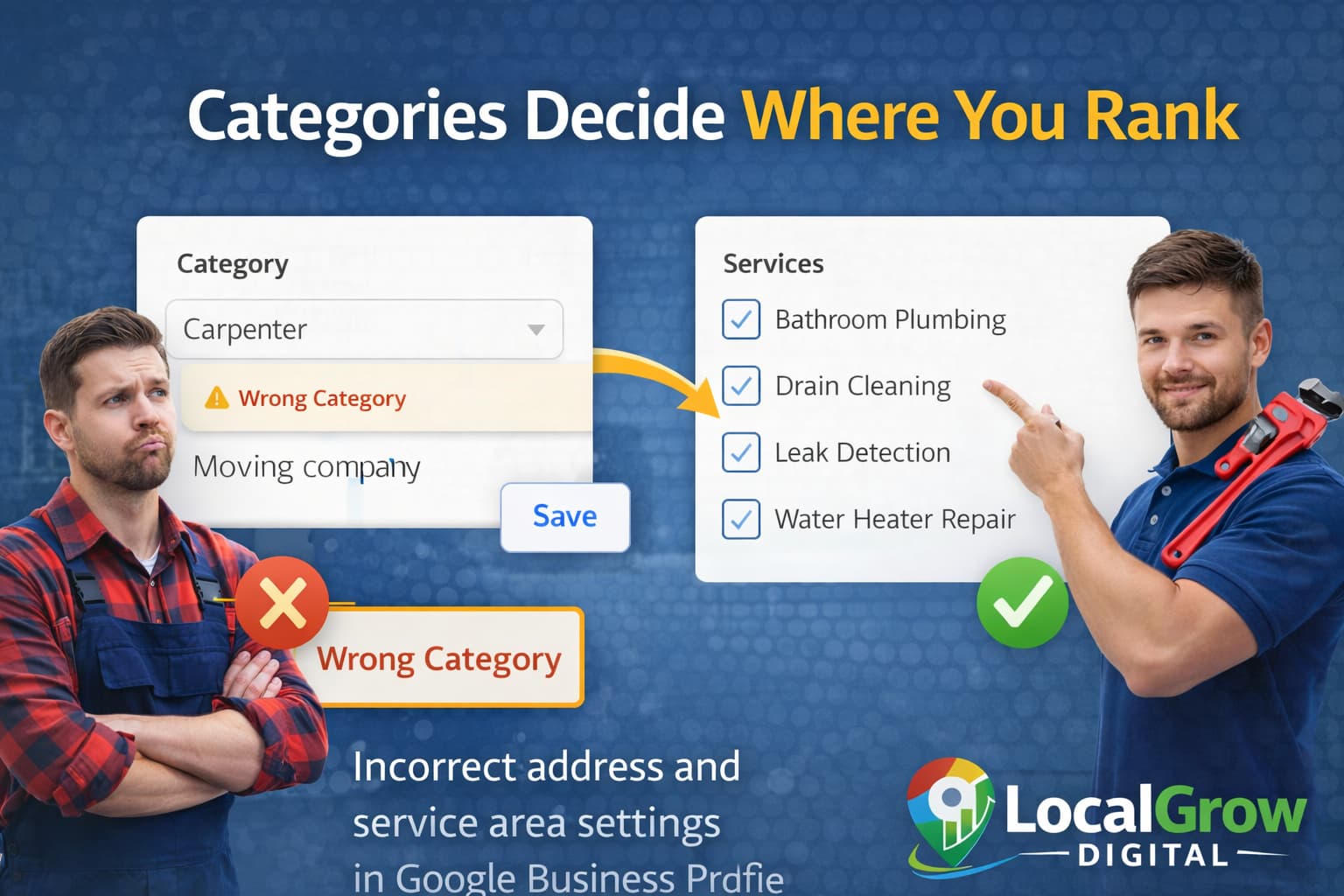
Wrong Business Category Prevents You from Ranking
Google relies heavily on your primary category to decide which searches should show your business. If your category does not clearly match your actual service, Google may not display your listing.
- Choose the most specific primary category
- Add only relevant secondary categories
- Match services to your category
- Avoid adding unrelated services
Low Engagement and Reviews Reduce Map Visibility
Google tracks how users interact with your profile. Listings that receive calls, reviews, and photo views are considered more trustworthy and relevant.
- Few or no recent reviews
- No owner responses to reviews
- No photos or posts
- Low click and call activity

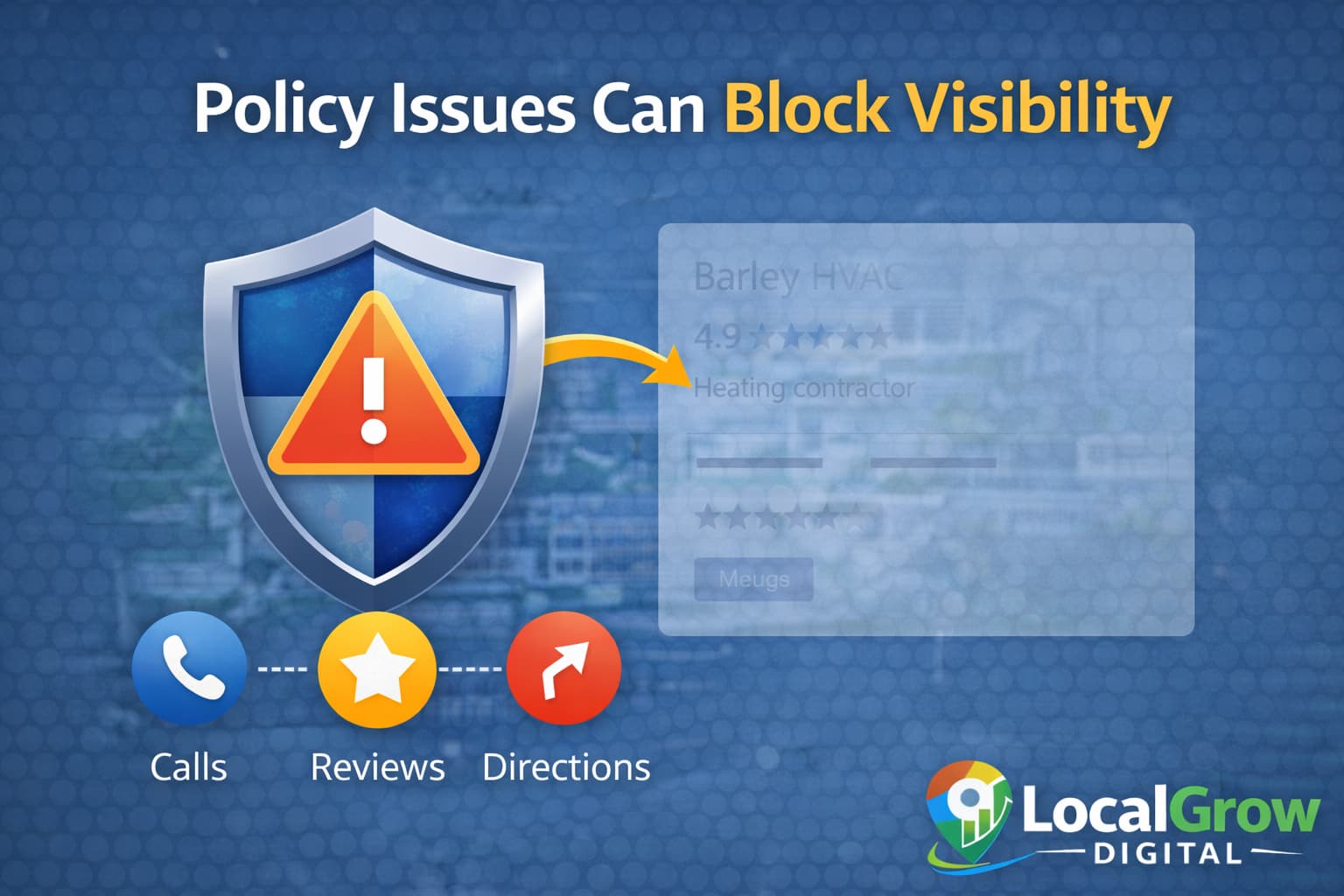
Google Policy Checks Can Quietly Limit Visibility
Sometimes Google does not suspend a profile but reduces its exposure due to policy concerns or spam detection systems.
- Keyword stuffing in business name
- Virtual or shared office addresses
- Multiple profiles for same business
- Suspicious review patterns
How to Fix Service Area Business Not Showing on Google Maps
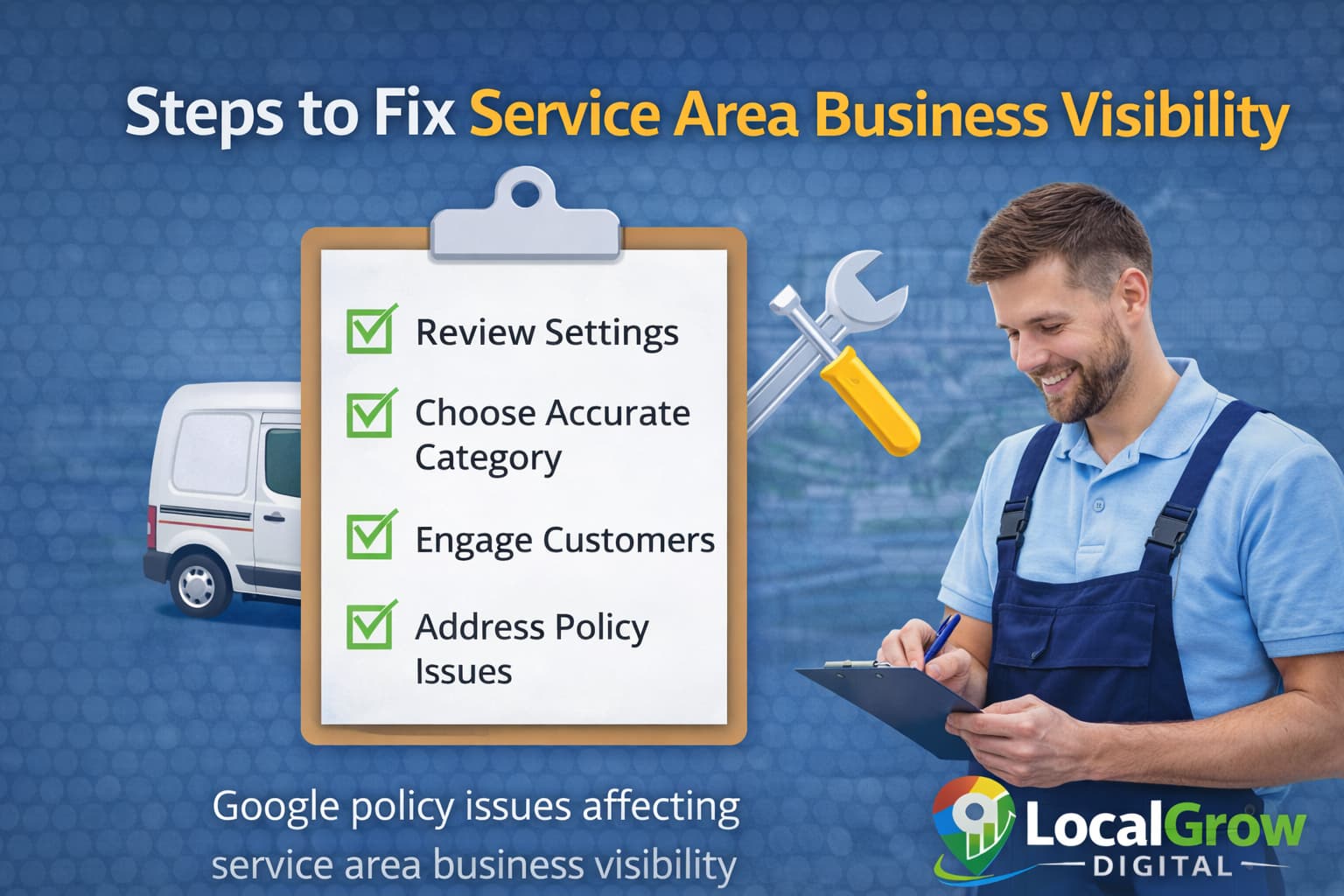
Fixing visibility issues requires improving both profile accuracy and trust signals over time.
- Review and correct service areas
- Fix category and service accuracy
- Add business photos regularly
- Collect genuine customer reviews
- Keep website and profile details consistent
- Avoid frequent profile edits
If your service area business not showing on Google Maps continues even after basic fixes, deeper optimization and policy review may be required.
If your visibility problems are also reducing customer inquiries, you should read how to get more calls from your Google Maps listing and improve direct customer actions.
When Professional Optimization Is Recommended
If your business has repeated visibility issues, ranking drops, or policy warnings, expert optimization can prevent long-term damage and speed up recovery.
Why Service Area Businesses Compete Differently in Google Maps
Service area businesses do not compete the same way as storefront businesses. Since they do not show exact addresses, Google relies more heavily on trust signals and service relevance.
This means reviews, website authority, and accurate service details play a much bigger role in ranking for service businesses than physical distance alone.
- Higher importance of service keywords
- Stronger dependence on reviews
- Website relevance matters more
- Profile completeness is critical

Our Google Business Profile optimization service helps service businesses correct profile issues, improve engagement, and increase their chances of appearing in local searches.
How Service Area Businesses Can Rank in Multiple Cities
Many service businesses serve multiple cities but fail to rank outside their base location. This usually happens because Google cannot associate the business with those areas confidently.
Proper service area setup, localized website content, and consistent citations help Google understand where your business operates.
- Add exact cities in service area settings
- Create location-focused website pages
- Get reviews mentioning service locations
- Maintain consistent NAP information

Frequently Asked Questions About Service Area Businesses on Google Maps
Why is my service area business not showing on Google Maps?
It usually happens due to incorrect profile settings, wrong categories, low engagement, or policy-related trust issues.
Can service area businesses rank without showing address?
Yes, service businesses can rank without showing address if service areas and trust signals are strong.
How long does it take to appear on Google Maps?
It may take several weeks after fixing issues and improving engagement signals.
Do reviews help service area businesses rank?
Yes, genuine reviews improve trust and engagement signals used by Google.
Can wrong categories block visibility?
Yes, categories decide which searches your business appears for.
Does website SEO affect service area ranking?
Yes, website consistency and local relevance support better visibility.
Can frequent profile edits reduce ranking?
Yes, frequent edits can trigger re-evaluation and temporary ranking drops.
Are virtual offices allowed for service area businesses?
No, Google does not allow virtual or shared offices for service listings.
Can duplicate listings hurt service area ranking?
Yes, duplicates confuse Google and reduce trust signals.
Is professional optimization safe for my profile?
Yes, when done according to Google guidelines.
Does posting on GBP help service businesses?
Yes, posts increase engagement and signal active business operations.
Can service businesses rank in multiple cities?
Yes, with proper service area setup and local SEO strategy.