

Using Google Business Profile posts for local SEO is one of the most powerful but underused ways to improve visibility on Google Maps. Many businesses focus only on reviews and categories, but regular posting can significantly improve engagement and relevance signals.
If you want to attract more calls, website visits, and direction requests, learning how to use Google Business Profile posts correctly can give you an advantage over competitors who never post updates.
If your business is already verified but still struggling with visibility, you should read why a verified business is not showing on Google Maps and what affects ranking positions.
If your ranking recently dropped, check our guide on why business rankings drop on Google Maps and how to recover visibility.
You may also want to understand how reviews impact trust and visibility if your Google Business Profile reviews are not showing properly.
Table of Contents
How Google Business Profile Posts for Local SEO Improve Google Maps Ranking
Using Google Business Profile posts for local SEO helps Google understand your business activity, services, and relevance for nearby searches. Every post adds fresh content to your profile, which strengthens ranking signals for competitive local keywords.
Businesses that publish consistent posts usually see better engagement metrics, which indirectly support higher placement in Google Maps results.
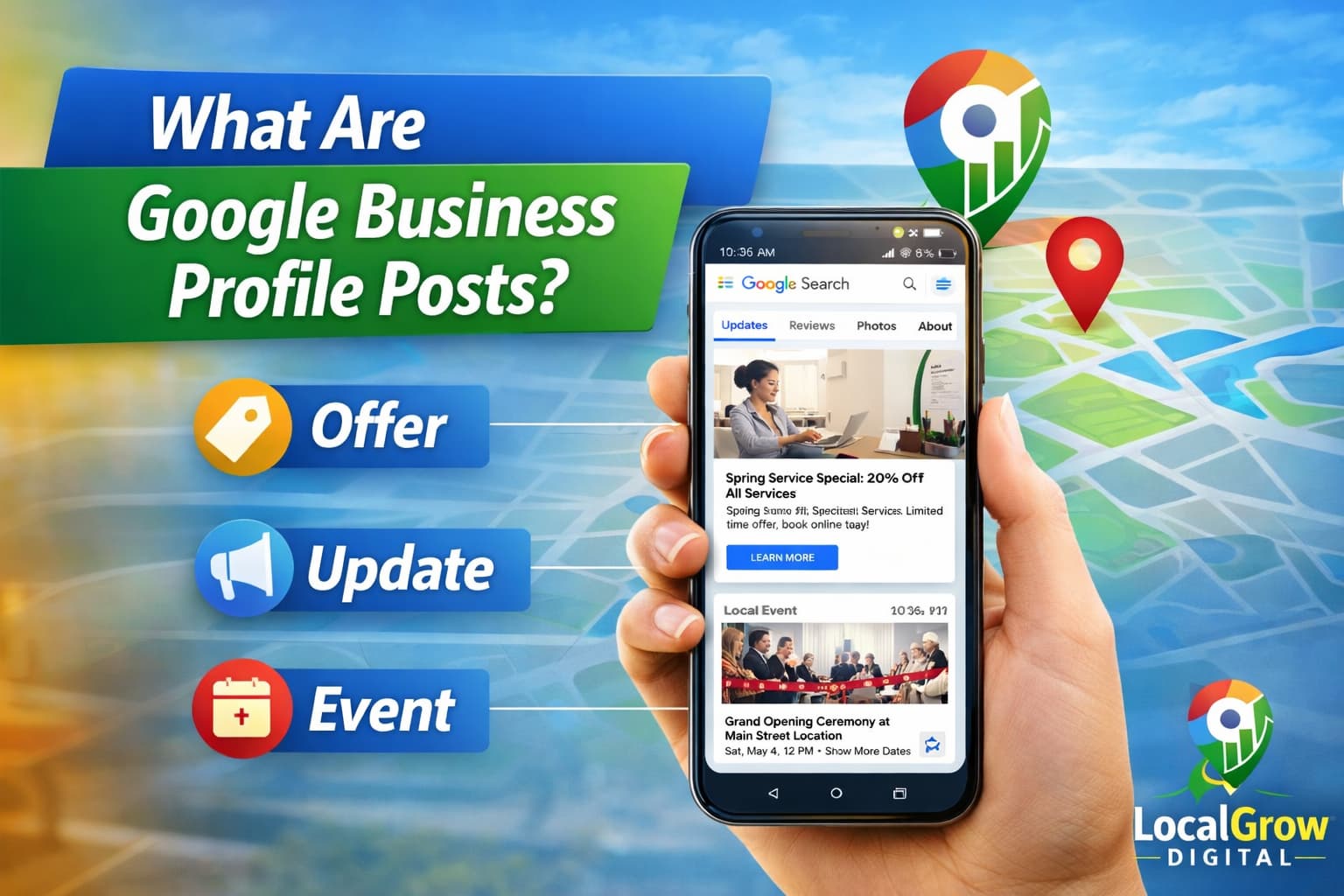
What Are Google Business Profile Posts?
Google Business Profile posts are short updates that appear directly on your business listing on Google Search and Google Maps. These posts allow you to share offers, announcements, events, products, and updates with potential customers.
They act like mini advertisements inside your business profile and help Google understand that your business is active and relevant.
Types of Google Business Profile Posts You Can Use
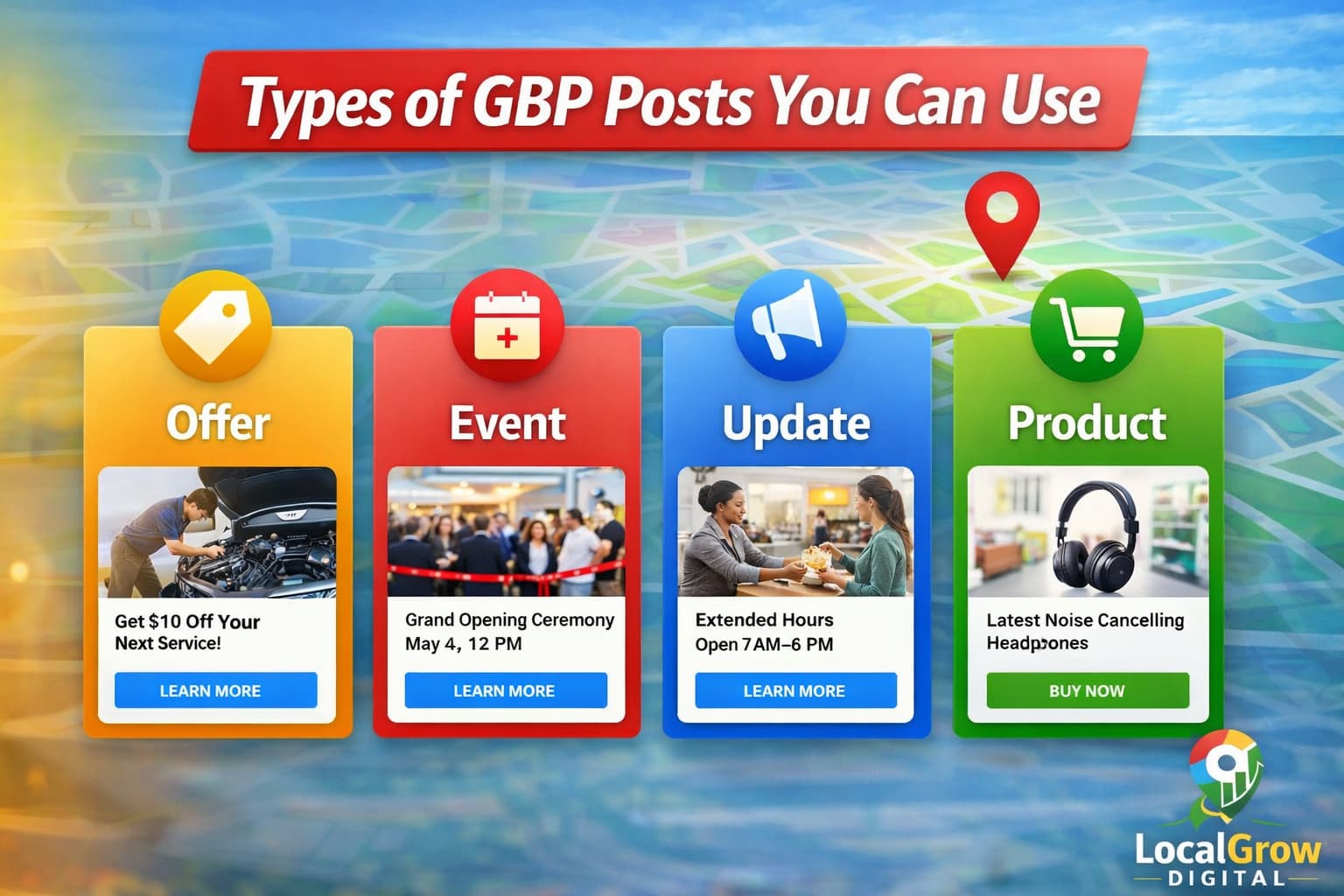
Google allows several types of posts depending on your business category and location. Each post type serves a different marketing purpose.
- Offer posts for discounts and promotions
- Event posts for upcoming activities
- Update posts for announcements or news
- Product posts to showcase services or items
How Google Business Profile Posts Help Local SEO Ranking
Regular posting sends strong activity and engagement signals to Google. When users interact with your posts by clicking, calling, or requesting directions, Google considers your profile more relevant for local searches.
Posts also improve keyword association, service relevance, and overall profile freshness, which indirectly helps local ranking performance.
- Increases profile engagement
- Improves business relevance signals
- Encourages customer actions
- Supports local ranking algorithms
What Should You Post on Google Business Profile for Best Results?
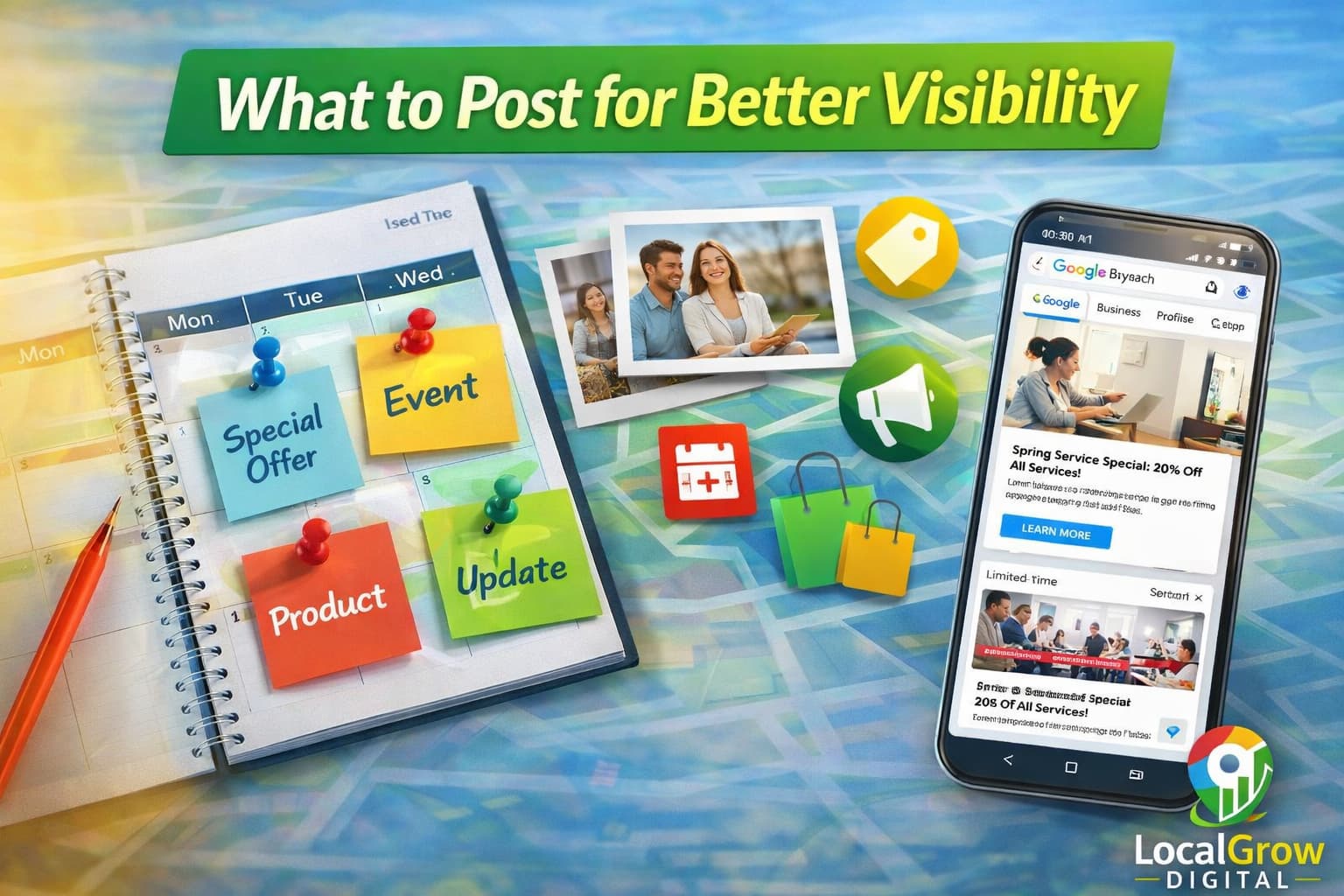
Not every post drives the same level of engagement. The best performing posts usually focus on solving customer problems or promoting immediate actions.
- Special discounts or limited offers
- New services or product launches
- Customer success stories
- Seasonal promotions
- Business announcements or updates
Common Google Business Profile Posting Mistakes to Avoid
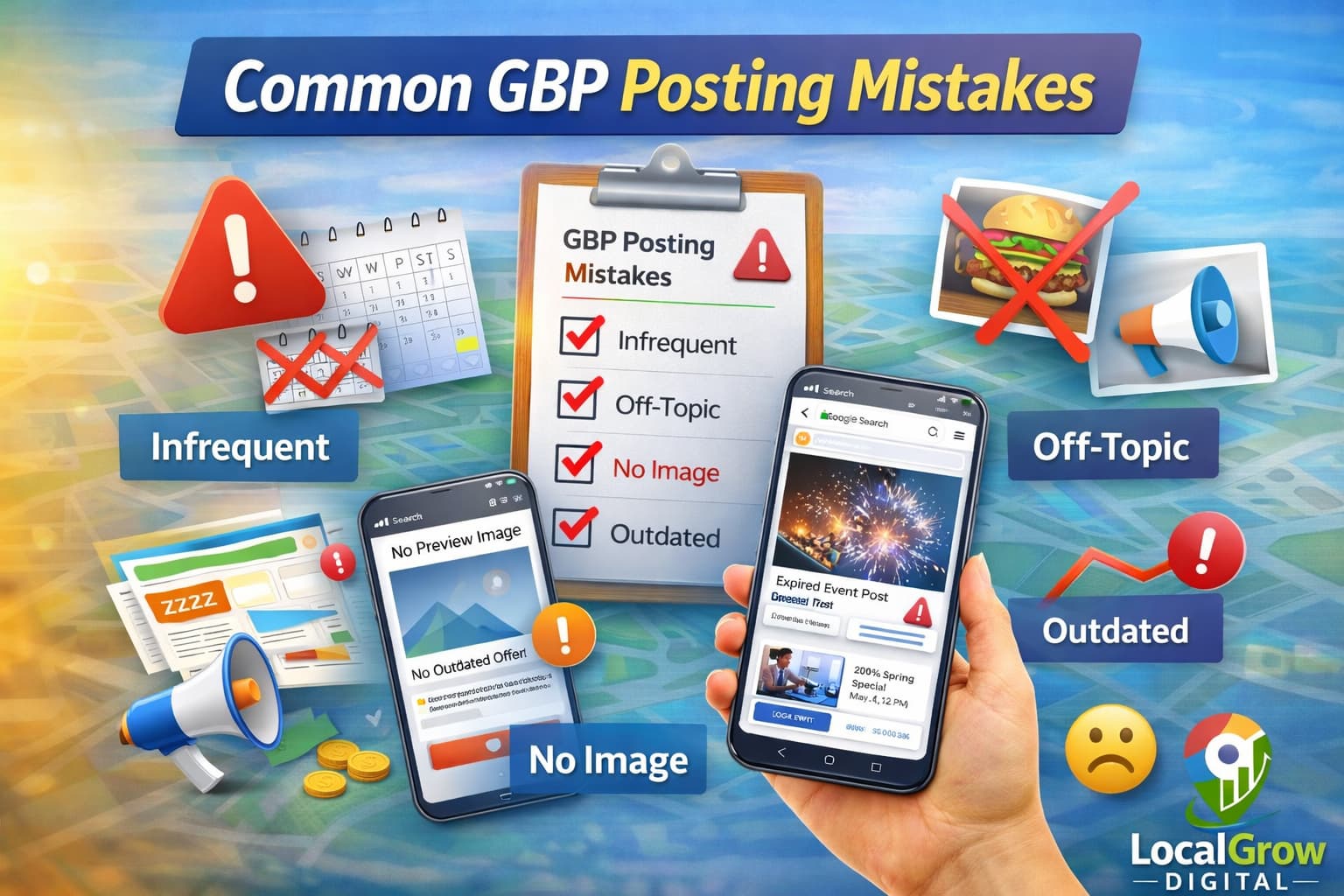
Many businesses post randomly or use low-quality images, which reduces engagement and ranking benefits.
- Posting without call-to-action
- Using poor image quality
- Repeating same content
- Posting once and stopping
- Not tracking engagement
If your business is not getting enough calls from Maps, you should also learn how to get more calls from your Google Maps listing and how ranking drops affect visibility.
Best Practices for Google Business Profile Posts
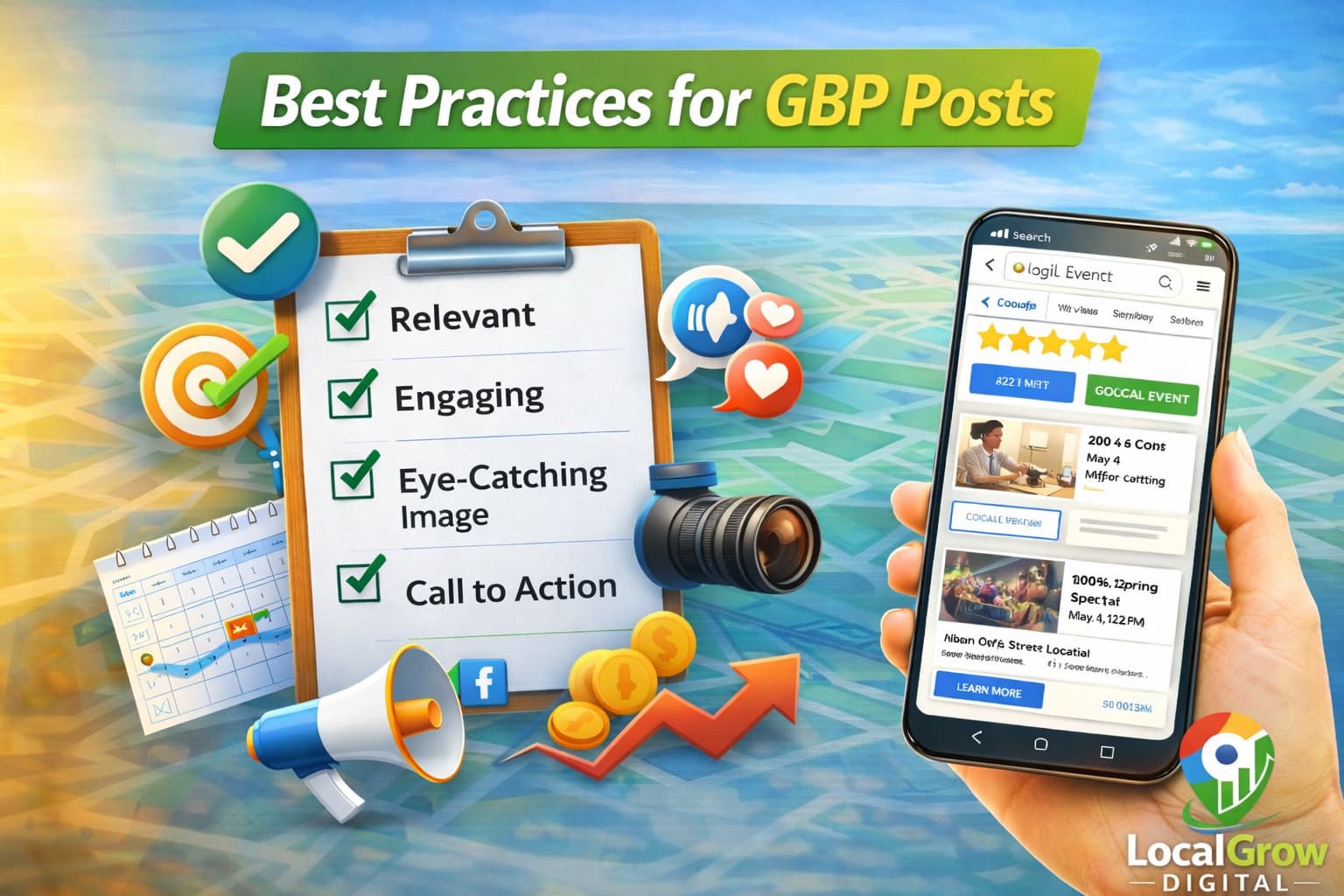
Following a simple posting strategy can dramatically improve engagement and customer responses.
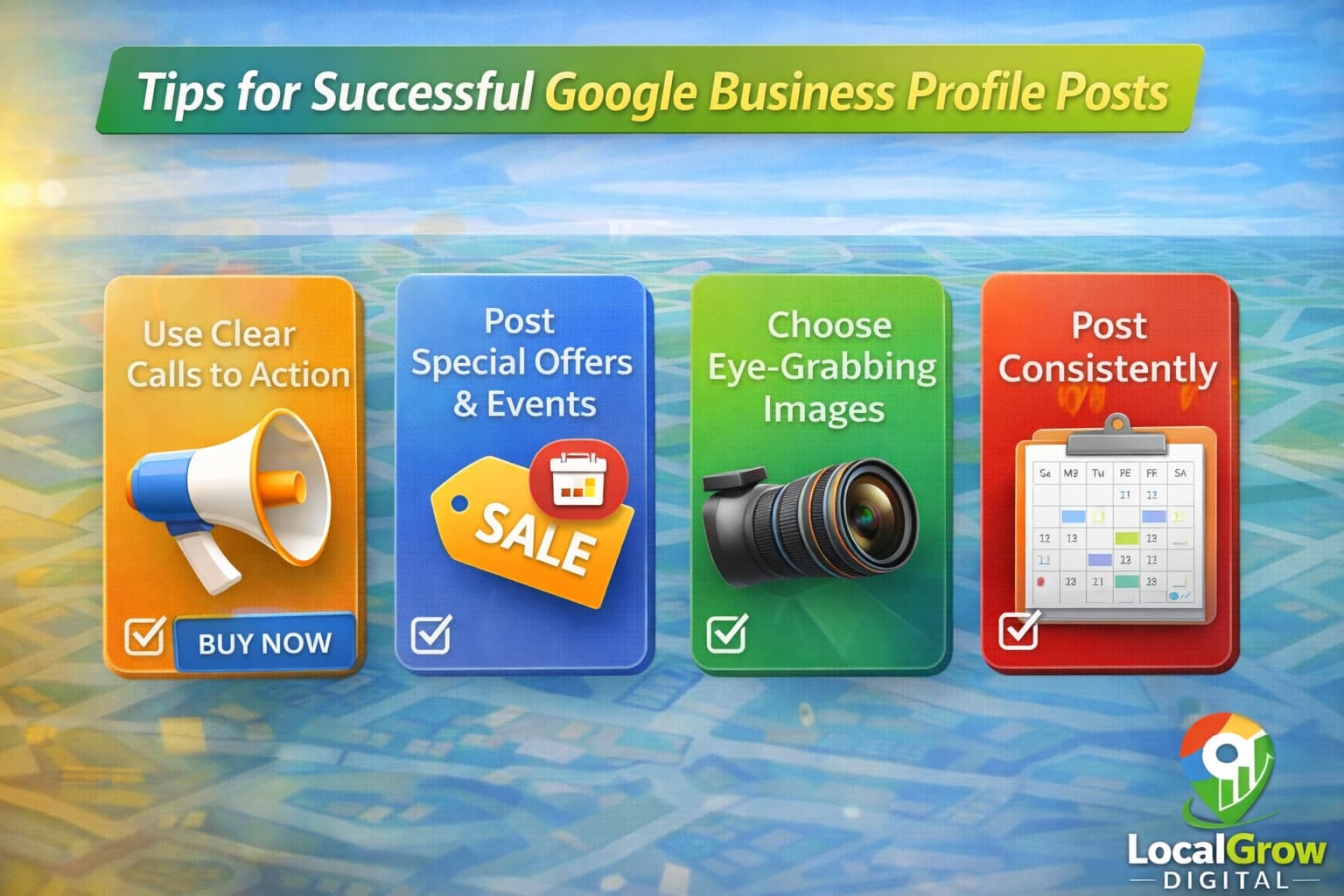
- Post at least once per week
- Use bright, clear images
- Add strong call-to-action buttons
- Mention services and locations
- Monitor post insights regularly
How Google Business Profile Posts Increase Customer Actions
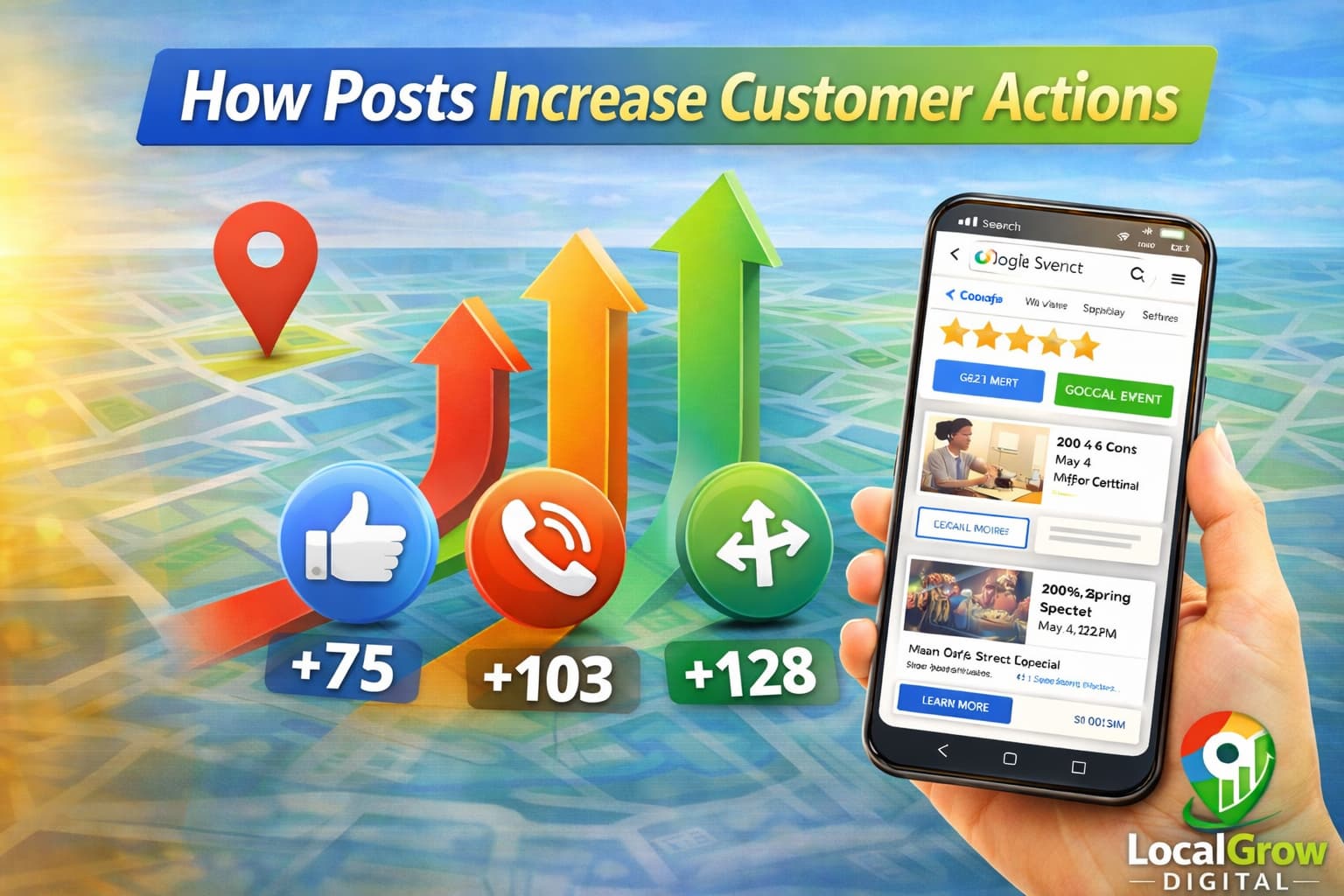
Well-optimized posts guide customers toward calling your business, visiting your website, or navigating to your location.
- More phone calls
- Increased website clicks
- Higher direction requests
- Better brand visibility
Why Google Business Profile Posts Sometimes Do Not Improve Ranking
Posts alone cannot fix deeper profile issues. If your business has incorrect categories, inconsistent address data, or previous suspensions, posting may not produce ranking improvements.
- Incomplete profile setup
- Category mismatches
- Low review activity
- Trust issues in profile history
How Often Should You Post on Google Business Profile?
Posting frequency plays an important role in keeping your business profile active. Google does not require daily posts, but consistent weekly activity helps maintain freshness and customer engagement.
Businesses that post regularly often receive more profile views, interactions, and customer inquiries compared to inactive profiles.
- Minimum once per week
- More often during promotions
- Seasonal posting during festivals
- Event-based updates when applicable
Do Google Business Profile Posts Work for Service Area Businesses?
Yes, service-area businesses can benefit significantly from posting. Even without a visible address, posts help highlight services, promotions, and availability in specific regions.
Service businesses should focus on showcasing problem-solving services, customer benefits, and location coverage in their post content.
If your service-area listing is not appearing properly, read how to fix service area business not showing on Google Maps.
When You Need Professional Help to Optimize GBP Posts
If your posts are getting very few views, clicks, or customer actions, it usually means your overall business profile needs deeper optimization. Posting alone cannot fix category problems, address conflicts, or trust-related profile limitations.
Professional audits help identify issues that stop your posts from delivering real visibility and leads.
- Incorrect business categories
- Inconsistent address details
- Duplicate business profiles
- Previous policy violations
- Low trust profile history
If your profile is also struggling with visibility, read why a verified business is not showing on Google Maps and how ranking problems develop over time.
If your Google Business Profile setup is not generating enough leads even after posting regularly, professional optimization can help fix profile issues and improve overall visibility.
Frequently Asked Questions
Do Google Business Profile posts help with ranking?
Posts improve engagement and relevance signals, which indirectly supports local ranking.
How often should I post on Google Business Profile?
Posting at least once per week keeps your profile active and improves visibility.
What type of posts work best on Google Maps?
Offers, promotions, and service updates usually generate the highest engagement.
Can posting fix ranking drops?
Posting helps but deeper profile issues must also be corrected for ranking recovery.
Do images matter in GBP posts?
Yes, high-quality images significantly increase click and engagement rates.
Are GBP posts visible on Google Maps?
Yes, posts appear on both Google Search and Google Maps business profiles.
Can service businesses use GBP posts?
Yes, service-area businesses can promote offers and updates using posts.
Why are my posts not getting views?
Low visibility may be due to poor keywords, weak images, or profile trust issues.