
Tracking calls and leads from Google Maps is essential if you want to know whether your Google Business Profile is actually bringing real customers to your business. Many business owners see views on their listing but have no clear idea how many phone calls, messages, or website enquiries are coming from Google Maps.
If you do not track calls and leads from Google Maps properly, you may lose many potential customers without realizing it. Businesses that actively track calls and leads from Google Maps are able to improve their marketing decisions and focus on what actually brings revenue.
In this guide, you will learn how to track calls and leads from Google Maps using Google Business Profile insights, call tracking methods, website analytics, and lead management tools. This will help you measure performance, improve marketing decisions, and increase return on investment from local search.
If your business is not getting enough visibility, first read why a verified business is not showing on Google Maps and how ranking problems develop.
If your ranking recently dropped, you should also understand why your business ranking dropped on Google Maps and what fixes help recover positions.
For increasing enquiries, you can also learn how to get more calls from your Google Maps listing using optimization techniques.
Table of Contents
What Counts as a Lead from Google Maps?
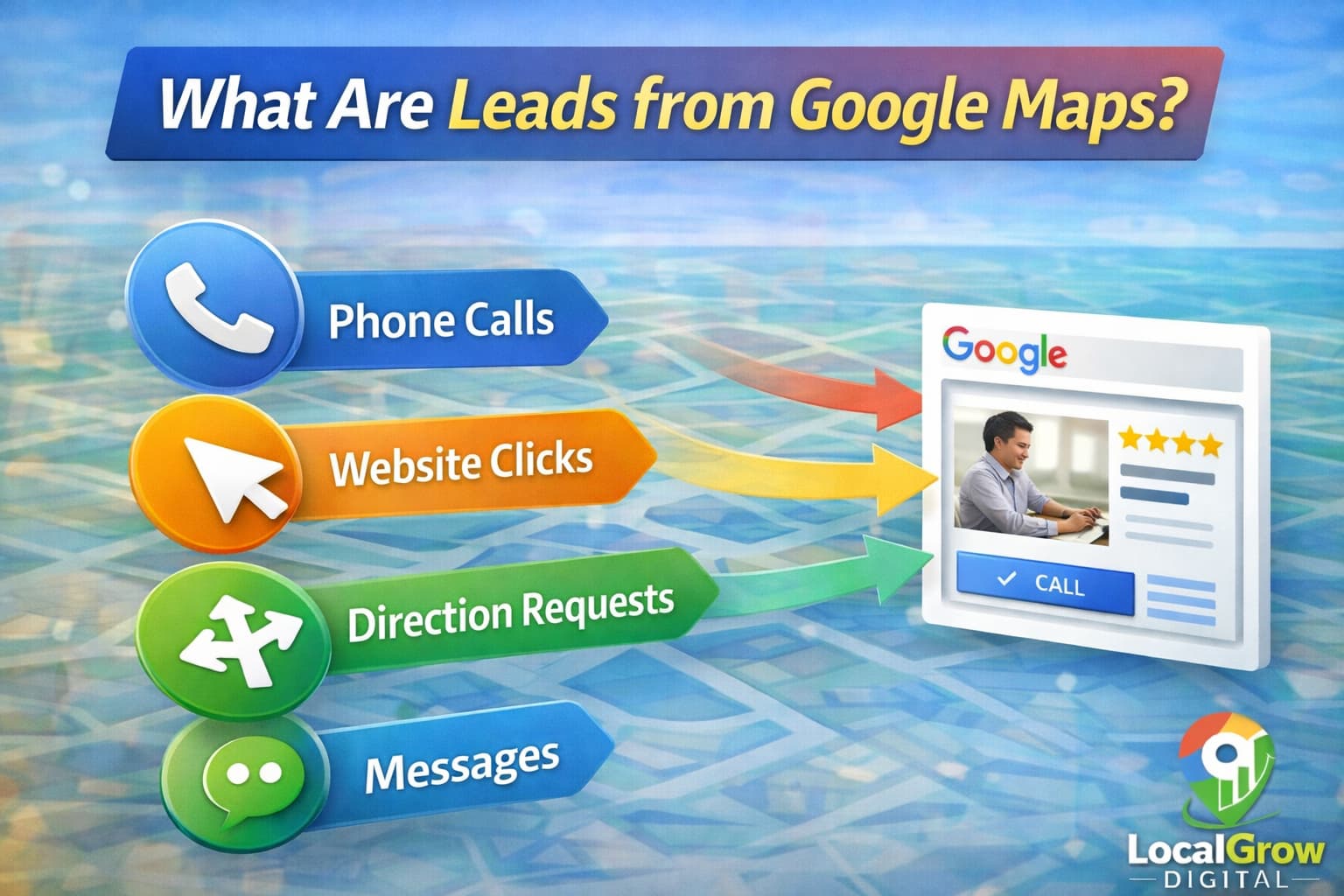
A lead from Google Maps is any customer action that shows interest in your business. These actions happen directly from your Google Business Profile when people search for services near them.
- Phone calls from the listing
- Website visits from the profile
- Direction requests to your location
- Messages sent through GBP
- Appointment bookings (if enabled)
Using Google Business Profile Insights to Track Leads
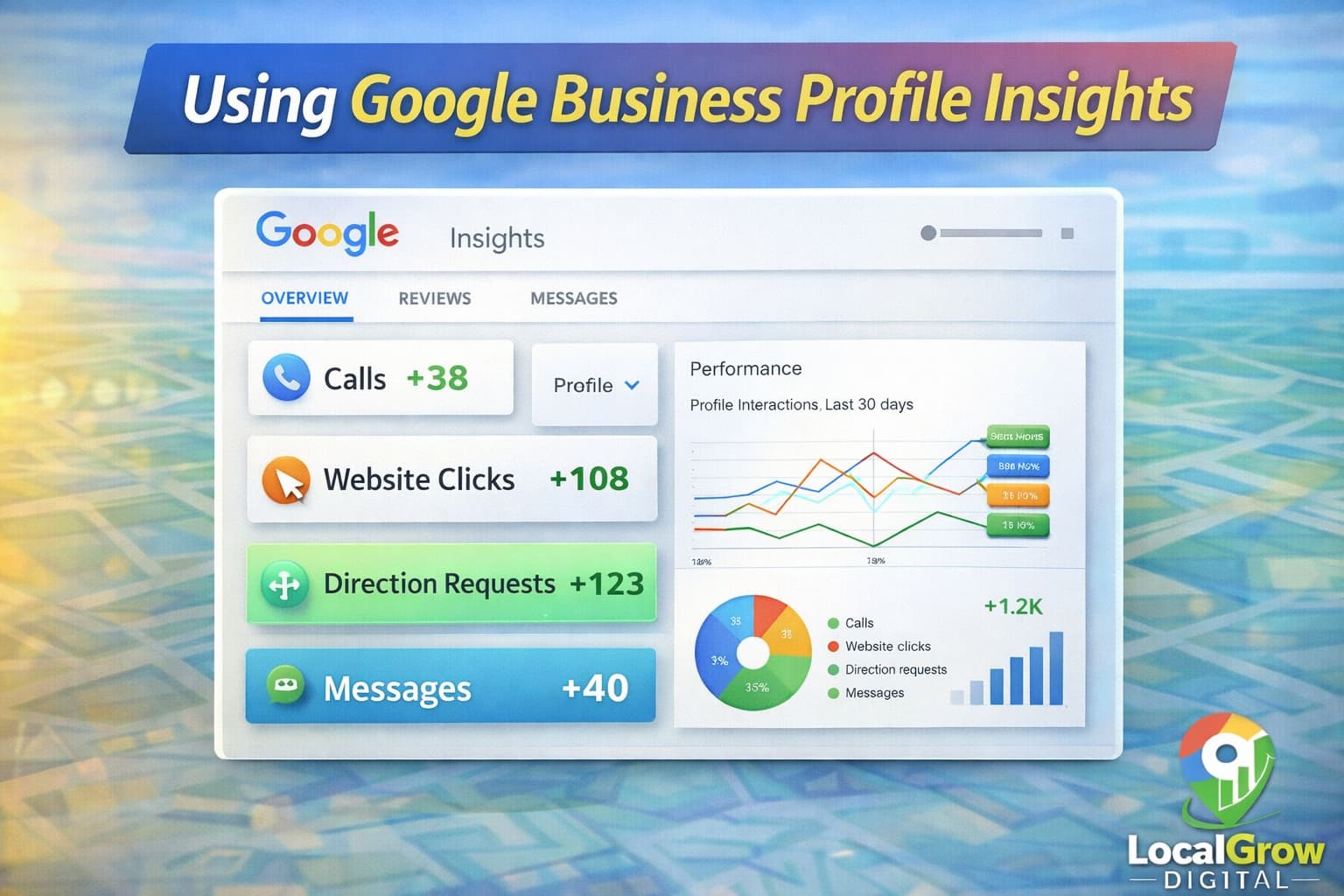
Google Business Profile provides built-in Insights that show how customers find your listing and what actions they take. This is the first place you should check to understand basic performance.
- Searches where your business appeared
- Calls made directly from Maps
- Website button clicks
- Direction requests
You can learn more about Insights directly from Google’s official help documentation.
How to Track Calls and Leads from Google Maps Using Phone Call Data
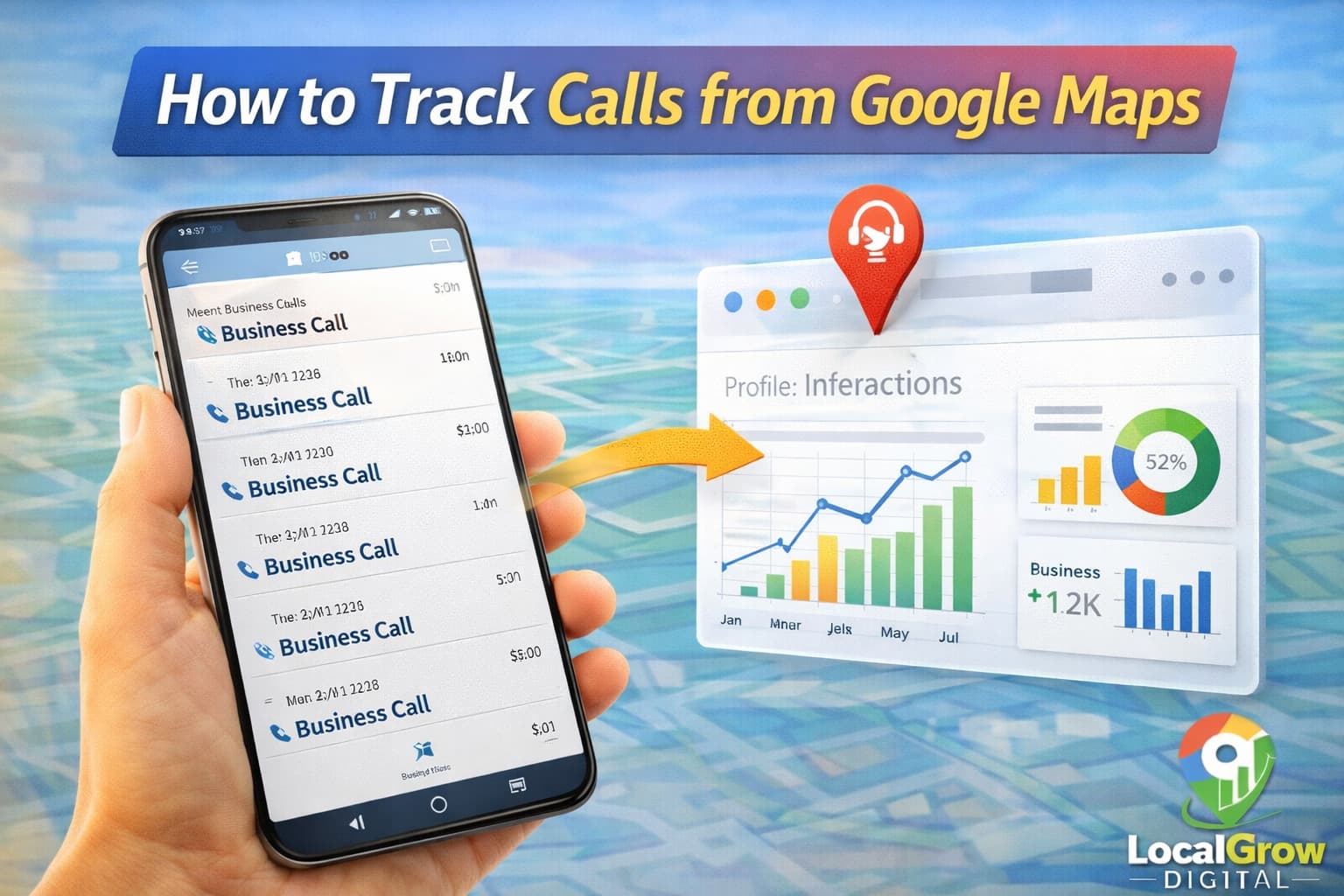
Calls are the most valuable leads for many local businesses. Google Business Profile tracks basic call data, but you can improve accuracy using call logs and tracking numbers.
- Check call metrics in GBP Insights
- Enable call history inside your profile settings
- Use dedicated business phone numbers
- Track missed calls and callback rates
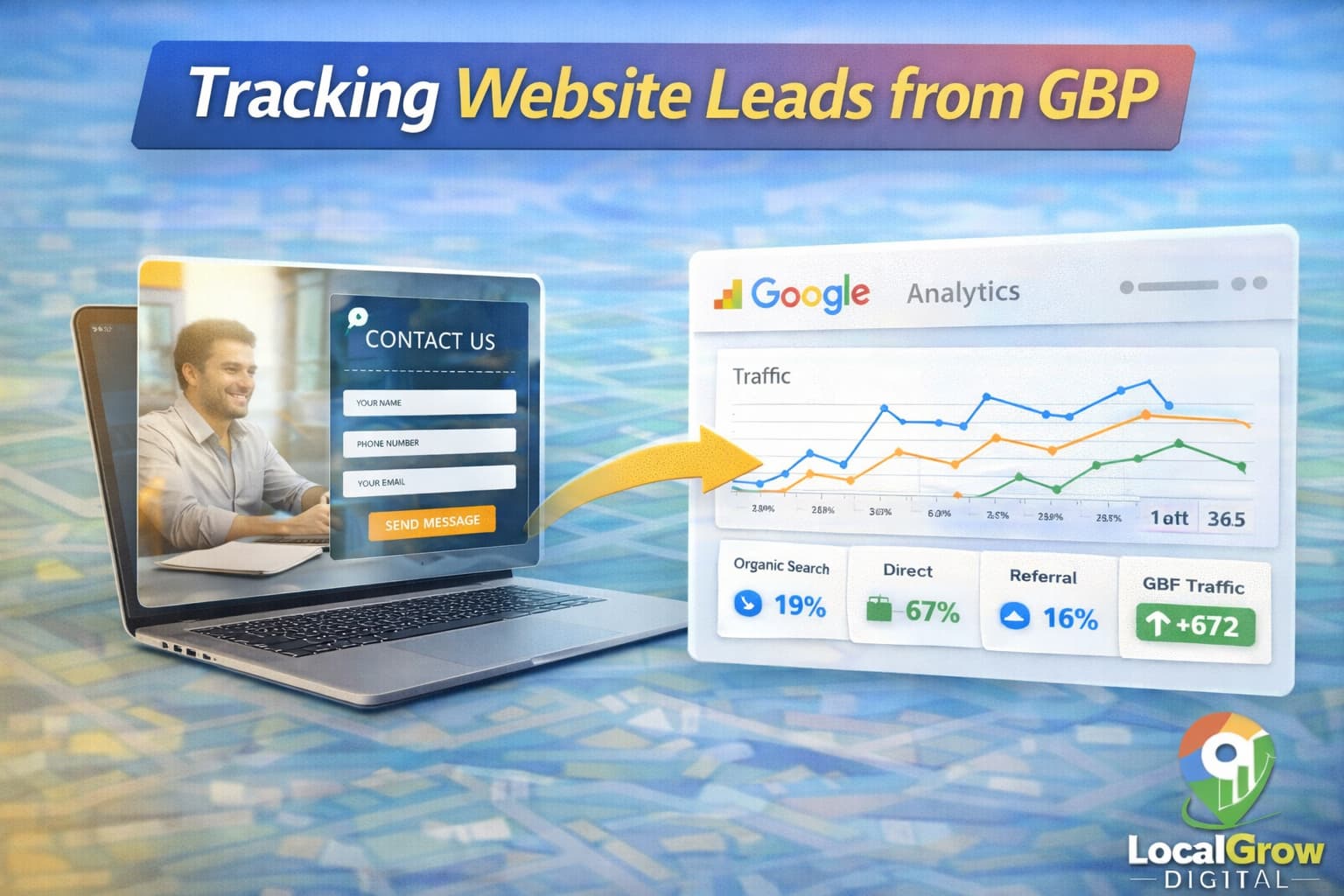
Tracking Website Visits and Form Enquiries from GBP
When users click your website from Google Maps, you should track what they do next. This includes contact forms, booking pages, and enquiry buttons.
- Use Google Analytics
- Track contact form submissions
- Monitor call-to-action buttons
- Identify landing pages that convert
How to Track Calls and Leads from Google Maps in Google Analytics
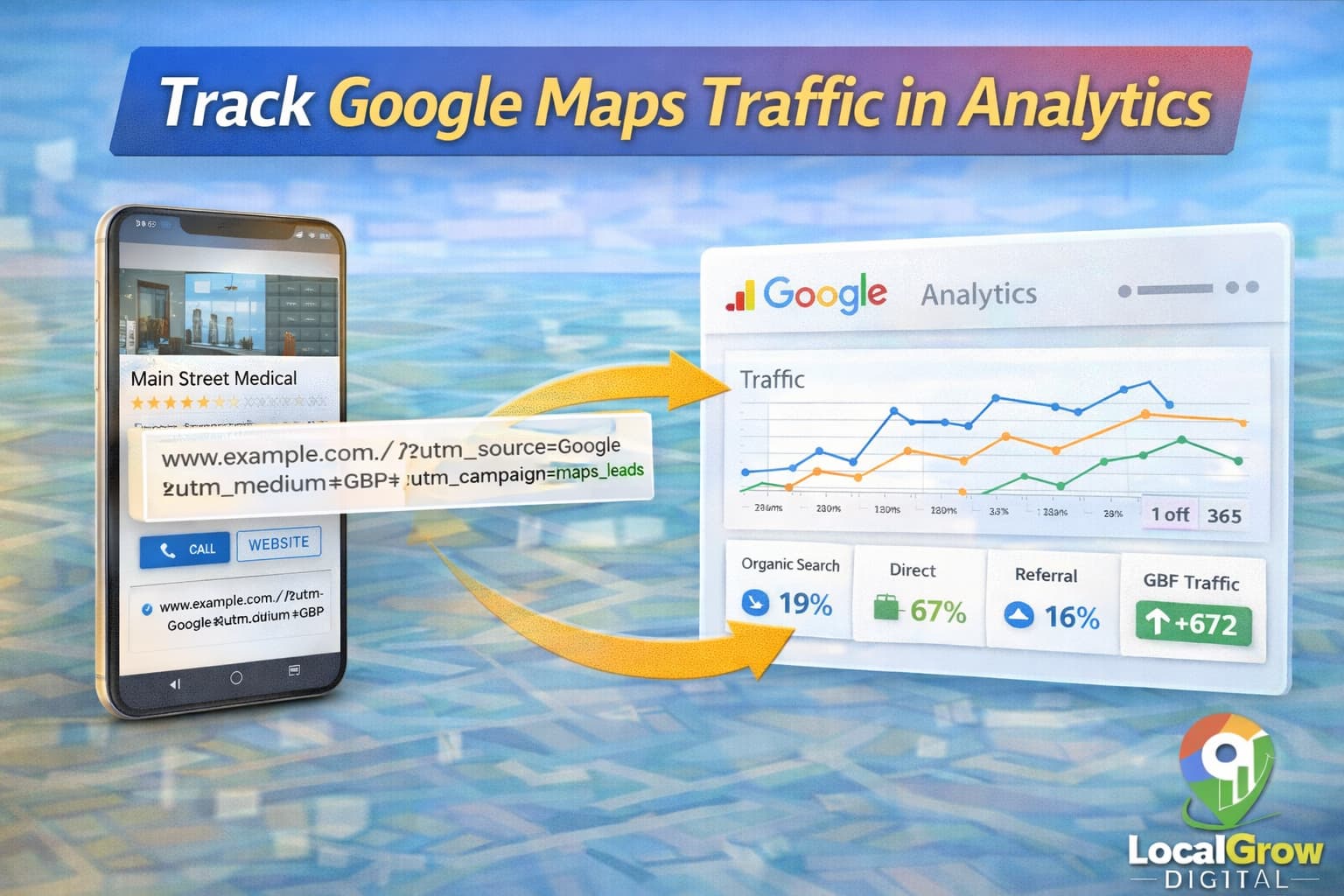
To see exactly how many visitors come from Google Maps, you can use tracking parameters and analytics dashboards. This allows deeper performance analysis.
- Add UTM parameters to website links
- Track sessions from Google Maps
- Monitor conversion events
- Compare Maps traffic vs search traffic
Google explains how UTM tracking works in Analytics help guides.
When you track calls and leads from Google Maps using analytics tools, you can clearly identify which actions result in real customer enquiries. This helps you compare Google Maps performance with website and paid traffic.
Why Many Businesses Cannot Track Google Maps Leads
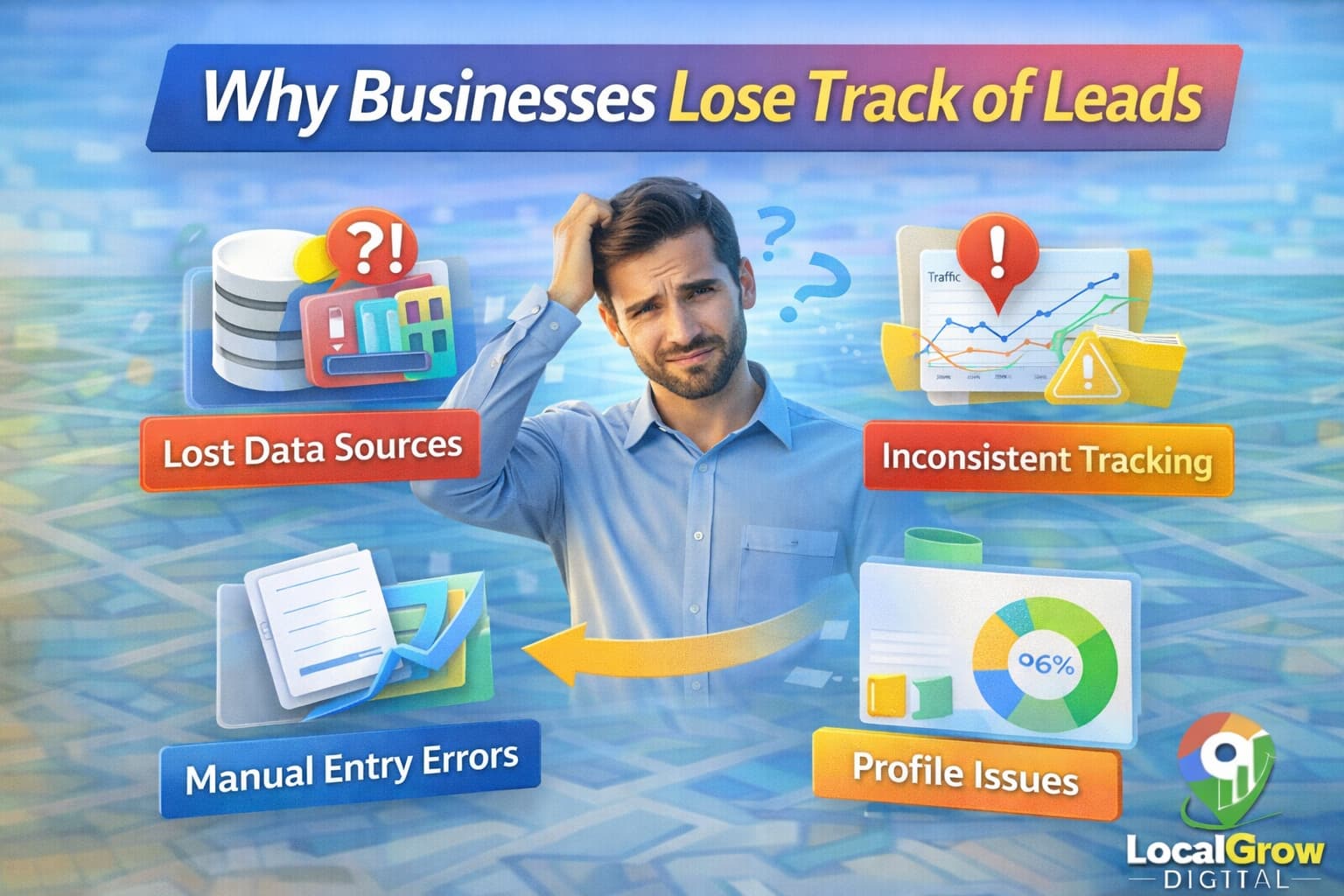
Most businesses lose track of leads because tracking systems are not configured properly or multiple tools are not connected.
- No analytics setup
- Website without forms
- No call tracking
- No CRM or enquiry management
- Incorrect website links in GBP
Tracking Differences for Service Area and Storefront Businesses
Tracking methods can differ between storefront and service area businesses. While storefront businesses get direction requests, service area businesses rely more on calls and messages.
- Storefront businesses track visits and calls
- Service area businesses track calls and enquiries
- Both benefit from website tracking
If you run a service area business, also read our guide on service area business not showing on Google Maps and how to fix it.
Managing Leads from Google Maps Using CRM and WhatsApp
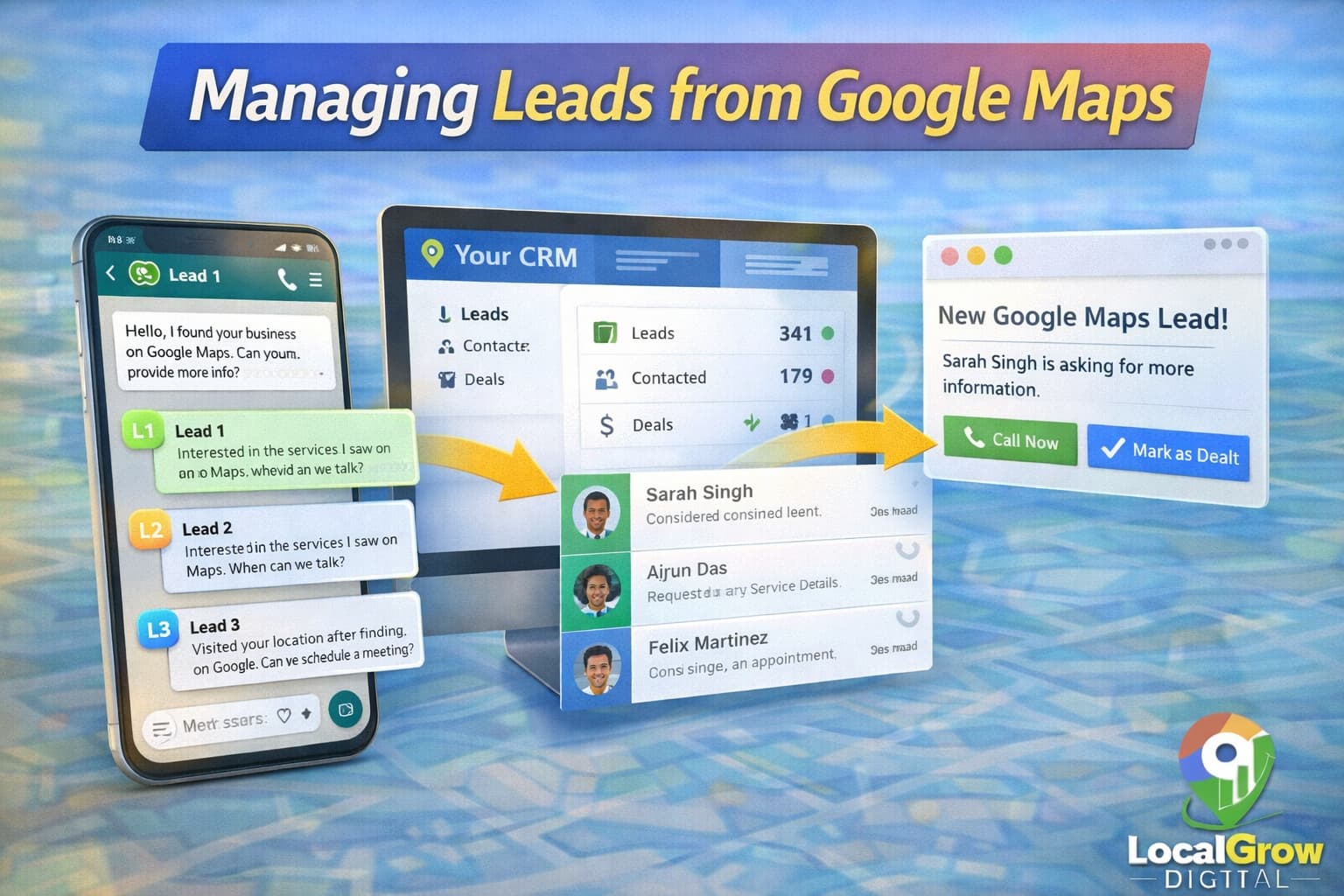
Once leads start coming in, you need systems to manage them. CRM tools and WhatsApp business automation help track follow-ups and improve conversions.
- Save enquiry details automatically
- Track response time
- Assign leads to staff
- Measure conversion rates
Why Accurate Lead Tracking Is Critical for Business Growth
Without accurate tracking, businesses often invest time and money in strategies that do not produce customers. Proper tracking ensures every marketing decision is based on real performance data, not assumptions.
You can also improve results by using Google Business Profile posts strategically for local SEO.
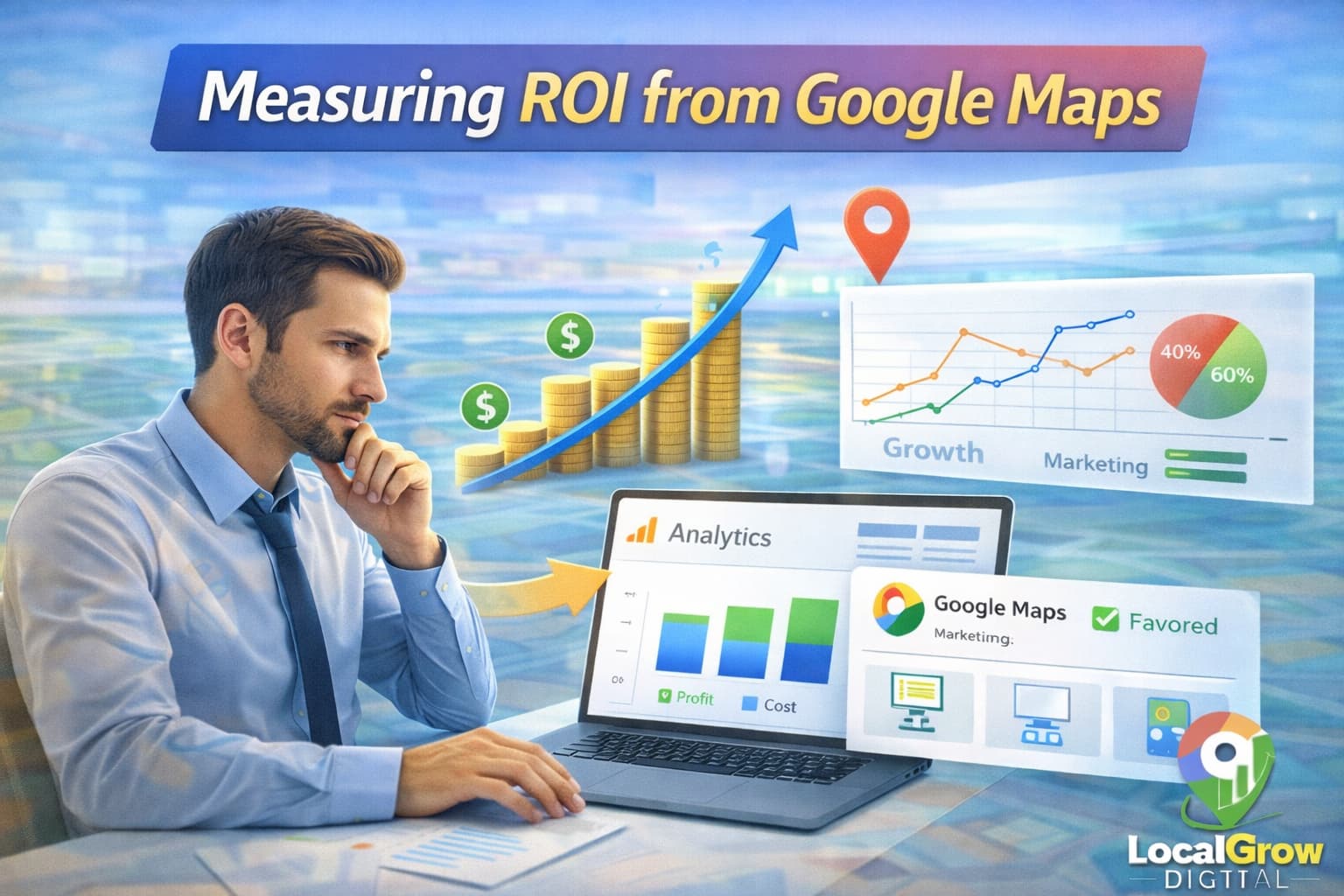
How to Measure ROI from Google Maps Marketing
Return on investment means comparing the value of leads against the effort and cost spent on optimization. Tracking helps justify marketing budgets.
- Total calls received
- Conversion to customers
- Average deal value
- Revenue generated from Maps
When You Should Get Professional Tracking Setup
If your business relies heavily on local customers and you cannot measure enquiries properly, professional setup ensures no lead is missed and performance data is accurate.
Our Google Business Profile setup service helps configure tracking, fix listing issues, and improve visibility for higher-quality leads.
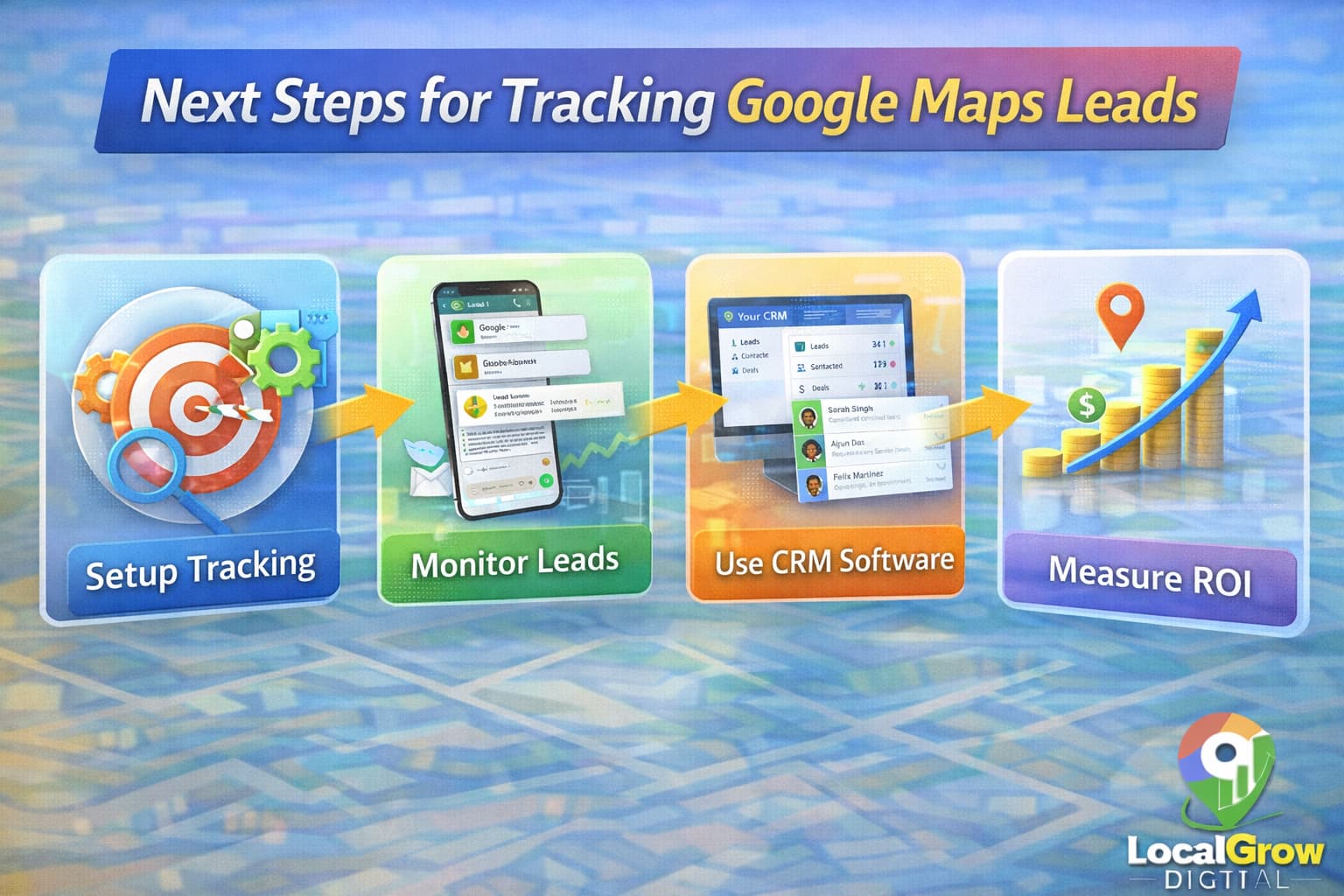
Many businesses struggle to track calls and leads from Google Maps because their tracking setup is incomplete. A properly configured Google Business Profile ensures that every enquiry is measured and optimized.
How Tracking Helps Improve Google Maps Ranking
Tracking does not only help measure performance but also supports ranking improvement. When you know which actions users take, you can optimize business information, categories, photos, and posts to improve engagement.
- Identify which services generate most calls
- Improve content that attracts customers
- Increase interaction signals for ranking
- Adjust posting and photo strategy
If you are not ranking well, read our guide on how to optimize Google Business Profile for higher ranking on Google Maps.
Frequently Asked Questions
Can Google Business Profile track phone calls automatically?
Yes, GBP Insights shows basic call metrics, but detailed call tracking may require additional tools.
Do website clicks from Maps show in Google Analytics?
Yes, if Analytics is installed correctly, website visits from Maps appear as referral or organic traffic.
Can I track messages from Google Maps?
Yes, messages sent through GBP are visible inside your business profile dashboard.
Is call tracking safe for Google Business Profile?
Yes, when used correctly and transparently, call tracking follows Google policies.
Do service-area businesses get tracking data?
Yes, service-area businesses can track calls, messages, and website visits.
Why are my leads not increasing even with tracking?
Tracking only measures results; ranking and profile optimization are needed to increase leads.
Can CRM tools integrate with Google Maps leads?
Yes, many CRM systems can capture enquiries from website forms and WhatsApp messages.
How often should I review lead data?
Weekly reviews help identify trends and performance drops early.
Can I see which keywords bring calls from Google Maps?
Google Business Profile does not show exact keywords for calls, but you can see search terms and customer actions in Insights to understand intent.
How do I track WhatsApp enquiries from Google Maps?
You can track WhatsApp leads by using click-to-chat links and monitoring chat timestamps that match Google Maps traffic activity.
Do Google Maps leads appear in Google Analytics?
Website visits from Google Maps can be tracked in Google Analytics if UTM tracking and proper referral settings are configured.
Can I track direction requests from Google Maps?
Yes, direction requests are visible inside Google Business Profile Insights as a customer action metric.
Is it possible to track offline conversions from Google Maps?
Offline conversions can be estimated by matching calls, visits, and CRM data with Google Maps engagement reports.
Does tracking leads help improve Google Maps ranking?
Indirectly yes. Tracking helps improve engagement strategies which increase relevance and activity signals that influence ranking.