
Google Business Profile optimization is one of the most important factors for ranking higher on Google Maps and attracting local customers. A properly optimized profile sends strong trust, relevance, and engagement signals to Google.
The Google Business Profile checklist breaks down every critical step businesses must follow to improve visibility, avoid common mistakes, and build long-term local SEO strength.
Before applying this checklist, it helps to understand the fundamentals of local SEO for businesses and how Google evaluates profiles for Google Maps visibility.
Table of Contents
Why Google Business Profile Optimization Matters
Google Business Profile acts as the primary data source for Google Maps rankings. Even small optimization gaps can limit visibility, reduce calls, and prevent businesses from appearing for relevant local searches.
An optimized profile improves location accuracy, keyword relevance, user engagement, and overall trust — all of which directly influence Google Maps rankings.
Core Google Business Profile Optimization Checklist
This checklist covers the essential optimization elements Google uses to evaluate and rank business profiles on Maps and local search results.
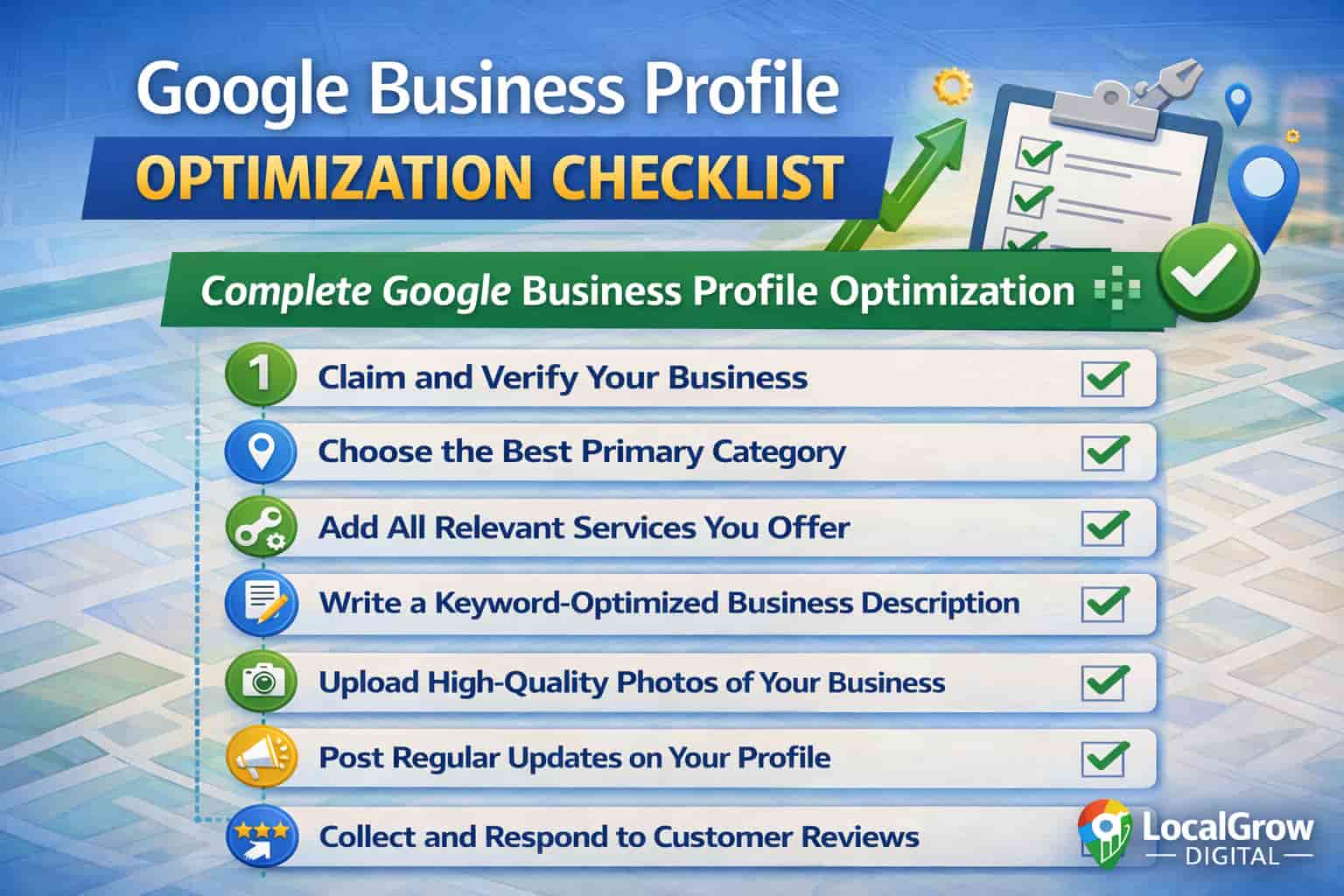
- Accurate business name with no keyword stuffing
- Correct primary and secondary categories
- Complete services and product listings
- Verified address or properly configured service area
- Consistent business hours and contact details
Optimize Categories and Services Correctly
Categories and services determine which searches your business appears for. Choosing incorrect or broad categories weakens relevance and limits Google Maps visibility.
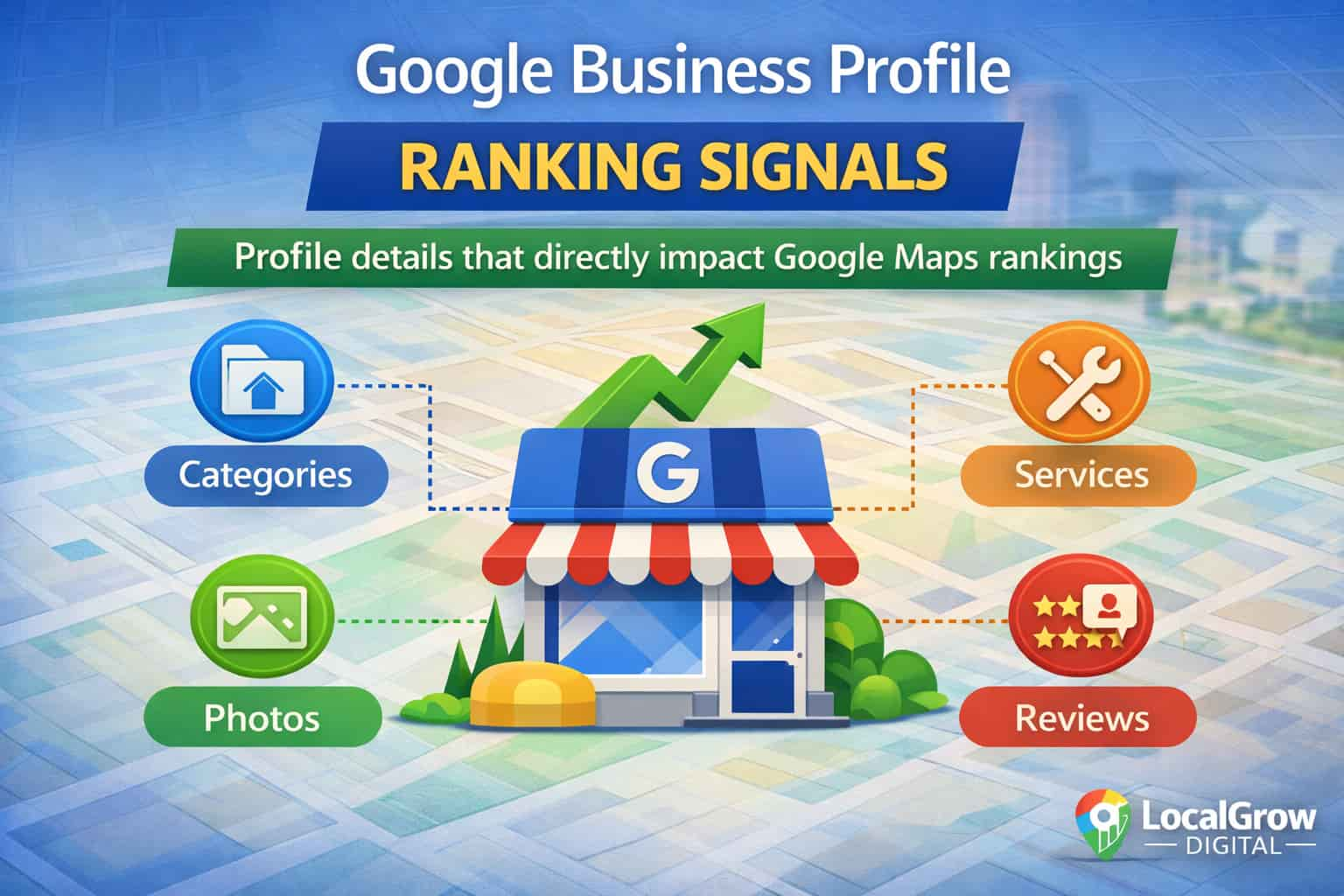
Your primary category should match your core service, while secondary categories and service listings should accurately reflect what customers search for.
Track Performance Using Google Business Profile Insights
Optimization is incomplete without tracking performance. Google Business Profile Insights reveal how customers find, interact with, and contact your business.
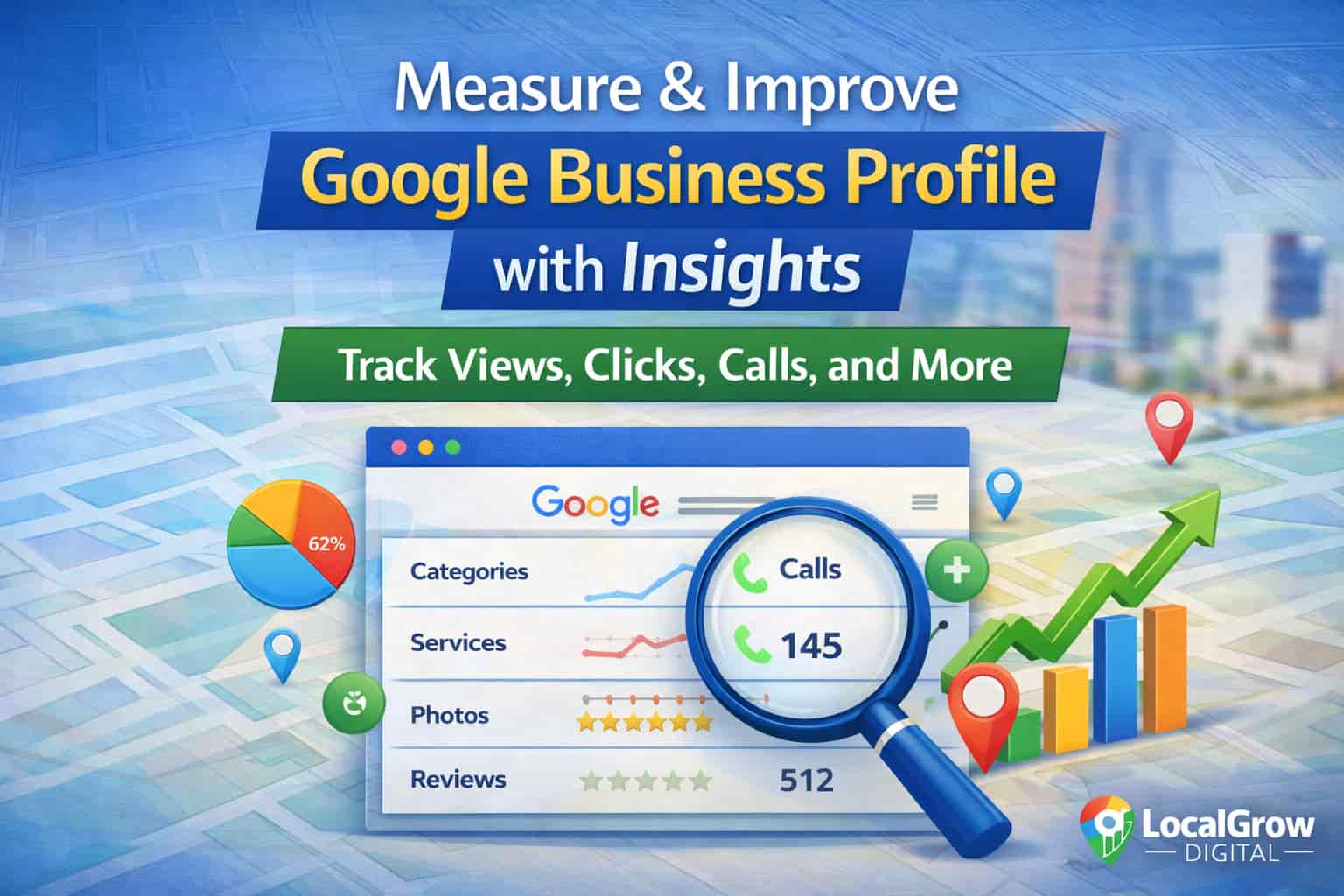
Monitoring views, calls, direction requests, and photo interactions helps identify which optimizations are working and where improvements are needed.
Google Business Profile Optimization Audit Tool
This tool will analyze your Google Business Profile and highlight missing optimization elements that may be limiting your Google Maps visibility.
Common Google Business Profile Optimization Mistakes
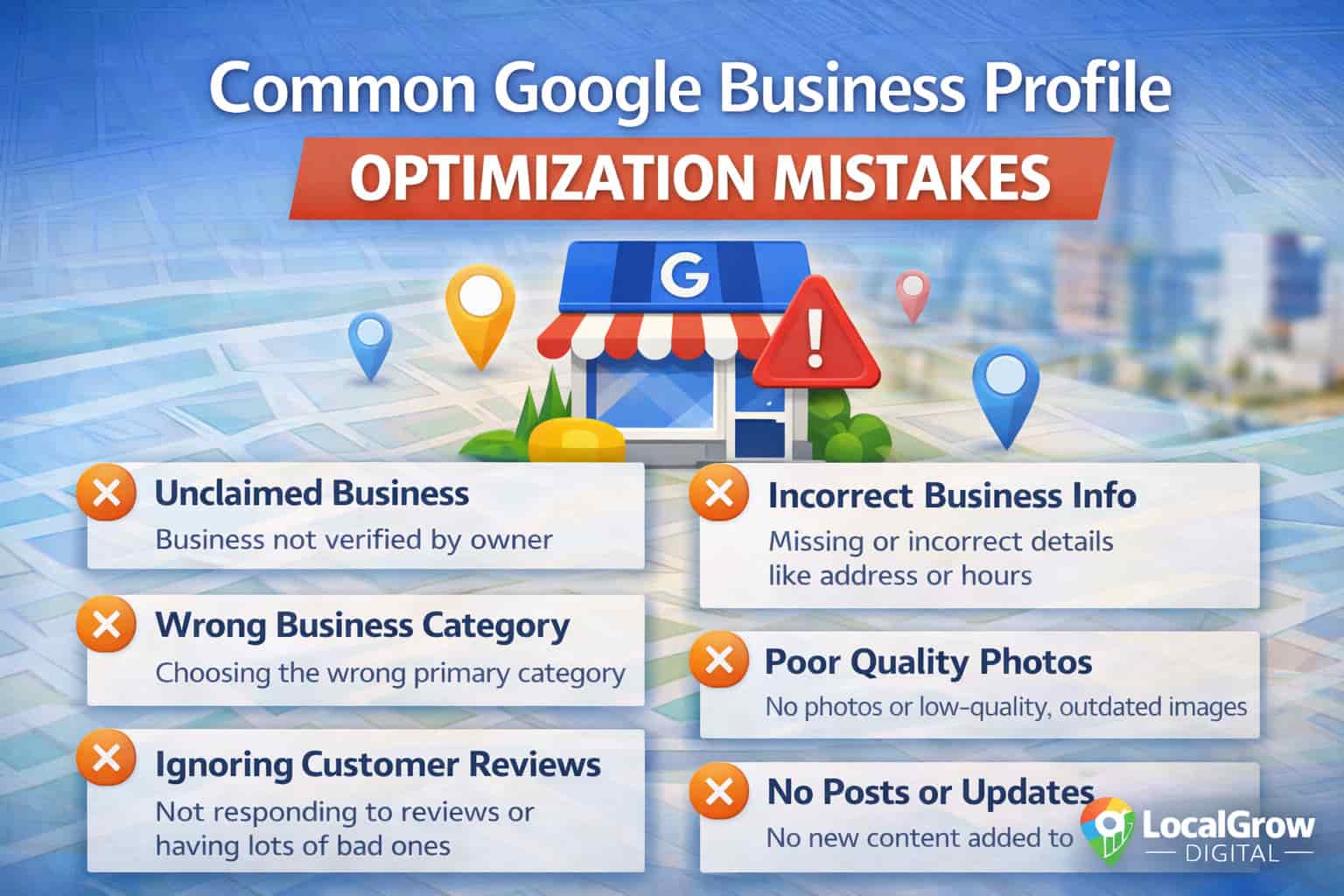
Many businesses fail to rank on Google Maps due to avoidable optimization mistakes that send weak or conflicting signals to Google.
- Wrong or inconsistent primary category
- Incomplete service listings
- Poor photo quality or outdated images
- Ignoring customer reviews
- Inactive or unverified profiles
Use Google Posts to Strengthen Profile Activity
Regular posting activity plays a strong role in Google Business Profile optimization. Using Google Business Profile posts for local SEO helps businesses send freshness, relevance, and engagement signals to Google.
Businesses that publish updates, offers, and service highlights consistently are more likely to maintain visibility and engagement on Google Maps.
Optimize Reviews to Build Trust and Visibility
Customer reviews are one of the strongest trust signals for Google Maps. Understanding the impact of Google reviews on Google Maps rankings helps businesses focus on review quality, relevance, and response strategy.
Consistent reviews, timely responses, and genuine customer feedback improve profile credibility and support long-term ranking stability.
Why Some Google Business Profiles Never Rank
Many businesses struggle with persistent visibility issues because they ignore deeper ranking barriers. Learning why some businesses never rank on Google Maps helps identify trust, relevance, and compliance gaps.
Addressing these issues early prevents wasted optimization efforts and improves long-term local SEO performance.
When Professional Google Business Profile Optimization Is Needed
Some issues require expert-level intervention. Businesses facing suspensions, ranking drops, or ongoing visibility problems may need to optimize Google Business Profile for higher rankings through structured fixes.
Google officially states that relevance, distance, and prominence are key factors used to determine which businesses appear on Google Maps.
If your Google Business Profile is not fully optimized or struggling to rank despite your efforts, professional optimization can help identify hidden issues and improve long-term visibility.
Frequently Asked Questions About Google Business Profile Optimization
What is Google Business Profile optimization?
Google Business Profile optimization is the process of improving business information, categories, services, activity, and engagement signals to increase visibility on Google Maps and local search results.
Why is Google Business Profile optimization important for local SEO?
Optimization helps Google understand business relevance, trust, and location accuracy, which directly impacts Google Maps rankings and local search visibility.
How does Google Business Profile optimization affect Google Maps rankings?
Optimized profiles send stronger relevance, prominence, and engagement signals that improve ranking potential on Google Maps.
What are the most important elements of Google Business Profile optimization?
Categories, services, business details, reviews, photos, posts, and consistent activity are the most critical optimization elements.
How often should Google Business Profile be updated?
Profiles should be reviewed monthly and updated whenever business hours, services, photos, or announcements change.
Do Google Posts help with Google Business Profile optimization?
Yes, Google Posts help maintain profile activity and freshness, which supports engagement and local visibility.
Can poor category selection hurt Google Maps rankings?
Yes, incorrect or broad categories weaken relevance and can prevent profiles from appearing for targeted searches.
How do reviews impact Google Business Profile optimization?
Reviews improve trust, engagement, and prominence, which are key signals used by Google Maps ranking algorithms.
Is responding to reviews important for optimization?
Responding to reviews shows activity and trustworthiness, improving overall profile credibility.
Can an optimized Google Business Profile still fail to rank?
Yes, issues like low trust, competition, compliance problems, or verification errors can still affect rankings.
How long does Google Business Profile optimization take to show results?
Improvements may be visible within weeks, but stable ranking gains often take consistent optimization over time.
Does adding services improve Google Maps visibility?
Yes, detailed service listings help Google match profiles with relevant local search queries.
What role do photos play in Google Business Profile optimization?
High-quality, updated photos increase engagement and improve trust signals used by Google Maps.
Should service-area businesses optimize Google Business Profile differently?
Yes, service-area businesses must correctly configure service areas instead of displaying physical addresses.
Can inconsistent business information hurt optimization?
Yes, inconsistent contact details or hours reduce trust and negatively affect local rankings.
Is Google Business Profile optimization a one-time process?
No, it requires ongoing updates, monitoring, and engagement to maintain rankings.
How can businesses track Google Business Profile performance?
Google Business Profile Insights provides data on views, calls, direction requests, and interactions.
When should a business seek professional Google Business Profile optimization?
Professional help is recommended for suspensions, ranking drops, verification issues, or competitive markets.
Does Google Business Profile optimization help get more calls?
Yes, optimized profiles increase visibility, leading to more calls, visits, and customer actions.
Can Google Business Profile optimization improve long-term local SEO?
Yes, consistent optimization strengthens local authority and supports sustainable Google Maps visibility.