
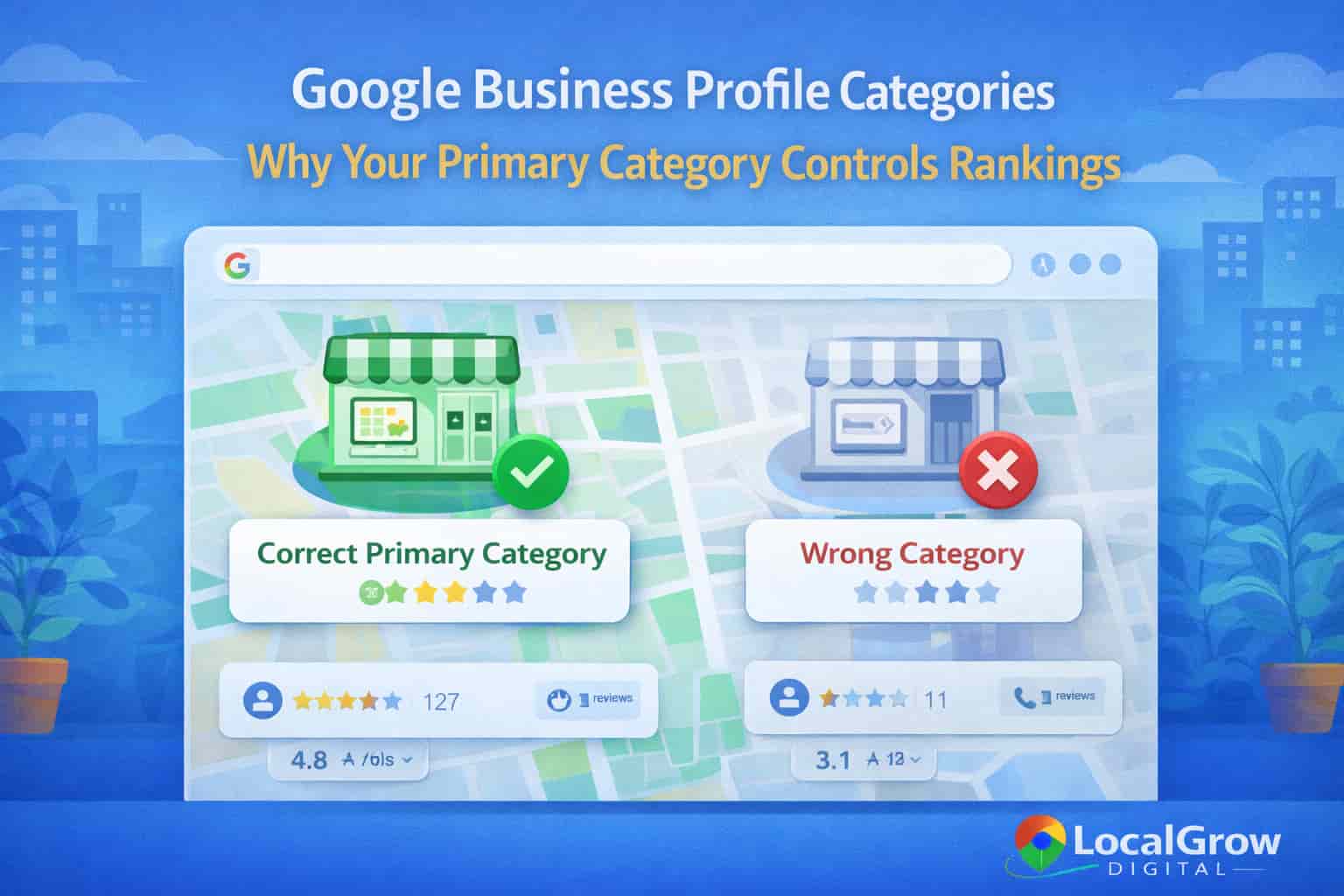
Google Business Profile categories play a critical role in determining how businesses rank on Google Maps. The primary category you choose tells Google exactly what your business does and directly influences relevance, visibility, and local search performance.
Many businesses struggle to rank on Google Maps despite having verified profiles, reviews, and optimized websites. In most cases, the root cause is incorrect or poorly chosen Google Business Profile categories that prevent Google from matching the business to relevant local searches.
Before selecting or optimizing categories, it is essential to understand how local SEO for businesses works and how Google evaluates relevance, distance, and prominence when ranking listings on Google Maps.
Table of Contents
What Are Google Business Profile Categories?
Google Business Profile categories describe the core services a business offers. These categories help Google understand what type of searches a business should appear for on Google Maps and in local search results.
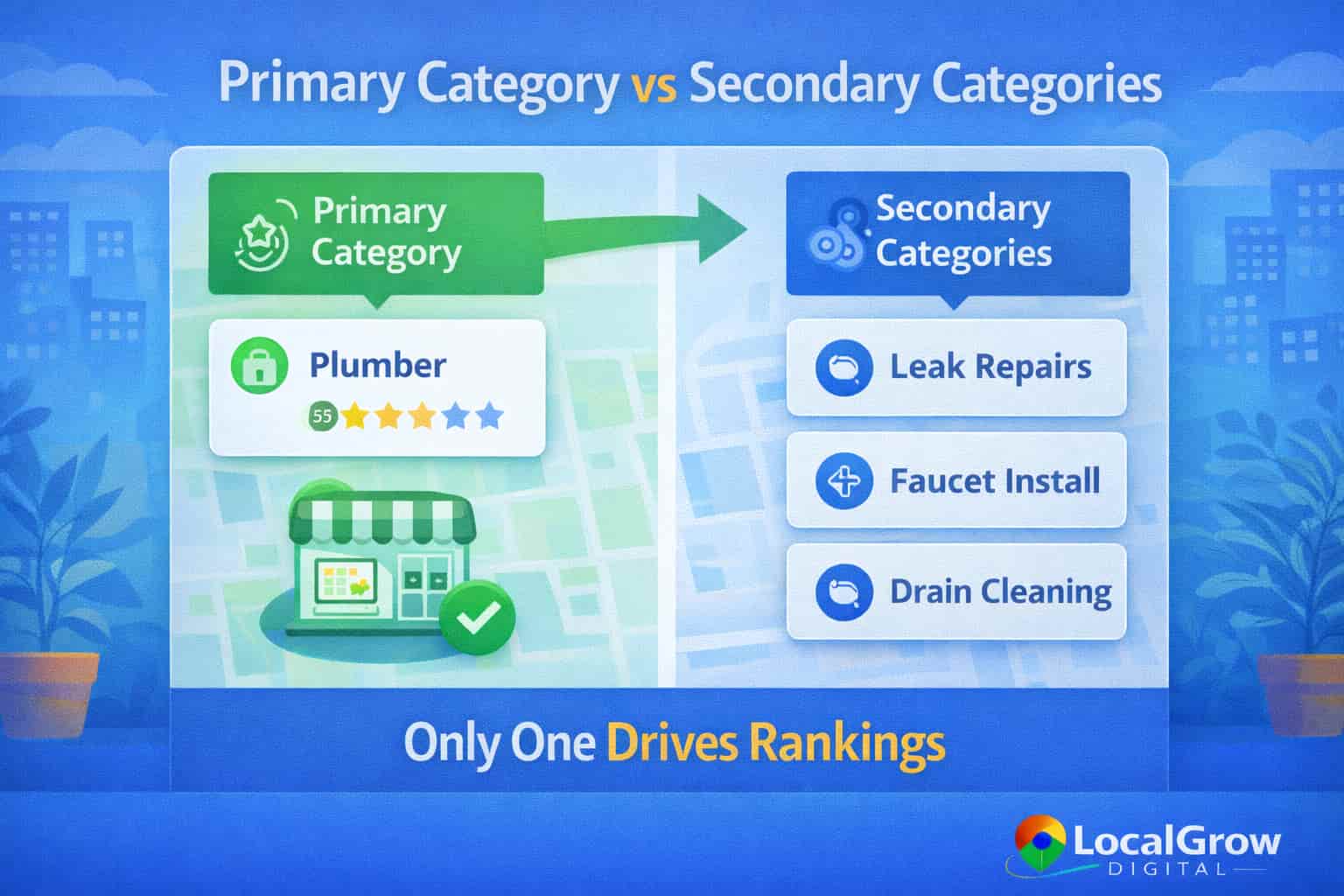
Each business can select one primary category and multiple secondary categories. While secondary categories provide context, the primary category carries the strongest ranking weight.
Primary vs Secondary Google Business Profile Categories
The primary category is the most important category in a Google Business Profile. It directly affects which searches your business is eligible to appear for on Google Maps.
- Primary category defines main business relevance
- Secondary categories provide supporting context
- Incorrect primary category blocks rankings
- Overusing secondary categories reduces clarity
How Google Uses Business Categories for Google Maps Rankings
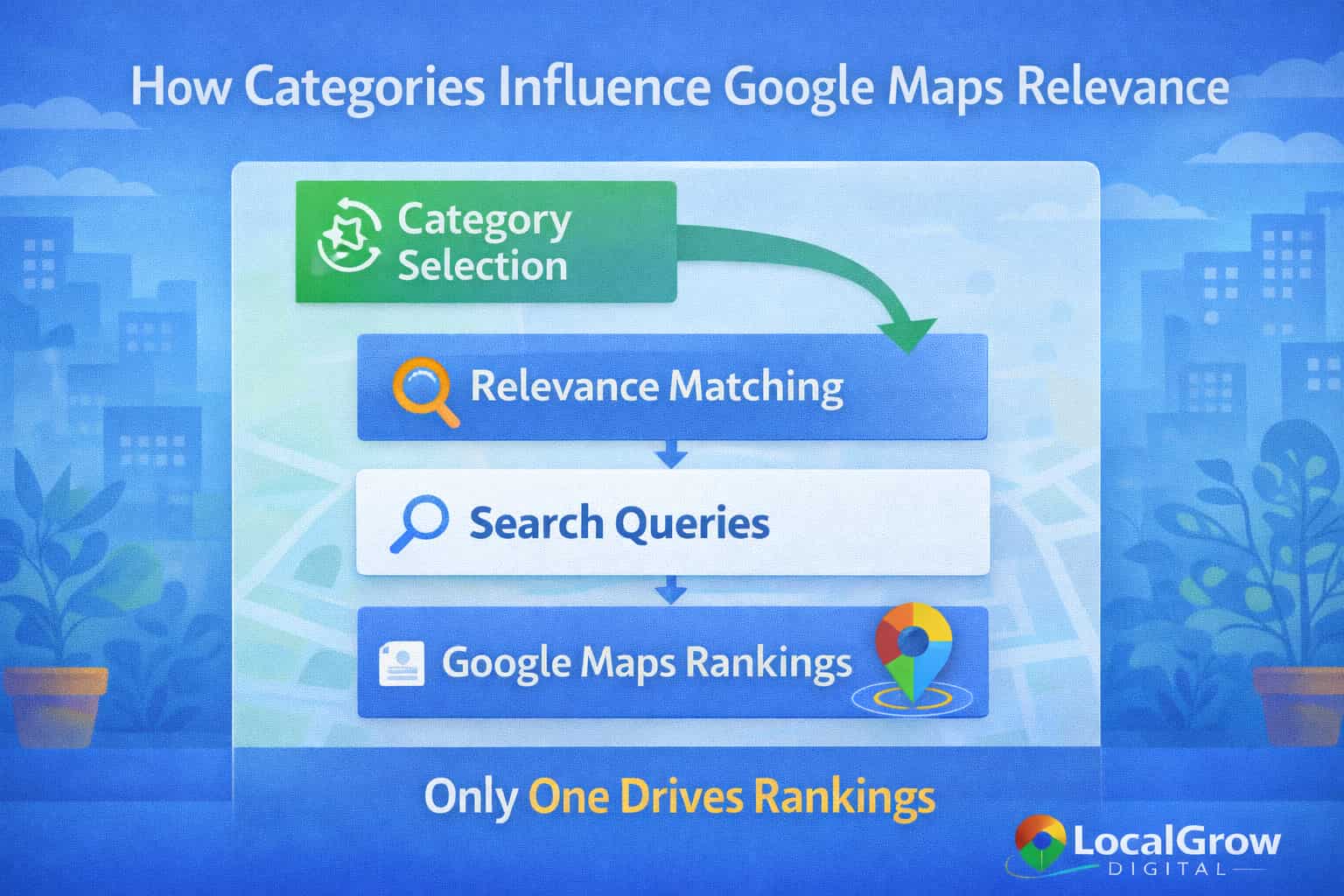
Google uses business categories as a relevance signal to match listings with search intent. When categories align closely with a search query, Google is more confident displaying the business in Maps results.
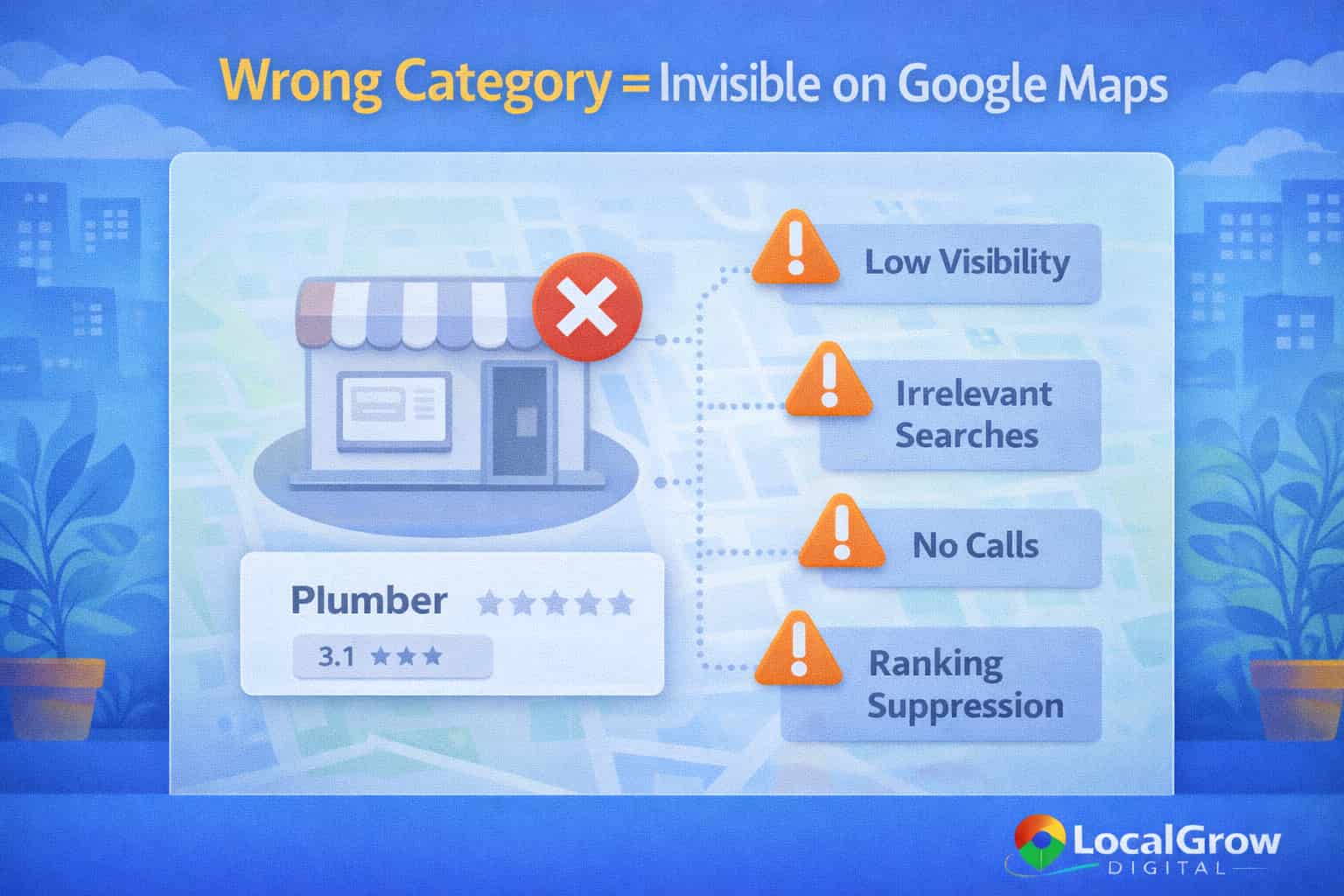
If categories are vague, mismatched, or misleading, Google may suppress visibility even if the business has strong reviews and website authority.
Common Google Business Profile Category Mistakes That Hurt Rankings
Many businesses unknowingly damage their Google Maps visibility by choosing categories based on keywords rather than actual services. Google actively evaluates category accuracy and consistency.
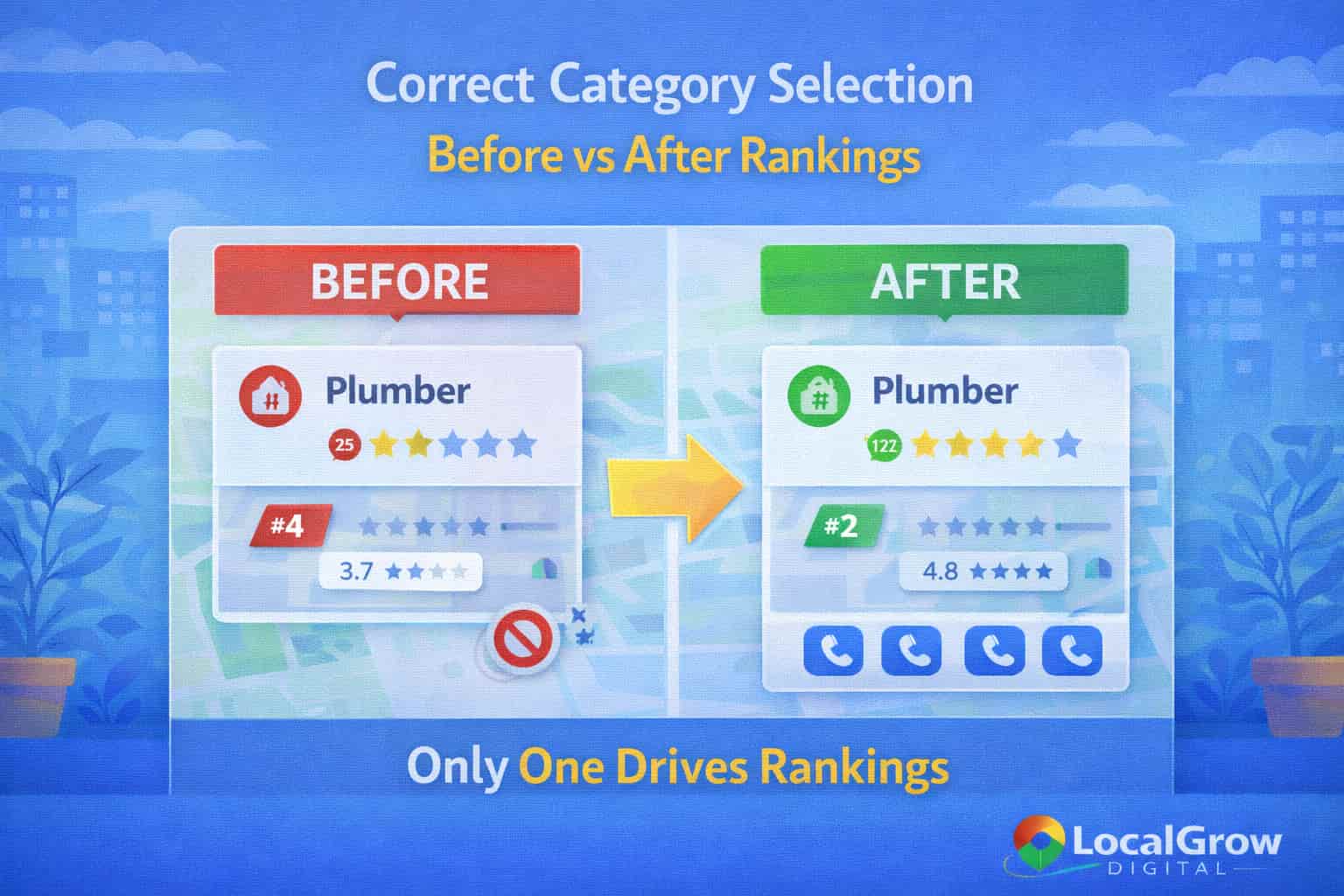
Category manipulation, outdated selections, and copying competitors often lead to ranking suppression or visibility loss.
Google Business Profile Category Optimization Checker (Tool)
This tool will analyze whether your Google Business Profile categories are correctly optimized for search relevance, competitive positioning, and Google Maps visibility.
How Category Selection Directly Impacts Google Maps Visibility
Google Business Profile categories influence whether your listing is even eligible to appear for a search. When the primary category closely matches user intent, Google is far more confident showing the business in Google Maps results.
If your business appears on Google Maps but receives little engagement, category mismatch is often one of the hidden causes behind Google Maps visible but no calls.
Category Relevance vs Prominence in Google Maps Rankings
Categories primarily influence relevance, but they also indirectly support prominence. When categories are accurate, Google can better connect reviews, website content, and citations to the correct service type.
Businesses that struggle despite optimization should review why some businesses never rank on Google Maps even after setting up categories, reviews, and services correctly.
Google reviews are a critical component of prominence, one of the three core factors Google uses to rank businesses on Google Maps, alongside relevance and distance.
— Google Business Profile Help Documentation
Google officially explains how Google Business Profile categories affect local rankings and why choosing the correct primary category is essential for visibility, relevance, and Google Maps performance.
What helps Google Business Profile categories perform well:
- Highly accurate primary category
- Limited but relevant secondary categories
- Category alignment with website content
- Review language matching category intent
- Consistent category usage across citations
What hurts Google Maps visibility:
- Keyword-stuffed categories
- Changing categories too frequently
- Copying competitor categories blindly
- Using outdated or generic categories
- Category mismatch with actual services
When and How to Change Google Business Profile Categories Safely
Category changes should only be made when services genuinely change or when the original setup was incorrect. Frequent or experimental changes can temporarily reset relevance signals and reduce visibility.
If rankings drop suddenly after edits, understanding why Google Maps rankings drop suddenly can help diagnose whether category changes triggered the issue.
Need Help Optimizing Google Business Profile Categories?
Choosing the wrong category can silently block Google Maps visibility even if everything else looks correct. Professional category optimization ensures your business aligns perfectly with Google’s relevance signals.
- Primary category selection audit
- Secondary category relevance check
- Category alignment with website SEO
- Ranking recovery after incorrect edits
Frequently Asked Questions About Google Business Profile Categories
Do Google Business Profile categories affect Google Maps rankings?
Yes. Google Business Profile categories directly affect Google Maps rankings by determining relevance. The primary category decides which searches your business is eligible to appear for on Google Maps.
What is the most important category in Google Business Profile?
The primary category is the most important category in Google Business Profile because it carries the strongest ranking signal for Google Maps visibility.
How many categories should I add to my Google Business Profile?
Businesses should add one accurate primary category and only relevant secondary categories. Adding too many categories can confuse Google and reduce ranking clarity.
Can choosing the wrong category hurt Google Maps ranking?
Yes. Choosing the wrong category can block Google Maps visibility even if reviews, website SEO, and citations are strong.
How often should I change Google Business Profile categories?
Categories should only be changed when services genuinely change. Frequent category changes may temporarily reset relevance signals.
Do secondary categories help Google Maps SEO?
Secondary categories help support relevance but cannot replace a strong primary category. They work best when aligned with real services.
Can category changes cause ranking drops on Google Maps?
Yes. Incorrect or frequent category edits can trigger temporary ranking drops due to Google re-evaluating relevance signals.
Should service-area businesses choose different categories?
Service-area businesses should select categories that match services provided, not locations. Address visibility does not change category importance.
Do categories affect appearing in the local 3-pack?
Yes. Categories influence eligibility for local 3-pack results by helping Google match businesses with search intent.
Can competitors outrank me by choosing better categories?
Yes. Competitors with more accurate categories may outrank businesses even with fewer reviews or weaker websites.
Do Google reviews interact with categories for rankings?
Reviews reinforce category relevance when review text matches services linked to the primary category.
Does website content need to match Google Business Profile categories?
Yes. Website content should clearly support selected categories to strengthen trust and relevance signals.
Can keyword stuffing in categories improve rankings?
No. Keyword stuffing in categories violates Google guidelines and can reduce visibility or trigger profile issues.
Are category changes reviewed manually by Google?
Some category edits are reviewed automatically, while others may be reviewed manually, especially if they affect ranking behavior.
Do categories affect Google Maps visibility in multiple cities?
Categories define service relevance, while proximity controls city visibility. Correct categories help rank where relevance exists.
What happens if my category does not exist anymore?
Google may replace deprecated categories automatically. Businesses should review category changes regularly.
Can adding more categories increase calls and leads?
Only if categories are accurate. Irrelevant categories may reduce call quality and conversion rates.
Do categories impact Google Search results as well as Maps?
Yes. Categories influence both Google Maps and local Google Search visibility.
How long does it take for category changes to reflect in rankings?
Category changes may take a few days to several weeks to stabilize depending on competition and activity.
Is professional category optimization worth it?
Yes. Expert optimization prevents ranking loss, improves relevance alignment, and accelerates Google Maps performance.