
Google Business Profile edits not approved is a common and frustrating problem for business owners trying to update their name, address, category, or hours on Google Maps. You submit the change, but Google either rejects it or keeps it pending for weeks without approval.
If your Google Business Profile edits are not approved, it does not always mean you did something wrong. In most cases, rejections happen due to policy checks, trust signals, or mismatched business information. In this guide, you will learn why edits get rejected and exactly how to fix them.
If your ranking has dropped after profile changes, read why business ranking drops on Google Maps and how to recover.
If your listing is visible but not getting calls, check how to get more calls from your Google Maps listing.
If your service area is not appearing correctly, read our guide on service area business not showing on Google Maps and how to fix it.
Table of Contents
What Are Google Business Profile Edits?
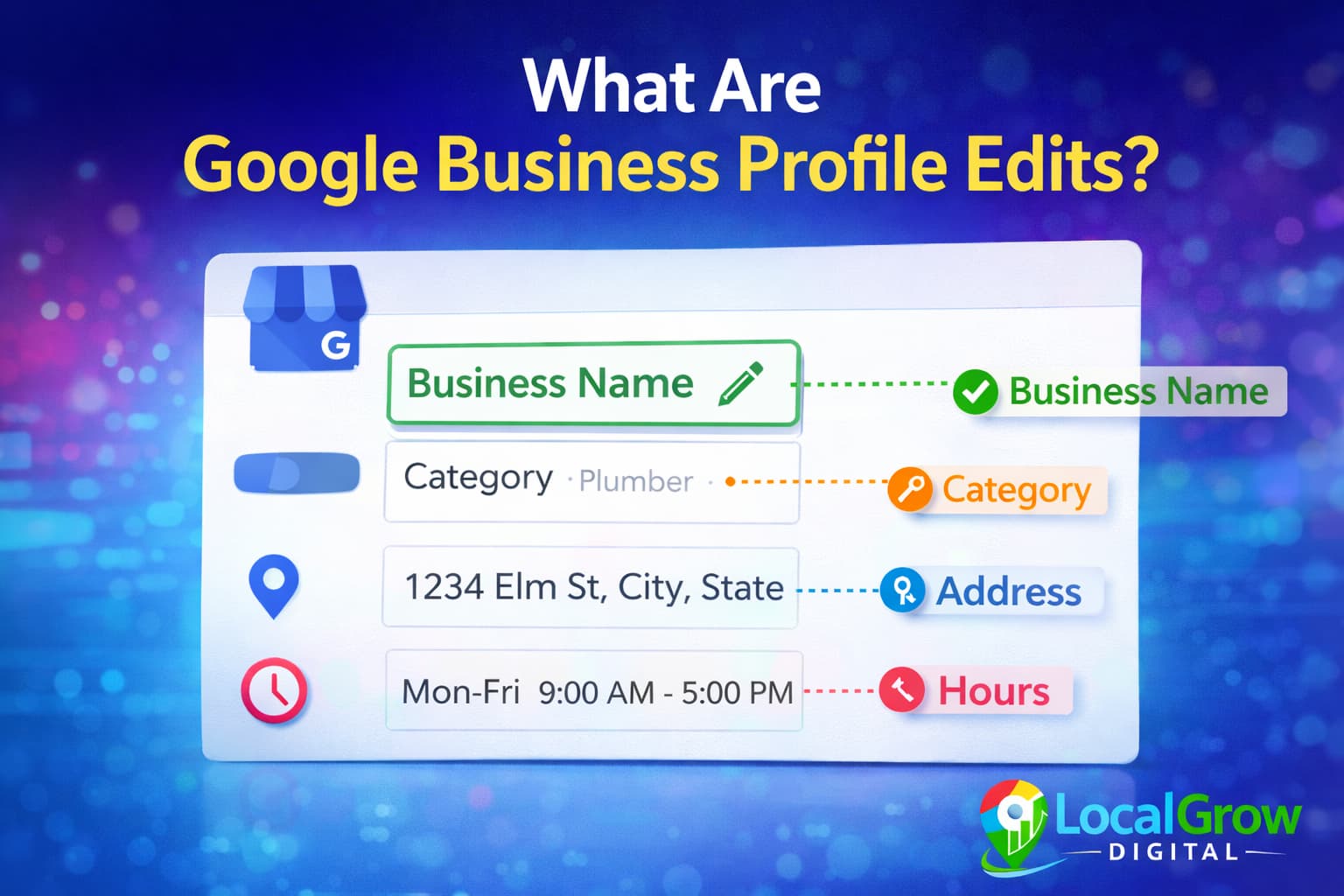
Google Business Profile edits are changes you make to your listing details such as business name, address, phone number, website, categories, service areas, and business hours. These edits help keep your listing accurate for customers searching on Google Maps and Search.
Google reviews every edit automatically or manually to prevent spam and fake listings. If Google detects risk, your update may be rejected or kept pending.
Why Are My Google Business Profile Edits Not Approved?
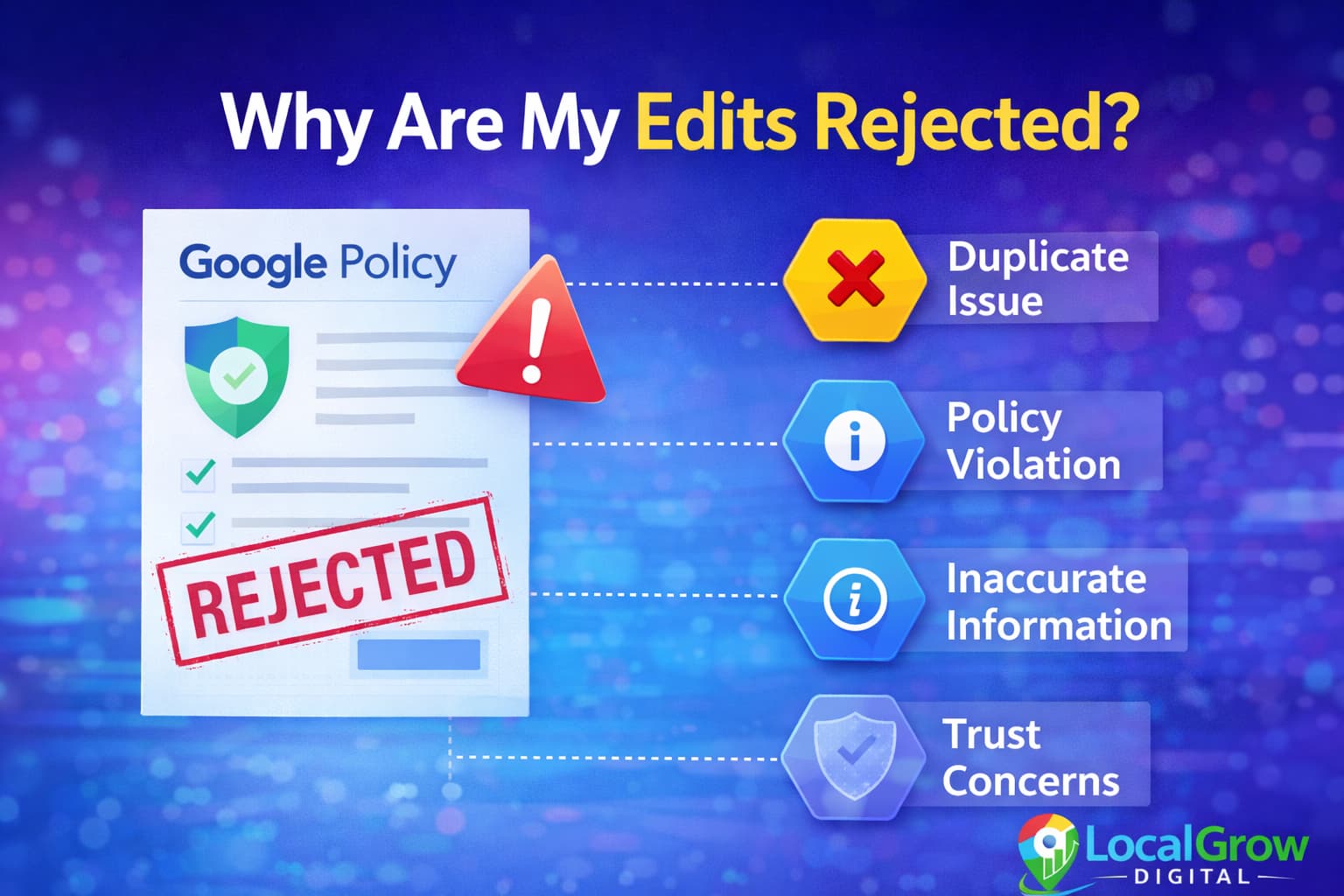
Most edit rejections happen because Google’s system believes the change may violate guidelines or does not match existing business data across the web.
- Business name includes extra keywords
- Address does not match official records
- Category does not match real services
- Website shows different business details
- Listing has low trust history
Common Mistakes That Cause Google to Reject Profile Updates
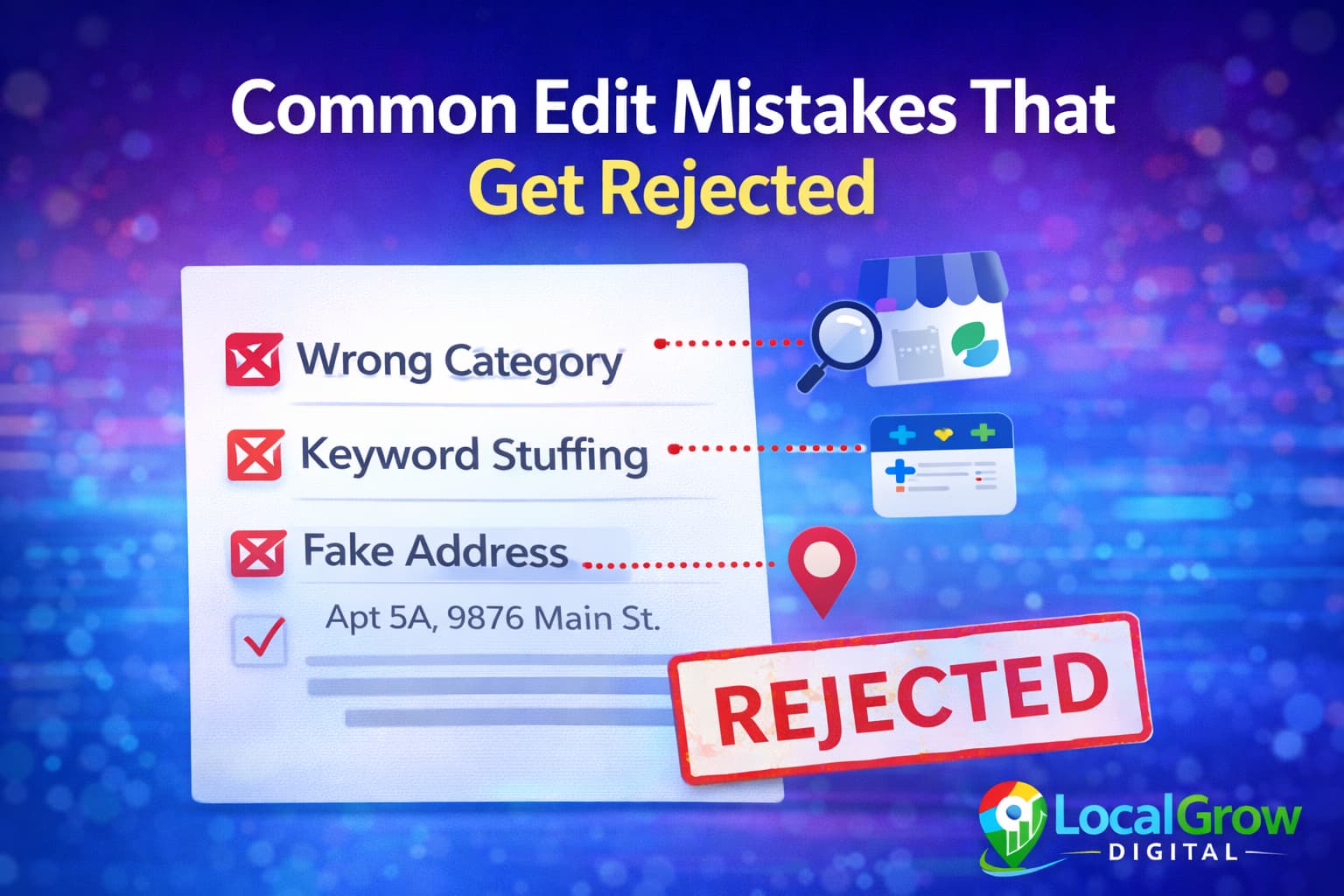
Even genuine businesses make mistakes that trigger rejection. Google strictly enforces naming and category rules to protect search quality.
- Adding city or service keywords in business name
- Using home address for storefront business
- Selecting multiple unrelated categories
- Changing address too frequently
- Uploading poor-quality proof images
When Google Business Profile edits are not approved, it usually means Google needs stronger proof of business accuracy.
How Trust and Verification Affect Edit Approvals
Google favors profiles with strong trust signals. If your profile looks new or inactive, edits are more likely to be rejected.
Trust increases when your listing has consistent details, real photos, verified address, regular activity, and positive user engagement.
How Website and Online Listings Affect Edit Approval
Google cross-checks your business details with your website and online directories. If your website shows a different address, phone number, or business name, Google may reject profile edits automatically.
Your business information should match across Google Business Profile, your website, social profiles, and major directories. This consistency builds trust and increases approval chances.
When Google Business Profile edits are not approved, it usually means Google needs stronger proof of business accuracy.
If your profile is correct but ranking is still low, learn how to optimize Google Business Profile for higher ranking on Google Maps.

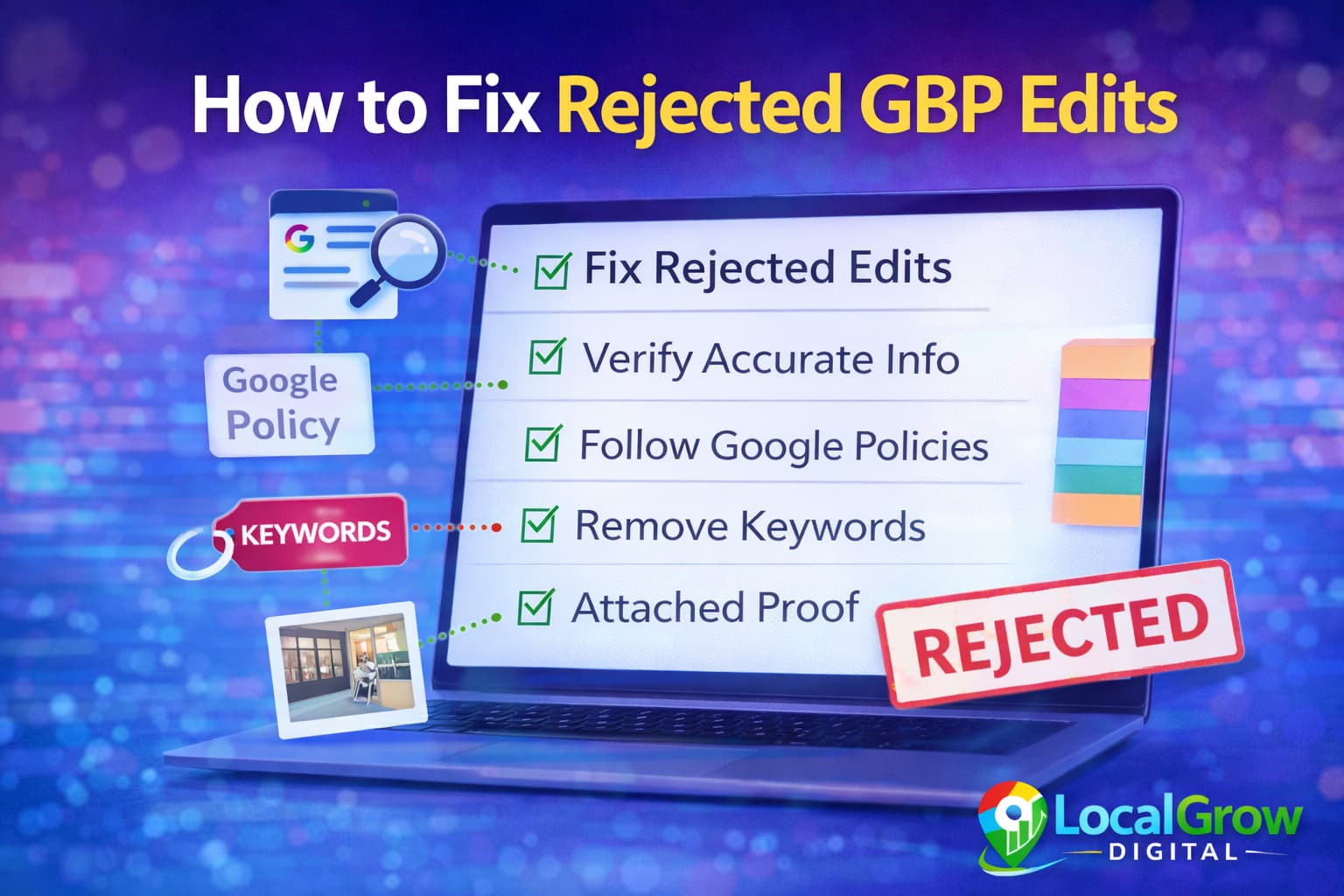
How to Fix Google Business Profile Edits That Were Rejected
Before resubmitting, correct your business information and strengthen profile signals.
- Use real business name without extra keywords
- Match address with official documents and website
- Select only accurate primary and secondary categories
- Upload storefront or work-location photos
- Wait 24–48 hours before resubmitting
If your reviews are missing or delayed, read why Google Business Profile reviews are not showing and how to fix it.
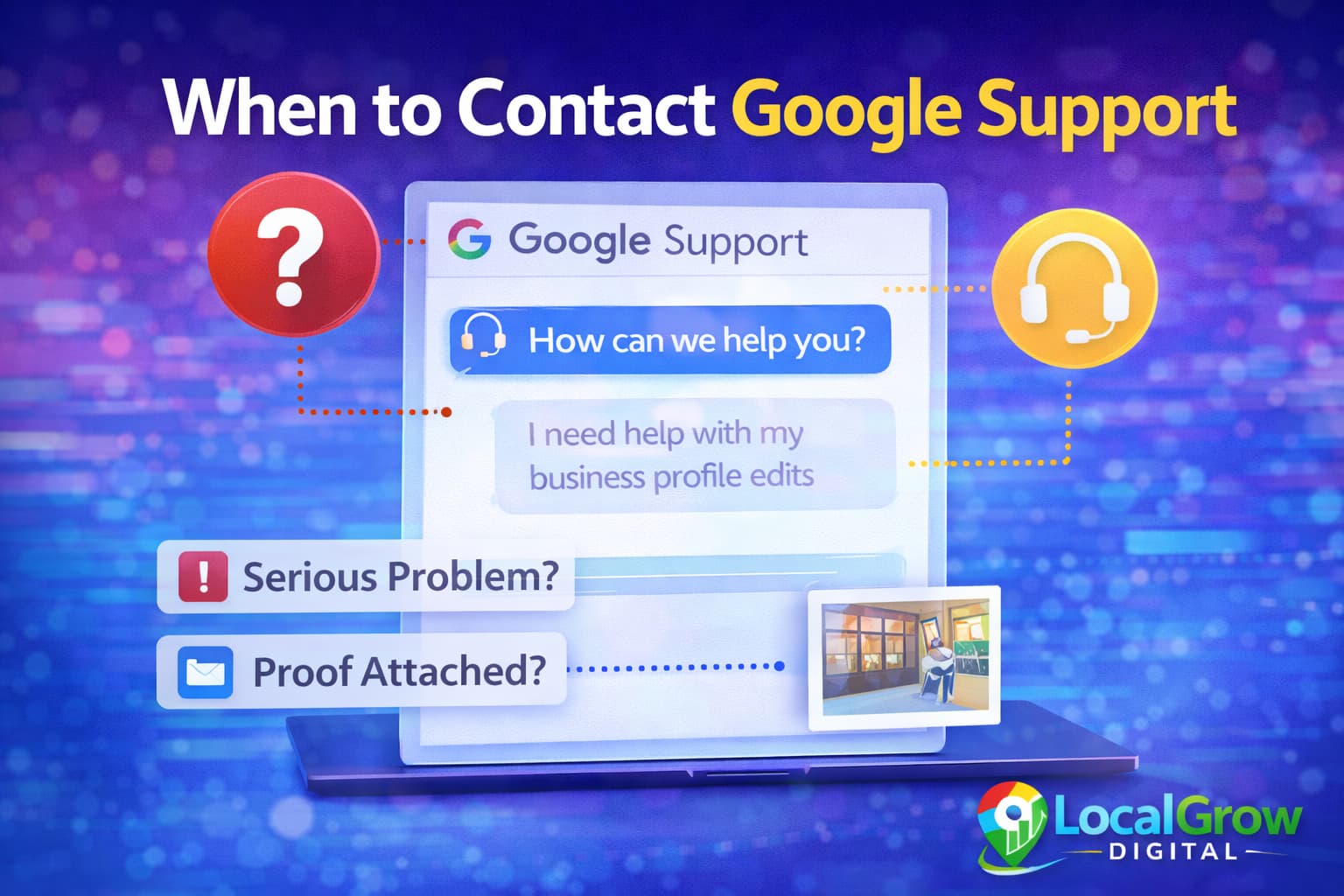
When Should You Contact Google Business Profile Support?
If your edits are repeatedly rejected even after corrections, you should contact Google support for manual review.
- Address change rejected multiple times
- Category update blocked permanently
- Verification documents not accepted
- Business marked as suspicious
Posting regularly also improves trust. Learn how to use Google Business Profile posts for local SEO.
How to Prevent Future Google Business Profile Edit Rejections
Once your profile stabilizes, follow best practices to avoid repeated rejections.
- Keep NAP consistent everywhere online
- Avoid frequent major changes
- Post updates regularly
- Encourage genuine reviews
- Maintain active business photos
Do Rejected Google Business Profile Edits Affect Ranking?
While a rejected edit itself does not directly penalize ranking, repeated trust issues can reduce your visibility on Google Maps.
If Google doubts business accuracy, your listing may rank lower compared to competitors with stable profiles.
How Long Does It Take for Google to Approve Profile Edits?
Most Google Business Profile edits are reviewed automatically and approved within a few minutes to 48 hours. However, sensitive changes like business name, category, or address may take several days because they require manual verification.
If your edit remains pending for more than five to seven days, it usually means Google’s system is unsure about the accuracy of your update and additional trust signals are needed.
If you are facing repeated edit rejections, professional profile setup and optimization can help resolve hidden issues and improve approval success through our Google Business Profile setup service.
When Google Business Profile edits are not approved, it usually means Google needs stronger proof of business accuracy.
Should You Keep Trying or Wait Before Resubmitting Edits?
Repeatedly submitting the same rejected edit can actually make the situation worse. Google may temporarily restrict updates if it detects spam-like behavior or inconsistent changes.
- Wait at least 48 hours before resubmitting
- Improve profile photos and website data first
- Fix NAP consistency across directories
- Then submit clean, accurate edits again
Need Help Fixing Your Google Business Profile Issues?
If your business listing is facing repeated issues, professional profile setup and optimization can help fix hidden problems, improve trust signals, and restore your visibility on Google Maps.
Our Google Business Profile setup service helps businesses fix technical errors, improve approval success, and build long-term visibility.
Frequently Asked Questions
Why are my Google Business Profile edits not approved?
Most rejections happen due to policy violations, inconsistent business details, or low trust signals.
How long does Google take to approve profile edits?
Most edits are reviewed within a few hours to several days, but some may take longer for manual checks.
Can repeated rejected edits harm my listing?
Yes. Repeated issues may reduce trust and affect your Google Maps visibility.
Can I edit my business name freely on Google?
No. Google allows only real-world business names without marketing keywords.
Should I change multiple fields at once?
It is better to update one or two fields at a time to reduce rejection risk.
Do photos help edit approval?
Yes. Real storefront and work photos improve trust signals.
Can Google permanently block edits?
Yes, if repeated guideline violations occur, some fields may be locked.
Is professional help safe for GBP edits?
Yes, when following Google guidelines, professional optimization improves success rates.
How many times can I edit my Google Business Profile details?
There is no fixed limit, but submitting too many changes in a short time can trigger review filters and lead to repeated edit rejections.
Do Google Business Profile edits affect ranking?
Yes. Incorrect or unapproved edits can reduce trust, while accurate business details help improve Google Maps visibility and local rankings.
Can competitors reject my Google Business Profile edits?
Competitors cannot directly reject edits, but public suggestions and data conflicts can cause Google to flag updates for manual review.
Does changing business category cause edit rejection?
Yes. Category changes are considered sensitive edits and often require stronger business proof such as signage, website updates, and customer activity.
Should I contact Google support if edits are not approved?
If edits remain rejected after multiple attempts and profile optimization, contacting Google support or using professional help is recommended.
Can professional optimization help get Google Business Profile edits approved?
Yes. Proper profile setup, category alignment, content consistency, and trust signals significantly improve edit approval success.