
If your business is not ranking well on Google Maps, following a complete Google Business Profile optimization checklist is the fastest way to improve visibility, get more calls, and attract nearby customers.
This Google Business Profile optimization guide is designed to improve every ranking signal that affects Google Maps visibility.
Many businesses create a Google Business Profile but never optimize it properly. As a result, they struggle with low rankings, fewer clicks, and poor customer engagement. This step-by-step optimization steps will help you fix common mistakes, improve trust signals, and boost your chances of appearing in the local 3-pack.
Before applying this checklist, make sure your business is not facing any technical issues. If your listing is not visible, read why a verified business is not showing on Google Maps and how to fix it.
If your ranking suddenly dropped, check why your business ranking dropped on Google Maps and what actions recover positions.
Service-based businesses should also read this guide on service area business not showing on Google Maps and how to fix it.
If you want a quick actionable version, follow this Google Business Profile optimization checklist.
To actively grow performance, learn how to optimize your Google Business Profile for higher ranking and how to get more calls from your Google Maps listing.
Table of Contents
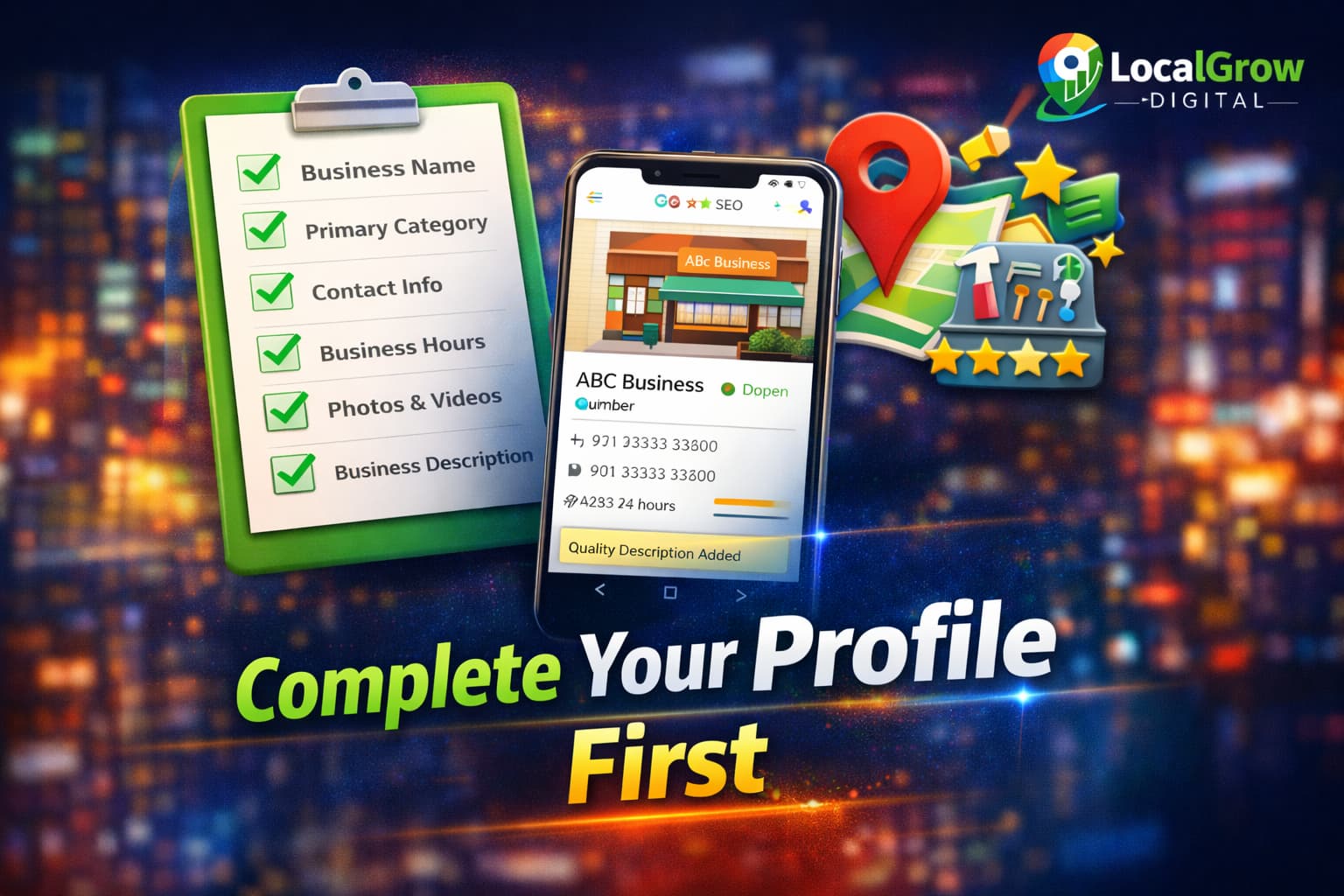
Step 1: Verify and Secure Your Google Business Profile
Verification confirms that you are the real owner of the business. Without verification, your listing will not rank or show reliably on Google Maps.
- Complete video or postcard verification
- Use real signage and business proof
- Avoid temporary or virtual locations
- Verify with correct address format
Step 2: Choose the Most Accurate Primary and Secondary Categories
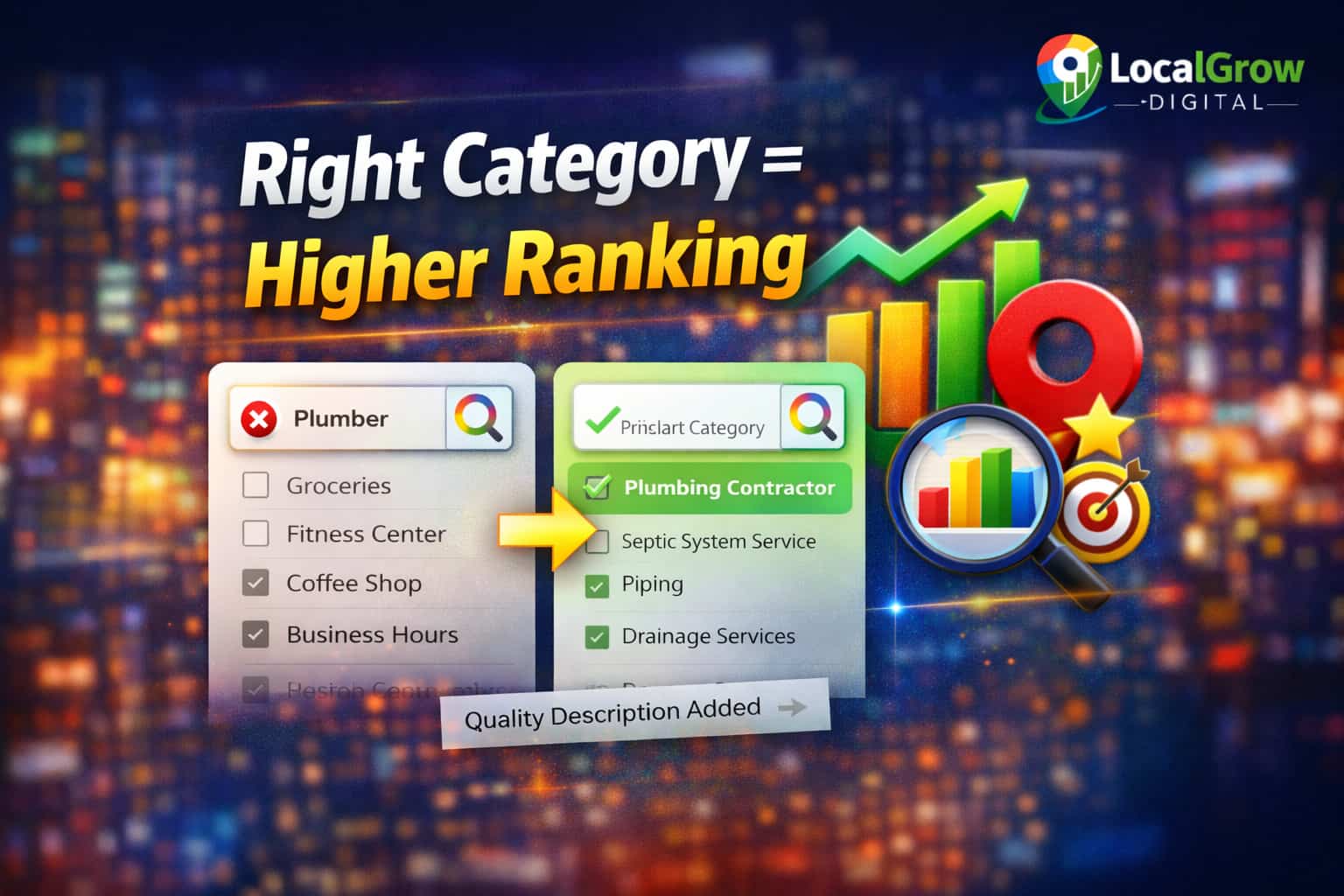
Your category selection tells Google exactly what your business does. Wrong categories reduce ranking even if everything else is perfect.
- Select the closest main business type
- Add supporting secondary categories
- Avoid unrelated category stuffing
- Update categories if services change
According to Google’s official local ranking documentation, relevance, distance, and prominence determine Google Maps rankings.
Step 3: Optimize Business Description and Services
Your business description helps Google understand relevance and also influences customer trust.
- Add keywords naturally
- Mention main services clearly
- Avoid promotional offers
- Do not add contact details here
Also add all services and products using thel Google’s service editor instead of placing them only on your website.
Step 4: Upload High-Quality Photos Regularly
Photo activity is one of the strongest engagement signals in local SEO. Businesses that update photos regularly receive more profile actions.
- Exterior storefront images
- Interior workspace photos
- Staff and team pictures
- Product or service images

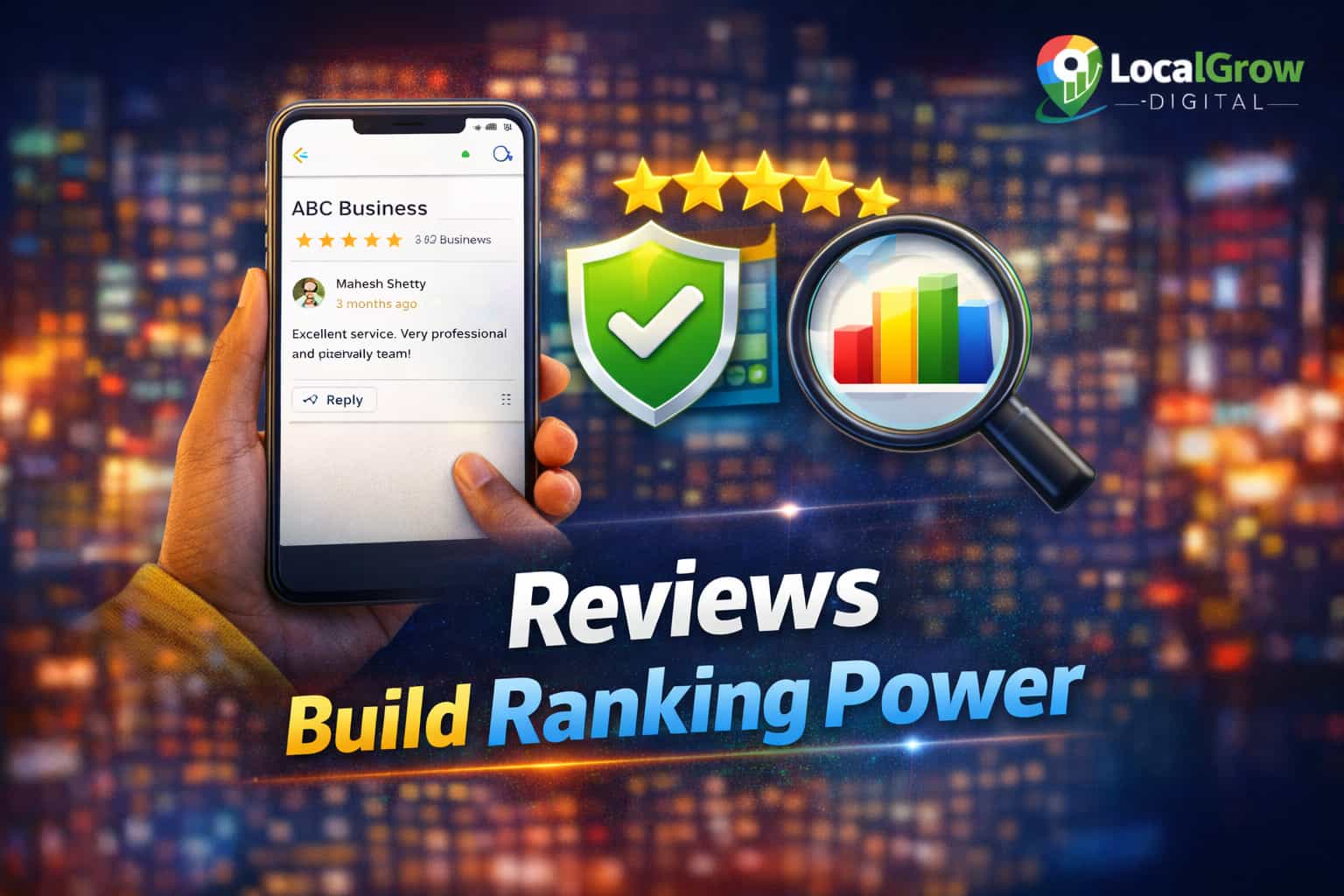
Step 5: Build Reviews and Respond to Every Customer
Reviews strongly affect ranking and conversion. Google also tracks how you respond to customers.
- Ask customers politely for reviews
- Never buy fake reviews
- Reply to positive and negative feedback
- Mention services naturally in replies
Sometimes businesses collect reviews but they do not appear publicly due to policy filters, spam detection, or profile issues. This can hurt both ranking and trust, especially for new listings.
If your customer feedback is not visible, read this guide on why Google Business Profile reviews are not showing and how to fix it.
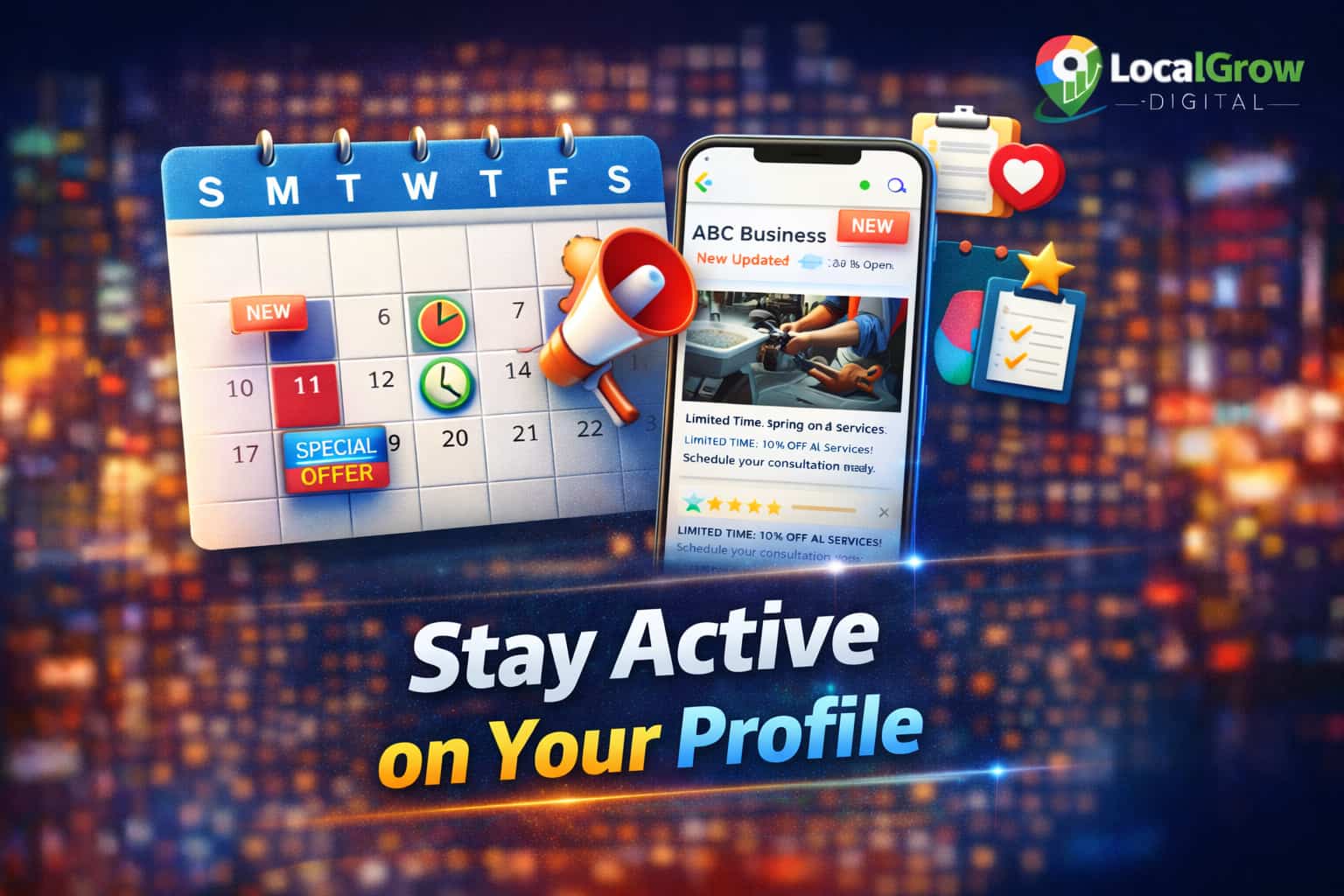
Step 6: Use Google Business Profile Posts Weekly
Posts keep your listing active and improve customer engagement.
- Service announcements
- Offers and promotions
- Updates and events
- Educational tips
Many businesses ignore Google Business Profile posts, but they act like micro-updates that signal activity and relevance to Google. Regular posting improves engagement, increases profile actions, and supports ranking stability.
Here is a complete guide on how to use Google Business Profile posts strategically for local SEO growth.
Step 6.1: Optimize Website Landing Page Linked to GBP
Your Google Business Profile does not work alone. Google also evaluates the quality and relevance of the website connected to your listing. If your website is weak or unrelated, your Maps ranking will suffer.
Your landing page should clearly show:
- Exact business name and services
- Location-based keywords
- Clear contact information
- Fast loading speed
- Mobile-friendly design
If your website is not properly connected with your Google Maps strategy, then check Google Business Profile setup and optimization service professional setup can align both for better ranking and lead generation.
Step 7: Follow Google Policies to Avoid Suspension
Many businesses lose rankings or get suspended due to small policy violations.
- No keyword stuffing in name
- No fake addresses
- No misleading categories
- No spammy links
Step 7.1: Monitor Competitor Activity on Google Maps
Competitors constantly update categories, photos, services, and reviews. If they are more active, Google may push their listings higher even if your business is older.
You should regularly monitor:
- New reviews on competitor listings
- Category changes
- New photos and posts
- Offers and updates
If your ranking suddenly drops after competitor updates, this guide explains why business rankings drop on Google Maps and how to recover.
Google also warns that policy violations may lead to suspension or ranking loss.
Step 8: Maintain Consistent NAP Across the Web
NAP means Name, Address, and Phone number. Inconsistent data confuses Google and reduces trust.
- Same business name everywhere
- Same phone number format
- Same address spelling
- Update directories after changes
Step 9: Track Calls, Directions, and Website Clicks
Tracking helps you understand what actually brings customers.
- Calls from profile
- Direction requests
- Website visits
- Popular search terms
If you want expert help to implement this entire GBP optimization process correctly and avoid mistakes that slow down ranking, professional Google Business Profile setup and optimization can save you weeks of trial and error.
Step 9.1: Fix Technical Issues That Block Visibility
Even well-optimized profiles can fail to rank if technical problems exist. Verification errors, address conflicts, or service area setup mistakes can silently block visibility.
- Address formatting mismatches
- Service area conflicts
- Duplicate listings
- Pending verification issues
If your business is verified but still invisible, read why a verified business is not showing on Google Maps.
Service businesses should also check why service area businesses are not showing on Google Maps and how to fix location coverage issues.
Following a complete Google Business Profile optimization guide consistently is the safest long-term way to rank higher on Google Maps.
Need Expert Help to Optimize Your Google Business Profile and Get More Leads?
Optimizing a Google Business Profile is not just about filling basic details. It requires correct category strategy, location optimization, trust signals, posting activity, review management, and policy-safe practices.
If you are struggling with low visibility, sudden ranking drops, or poor lead generation from Google Maps, expert optimization can help fix hidden issues and unlock better performance.
- Complete profile audit and optimization
- Category and service targeting strategy
- Ranking recovery for suspended or filtered listings
- Lead-focused optimization for calls and messages
- Policy-safe setup to avoid future issues
Frequently Asked Questions
How do I optimize my Google Business Profile to rank higher on Google Maps?
Optimizing a Google Business Profile requires accurate business details, correct category selection, regular photo uploads, active review management, consistent posting, and policy-compliant setup. All these signals together influence Google Maps rankings.
What are the most important Google Business Profile ranking factors?
The most important factors are relevance, distance, and prominence. These are influenced by categories, business information accuracy, reviews, engagement activity, website relevance, and overall trust signals.
Does Google Business Profile optimization really improve local rankings?
Yes. Proper optimization improves relevance and trust, which directly affects how often and where a business appears in Google Maps and local search results.
How long does it take for Google Business Profile optimization to show results?
Most businesses start seeing improvements within 2 to 6 weeks, depending on competition, profile activity, and how consistently optimization steps are followed.
Can a business rank on Google Maps without a physical storefront?
Yes. Service-area businesses can rank if their Google Business Profile is set up correctly and complies with Google’s location and service area policies.
Do Google reviews affect Google Maps rankings?
Yes. Review quantity, quality, freshness, and response activity all contribute to prominence and customer trust, which impacts Google Maps visibility.
How many reviews does a business need to rank higher on Google Maps?
There is no fixed number. Businesses rank based on review quality, consistency, engagement, and comparison with competitors in the same area.
Does responding to reviews help Google Maps SEO?
Yes. Responding to reviews shows engagement and active management, which Google considers a positive trust signal.
Are Google Business Profile posts important for ranking?
Yes. Regular posts signal activity, improve engagement, and help maintain ranking stability, especially in competitive local markets.
Can incorrect categories reduce Google Maps rankings?
Yes. Incorrect or broad categories confuse Google about your business relevance and can significantly reduce visibility on Maps.
Does my website affect Google Business Profile rankings?
Yes. Google cross-checks website content, relevance, location signals, and trust factors to support Google Maps ranking decisions.
Can changing business information too often hurt rankings?
Yes. Frequent unnecessary edits can temporarily reduce trust and cause ranking fluctuations.
Why does my Google Business Profile show on search but not on Maps?
This usually happens due to verification issues, address conflicts, incorrect categories, service-area problems, or policy limitations affecting Maps visibility.
Can duplicate Google Business Profiles hurt rankings?
Yes. Duplicate listings confuse Google’s system and can suppress visibility for all associated profiles.
Does NAP consistency still matter for Google Maps SEO?
Yes. Consistent name, address, and phone number across the web improves trust and helps Google verify business legitimacy.
Can a new business rank on Google Maps quickly?
Yes, but it depends on competition, proper optimization, verification speed, and early engagement signals such as reviews and posts.
Do photos on Google Business Profile affect rankings?
Yes. Regular photo uploads increase engagement and improve perceived credibility, which supports ranking performance.
Can policy violations lower Google Maps rankings?
Yes. Violations such as keyword stuffing, fake addresses, or misleading categories can reduce rankings or cause suspension.
Does proximity still matter in Google Maps rankings?
Yes. Distance from the searcher is still a major factor, even for well-optimized profiles.
Is professional Google Business Profile optimization worth it?
Yes. Professional optimization helps avoid costly mistakes, improves ranking stability, and accelerates visibility and lead generation.