
Google Business Profile verification failed? This is one of the most common and frustrating problems faced by small business owners in India. You complete all steps, submit verification, and then suddenly Google shows error or asks you to try again.
Without successful verification, your business will not appear properly on Google Maps. That means customers cannot find your shop, cannot navigate to your location, and you lose local business every day.
The good news is that in most cases, verification failure happens due to simple issues that can be fixed easily if you know the real reasons behind them.
Many verification problems happen because the profile is not set up correctly from the beginning. A proper Google Business Profile setup helps avoid repeated verification failures and improves your chances of approval.
Why Google Business Profile Verification Fails
Google verification is done to confirm that your business is real and located where you claim. Google checks address signals, business activity, and real-world proof before approving your listing.
If Google finds any mismatch or cannot confirm your business properly, it may fail or reject the verification request without giving very clear explanation.
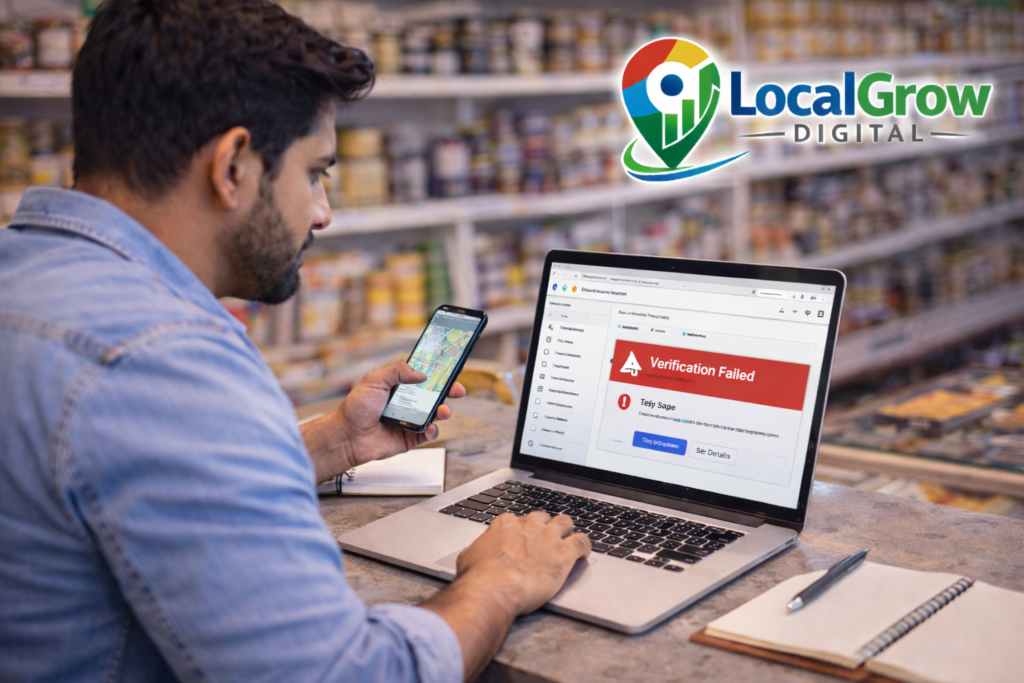
Common Reasons for Google Business Profile Verification Failure
One of the biggest reasons is incorrect or incomplete address. If your address does not match Google Maps or local location signals, verification may fail.
Another major issue is unclear shop signage. During video or photo verification, if your shop name is not clearly visible on the board, Google may reject the verification.
Using residential addresses for commercial listings can also cause problems, especially if customers are expected to visit your location.
Duplicate business profiles also confuse Google’s system. If two listings exist for the same business, verification may fail until duplicates are removed.
Sometimes verification fails simply because Google systems need more proof or your business category does not match your actual services.
What You Should Do If Your Verification Keeps Failing
First, check your business address carefully and make sure it is written exactly as it appears on your shop board and local maps.
Second, ensure your shop name is clearly visible on the board and matches exactly with the business name used in your profile.
Third, remove duplicate listings before requesting verification again. This helps Google clearly understand which profile is correct.
Finally, follow Google’s verification instructions carefully, whether it is video verification, document submission, or live location confirmation.
If verification keeps failing and you are not sure what is going wrong, professional setup can save a lot of time. Our Google Business Profile setup service helps businesses complete verification correctly and fix profile issues so they can start appearing on Google Maps.

Google Maps Visibility Is Only the First Step of Business Growth
Once your business is verified and visible on Google Maps, customers can easily find you, call you, and visit your shop. This brings real local sales and trust.
But long-term business growth also depends on having proper business identity and legal registrations that build credibility with banks, suppliers, and government schemes.
Most small businesses in India choose MSME (Udyam Registration) because it gives official business recognition, access to government schemes, and easier loan support.
If your business is related to food — such as restaurant, bakery, cloud kitchen, tiffin service, grocery, or packaged food — then FSSAI registration is mandatory by law to avoid penalties.
You can learn complete process here: FSSAI Registration for Food Businesses in India
Need Help With Google Business Profile Verification?
If your verification keeps failing and your business is not visible on Google Maps, do not wait and lose customers every day.
Our experts at LocalGrow Digital help small business owners fix verification problems and get their listings approved faster.
👉 Message us on WhatsApp now and get your verification issue solved.