
Google Business Profile verification not working is one of the most frustrating problems for business owners trying to appear on Google Maps. You may see errors like verification failed, no postcard received, or video verification rejected, even after multiple attempts.
If your Google Business Profile verification is not working, it does not mean your business is ineligible. In most cases, the issue is related to address accuracy, profile settings, or verification method problems. This guide explains why verification fails, how to fix it, and what alternatives you can use.
If your listing is already verified but still not visible, read our guide on why a verified business is not showing on Google Maps and how to fix it.
If you are waiting after verification and not sure about timelines, you should also check how long it takes for a business to appear on Google Maps after verification.
In some cases, businesses also face full suspension issues. Learn what to do if your Google Business Profile gets suspended and how to recover it.
Table of Contents
What Does Google Business Profile Verification Actually Mean?
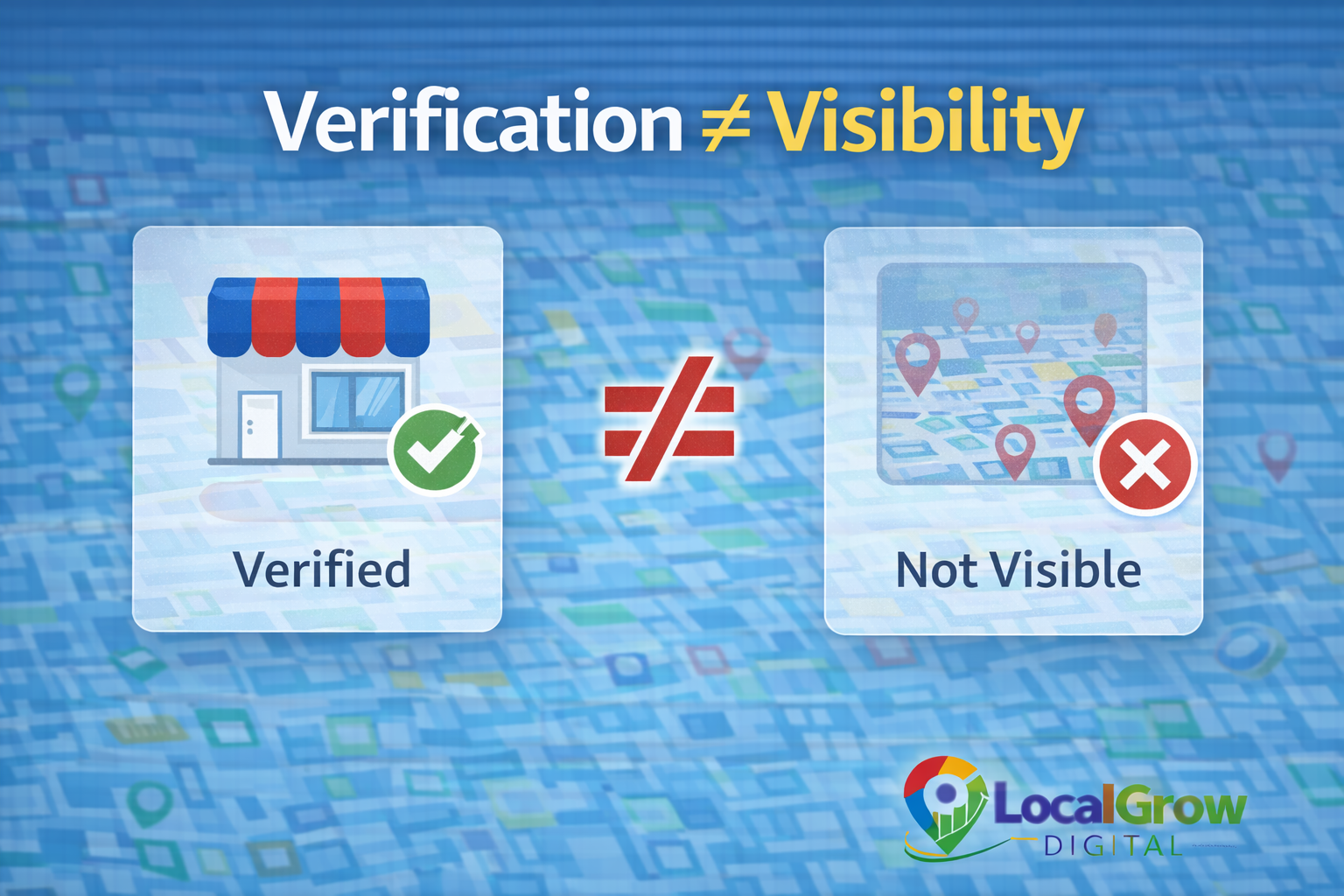
Verification confirms that you are the real owner of the business at a specific location or service area. It does not automatically guarantee ranking or instant visibility on Google Maps.
After verification, Google still checks your address, category, and business activity before fully activating your listing for public searches.
Postcard Verification Problems: Why the Code Never Arrives
Postcard verification is the most common method, but many businesses never receive the mail. This usually happens due to address formatting issues, shared buildings, or incorrect pin placement.
- Incomplete address details
- Wrong building name or floor
- Mail delivery problems in area
- Recent address changes
In many cases, Google recommends waiting at least 14 days before requesting a new postcard. Repeated requests without fixing address issues may delay verification even more.
You should also ensure your business name, address, and website match exactly across all platforms. Even small differences can trigger verification failures.
Why Video Verification Fails on Google Business Profile
Google now uses video verification to confirm real business presence. Many verifications fail because the video does not clearly show permanent signage, workspace, or surroundings.
- No visible shop board
- Temporary location shown
- Poor video clarity
- Wrong business activity shown
Google requires proof of permanent business presence. Temporary setups, home interiors, or coworking spaces often fail verification unless proper signage and workspace are clearly shown.
Make sure your video shows the exterior signage, entry door, interior workspace, and business tools.

Why Some Businesses Don’t Get Phone or Email Verification
Google decides verification options based on business history, location, and risk level. New or high-risk categories often do not receive instant phone or email verification.
- New business profiles
- High spam categories
- Location mismatch
- Incomplete profile data
How to Fix Google Business Profile Verification Not Working Issues
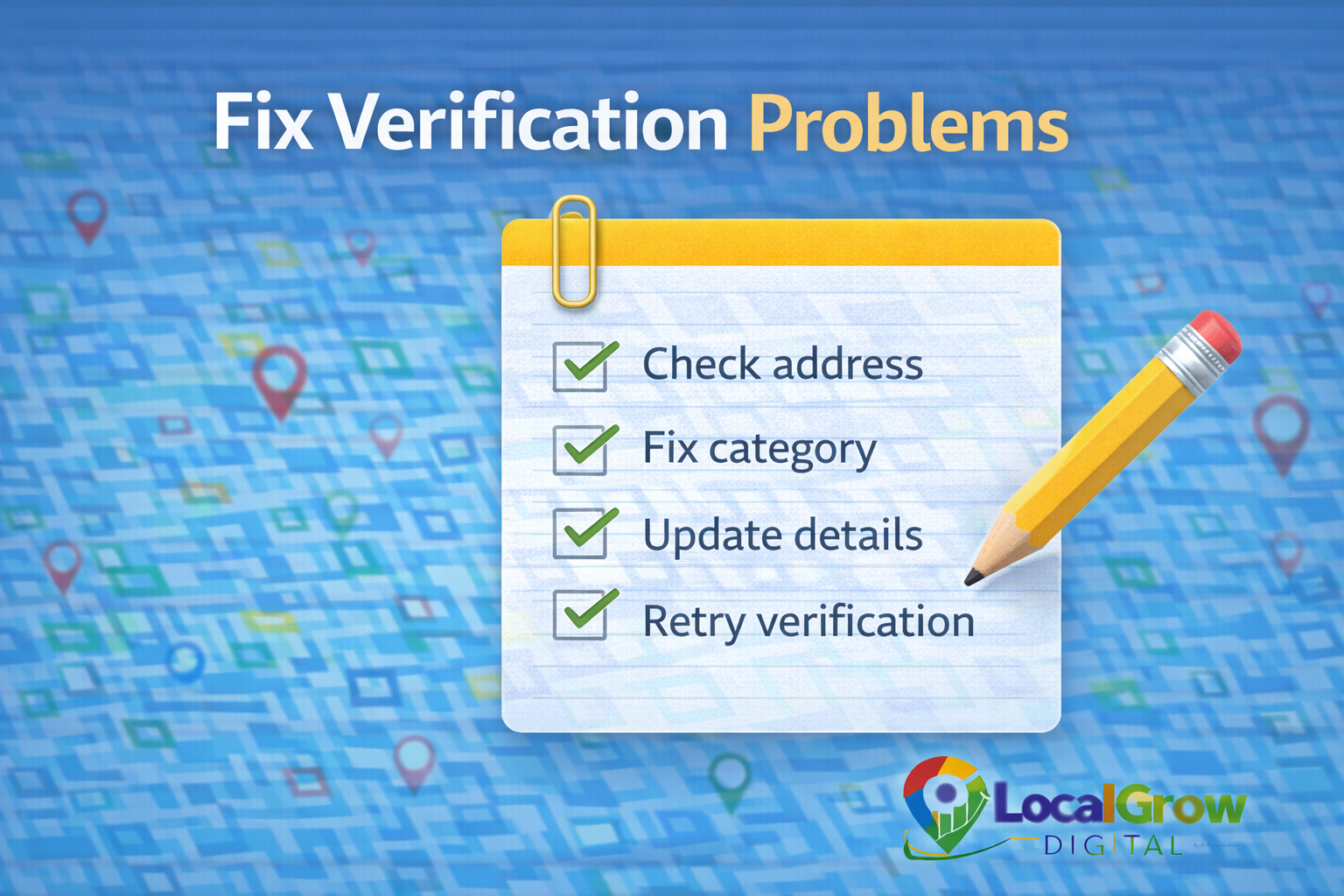
Before retrying verification, you should correct profile details and ensure your business information is accurate.
- Fix address formatting
- Select correct business category
- Add business photos and details
- Update website and contact info
- Retry verification method
Many businesses fail verification simply because their business category does not match their actual services. Choosing the wrong category increases the chances of rejection.
Updating your category, business hours, and service area before re-verification improves approval chances significantly.
Other Ways to Verify Your Business on Google
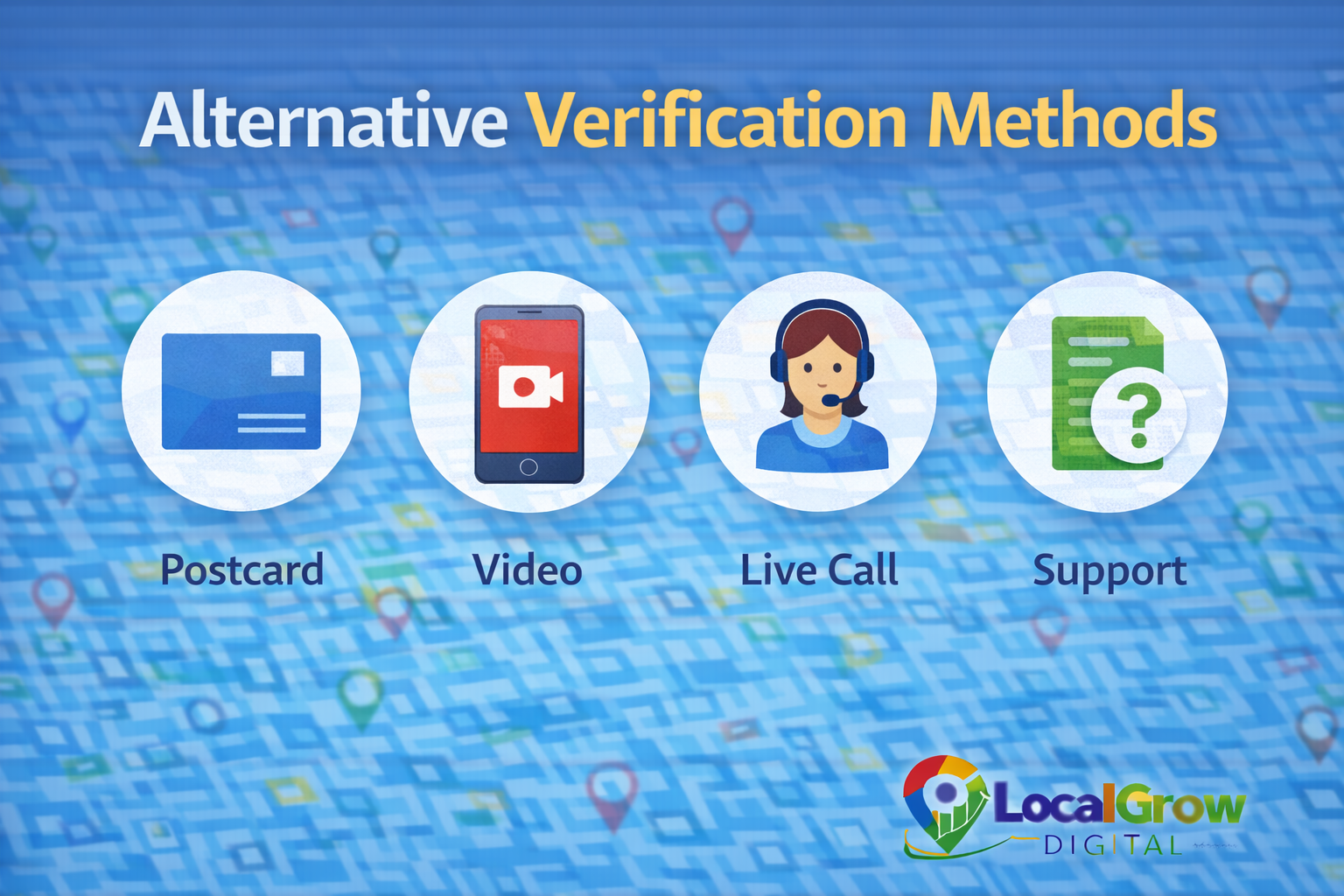
If one verification method fails, Google may offer alternative options based on your profile and region.
- Video verification
- Live video call
- Postcard resend
- Manual support review
When You Should Get Professional Help for Verification
If your verification fails repeatedly or you are stuck without any verification option, professional assistance can help identify technical profile issues and speed up the process.
If your Google Business Profile verification is not working even after multiple attempts, correcting profile data and choosing the right verification method can resolve most cases.
Our Google Business Profile setup service helps businesses complete verification correctly, fix profile errors, and follow Google guidelines to improve approval success.
Verification issues can delay customer calls, website traffic, and local visibility. If your Google Business Profile verification is not working, fixing it quickly is important to avoid losing potential customers to competitors.

Frequently Asked Questions
Why is my Google Business Profile verification failing?
Verification usually fails due to address mismatch, incorrect categories, or unclear business proof in video verification.
How many times can I retry verification?
You can retry verification after fixing profile issues, but repeated failures may require manual review.
Can I change verification method?
Google sometimes offers alternate methods automatically based on profile eligibility.
Does website affect Google Business verification?
Yes. Consistent website address and business details improve verification success.
What if I never receive postcard verification?
You can request a resend or try alternate verification methods if available.
Can service-area businesses verify without showing address?
Yes. Service-area businesses can hide address but still must verify ownership.
Does verification guarantee ranking?
No. Verification only confirms ownership; ranking depends on relevance and activity.
Is professional help safe for verification?
Yes, when done following Google policies, expert help improves approval chances.
Can Google reject verification permanently?
Repeated violations or false information can block verification, but most genuine businesses can fix issues and verify successfully.
Does business age affect verification approval?
New businesses may face more verification checks, but approval is still possible with correct documentation.