
Google Maps visible but no calls is a common problem faced by many local businesses, even after appearing in search results. This situation is more common than most business owners realize and often leads to confusion, frustration, and wrong assumptions about Google Maps SEO.
Seeing your business on Google Maps does not automatically mean customers will contact you. Visibility without conversions usually indicates deeper issues related to trust, relevance, user behaviour, and website experience.
Understanding why a business appears on Google Maps but fails to generate leads is the first step toward fixing the real problem.
A strong local SEO foundation starts with understanding how Google evaluates businesses for local search results and Google Maps visibility, which is explained in detail in our local SEO for businesses guide.
Table of Contents
Why Google Maps Visibility Does Not Guarantee Calls or Leads
Google Maps rankings and customer actions are two different things. A business can appear in search results and still fail to attract clicks, calls, or directions.
Google shows businesses based on relevance, distance, and prominence, but customers decide whether to engage based on trust, clarity, and perceived value. If users hesitate or leave without taking action, Google learns that the listing is not satisfying search intent.
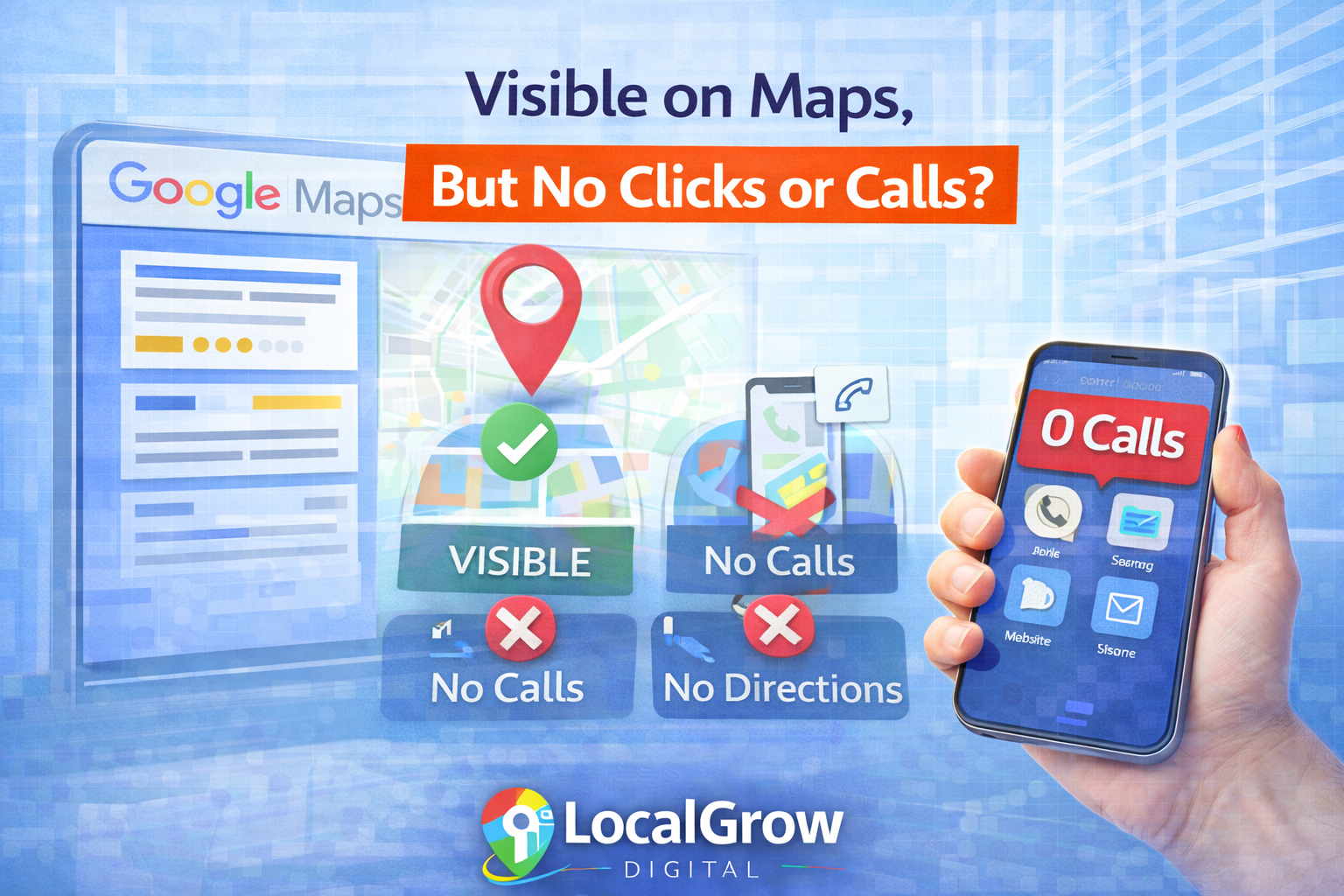
This gap between visibility and engagement is the reason many businesses struggle with Google Maps performance despite appearing in search results.
Many businesses also experience sudden ranking fluctuations, which is explained in detail in our guide on why Google Maps rankings drop suddenly.
Google Maps rankings bring visibility, but conversions are earned through trust, relevance, and user experience.
Why Your Google Maps Listing Gets Views but No Leads
When a Google Maps listing receives impressions but no actions, it usually means users are unsure, unconvinced, or distracted by competing businesses. This behaviour signals to Google that the listing lacks engagement value.
Several hidden factors influence whether a visible listing turns into calls or enquiries.
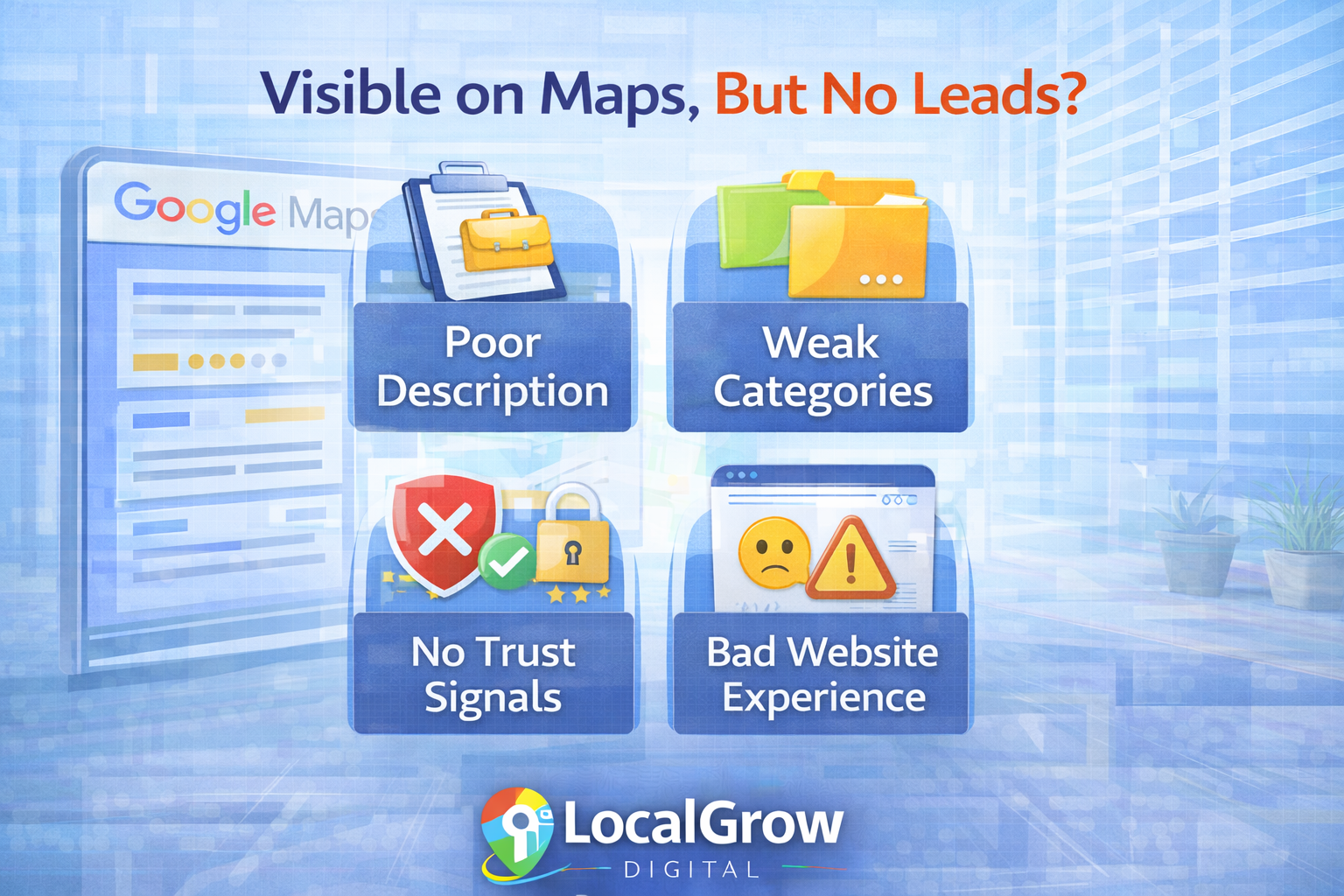
Why Google Maps Visible but No Calls Is a Common Local SEO Issue
Google Maps visible but no calls is a common local SEO issue because visibility alone does not guarantee user trust or intent to contact a business. Google may show a listing based on relevance and location, but customers decide whether to take action based on clarity, credibility, and confidence.
When a business appears on Google Maps but fails to generate calls, it usually means users are unsure about services, pricing, reviews, or the overall reliability of the business. This gap between visibility and user action is where most local SEO strategies fail.
Common Reasons for No Leads
- Weak business description
- Incorrect or broad categories
- No trust signals
- Poor website experience
What Users Expect to See
- Clear services
- Strong credibility
- Easy contact options
- Fast-loading website
How Your Website Affects Google Maps Calls and Leads
Google Maps listings do not operate in isolation. When users click on a business profile, Google closely observes what happens next. If users land on a slow, confusing, or untrustworthy website, they often leave without taking action.
This behaviour sends negative engagement signals to Google, reducing both conversion potential and long-term Maps performance.
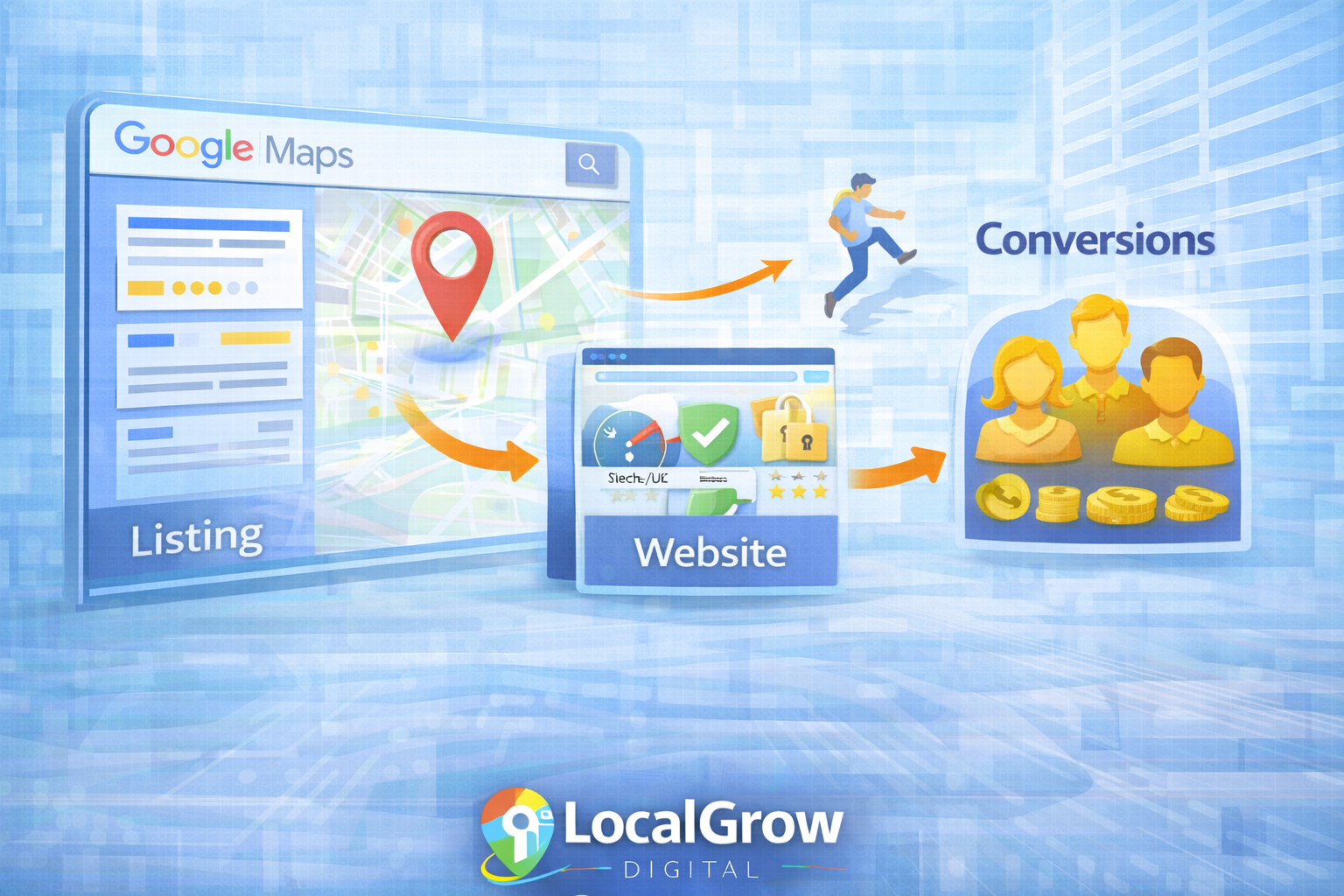
A strong website acts as the final decision point. Even if your Google Maps listing ranks well, a weak website experience can silently kill conversions.
In many cases, businesses that struggle with calls from Google Maps also face deeper structural issues, including website SEO weaknesses that affect Maps visibility.
Google Maps rankings may attract visitors, but websites decide whether visitors become customers.
User Engagement Signals That Influence Google Maps Performance
Google tracks how users interact with business listings. These engagement signals help Google determine whether a listing satisfies search intent or should be replaced by competitors.
If users view a listing but fail to take action, Google slowly reduces its visibility over time.
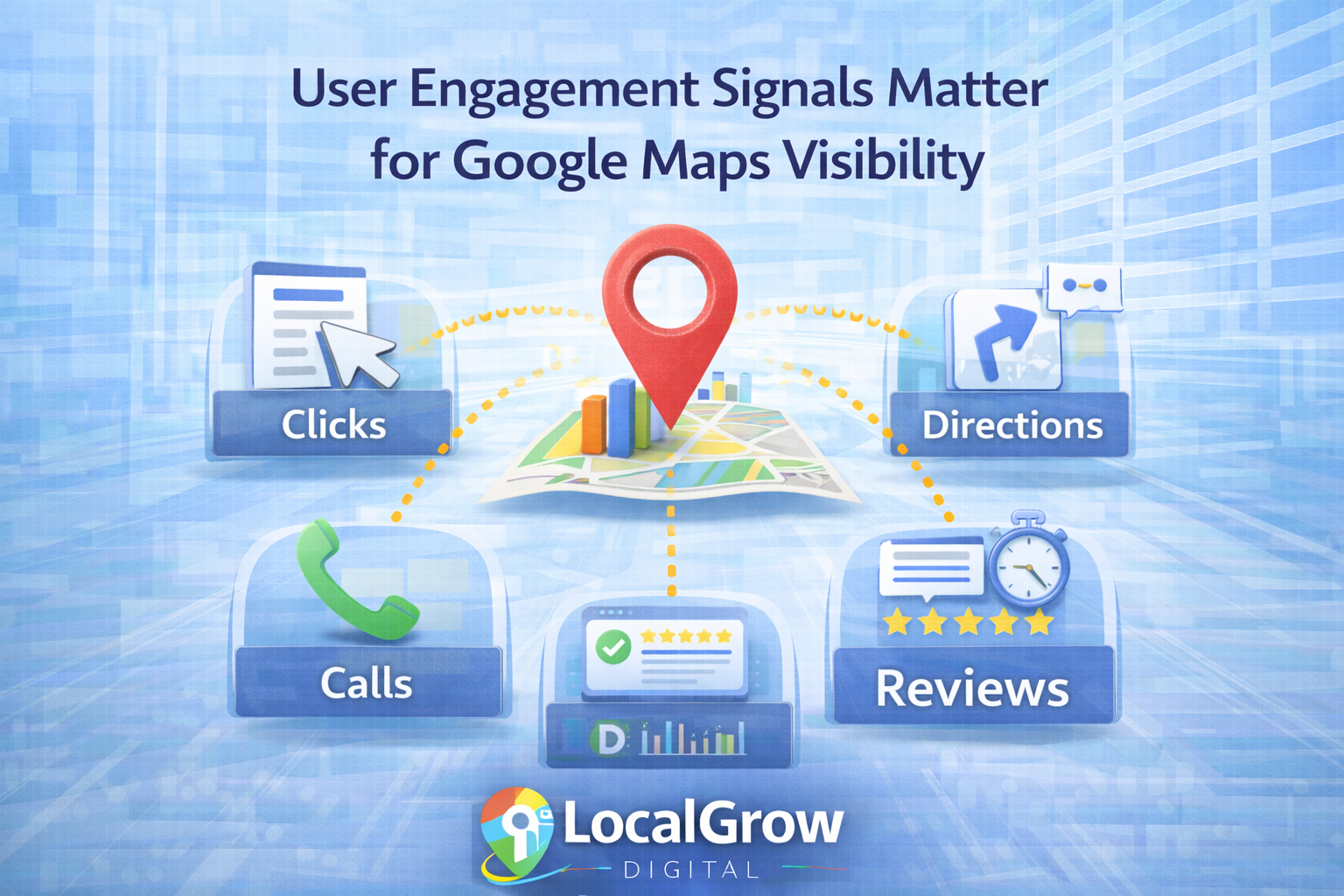
These engagement signals help Google understand whether users find a business useful or ignore it. Positive actions strengthen visibility over time, while negative behaviour slowly reduces a listing’s ability to attract customers.
Positive Engagement Signals
- Phone calls
- Direction requests
- Website clicks
- Reviews and replies
Negative Engagement Signals
- Quick profile exits
- No actions taken
- Poor review sentiment
- Website bounce-backs
Google clearly explains how it evaluates local results and why relevance, distance, and prominence determine Maps rankings in its documentation on how Google ranks local results.
Why Some Businesses Stay Visible but Never Convert
Customers compare multiple businesses before taking action. Even a small trust gap can push users toward competitors with clearer information, stronger reviews, or more professional websites.
Being visible is not enough. Businesses must appear credible, relevant, and easy to contact within seconds.
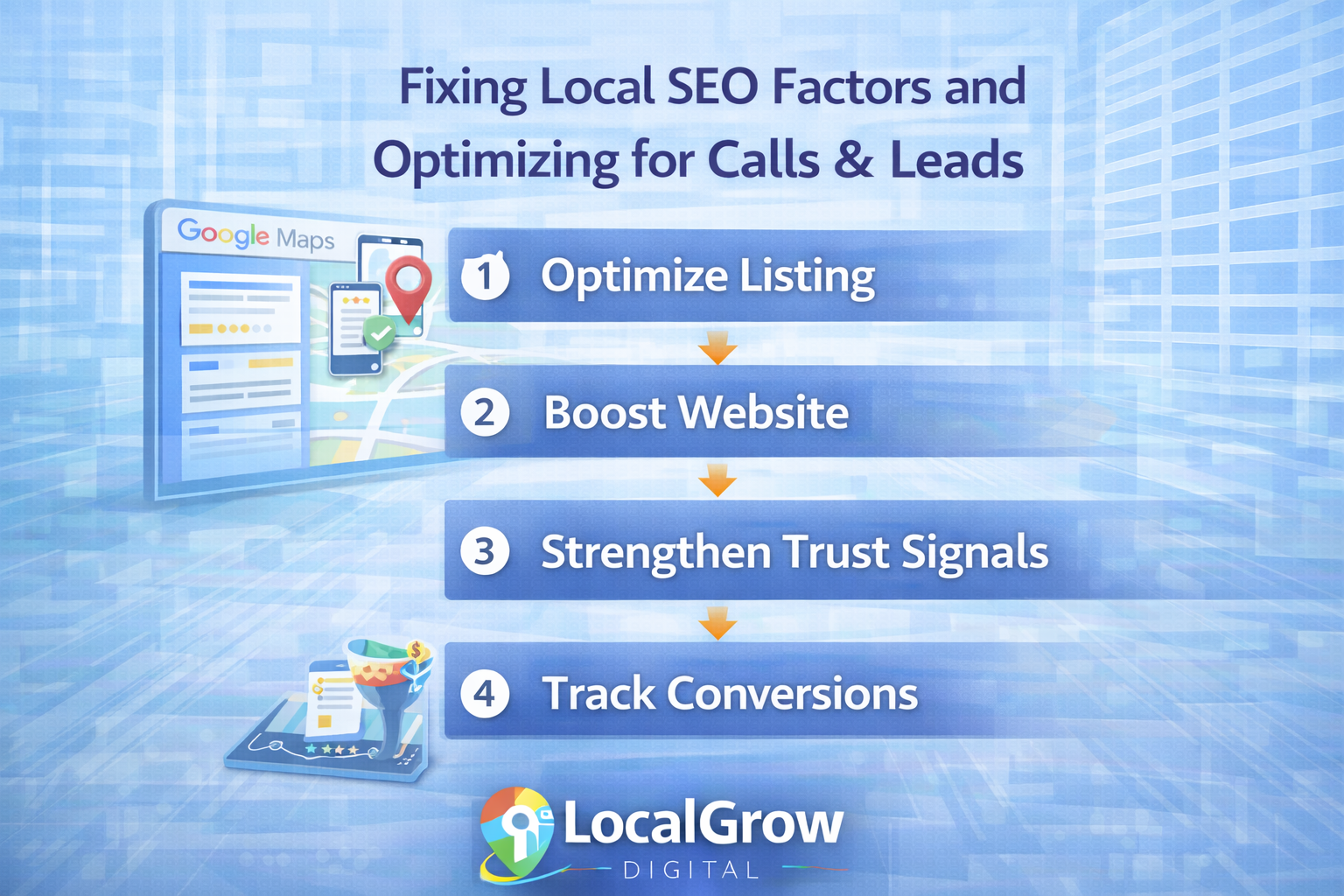
The solution lies in optimising both your Google Maps listing and the experience users encounter after clicking it.
Some businesses never receive calls at all despite being visible, a problem commonly seen in businesses that never rank effectively on Google Maps.
How to Fix a Google Maps Listing That Gets No Calls or Leads
Fixing Google Maps visibility without conversions requires addressing both listing optimisation and user trust. Small improvements across multiple areas often lead to significant increases in calls and enquiries.
- Rewrite your business description to clearly explain services and value.
- Choose accurate primary and secondary business categories.
- Improve review quality and respond consistently.
- Optimise your website for speed, clarity, and trust.
- Track calls, clicks, and user behavior regularly.
Most Google Maps problems are not visibility issues — they are trust and experience issues.
If your business appears on Google Maps but fails to generate calls or enquiries, professional Google Business Profile optimization can correct these issues and improve local visibility.
Frequently Asked Questions About Google Maps Visibility and Leads
Why is my business visible on Google Maps but not getting calls?
A business can appear on Google Maps but still receive no calls if users do not trust the listing, find the information unclear, or experience poor website usability after clicking. Google Maps visibility only shows presence, not conversion readiness.
Does Google Maps ranking guarantee customer leads?
No. Google Maps ranking only determines visibility. Leads depend on trust signals, business information clarity, reviews, user engagement, and website experience.
What does “Google Maps visible but no leads” mean?
It means your listing is appearing in search results but users are not clicking, calling, or requesting directions, indicating conversion or trust issues rather than ranking issues.
How does Google decide whether users should call a business from Maps?
Google observes user behaviour such as profile clicks, calls, direction requests, and website engagement to determine whether a business listing satisfies search intent.
Can a weak website affect Google Maps leads?
Yes. A slow, confusing, or untrustworthy website can cause users to leave quickly, reducing conversions and sending negative engagement signals to Google.
Why do competitors get calls while my business does not?
Competitors often have clearer service descriptions, better reviews, stronger trust signals, and more user-friendly websites, making customers more confident to contact them.
What are the most common reasons Google Maps listings fail to convert?
The most common reasons include poor business descriptions, incorrect categories, lack of reviews, unclear contact information, and weak website performance.
Does Google track user behaviour on Maps listings?
Yes. Google tracks actions like clicks, calls, direction requests, and time spent to evaluate listing effectiveness.
Can reviews affect whether users call from Google Maps?
Absolutely. Reviews build trust. Listings with recent, positive, and well-responded reviews convert far better than those with few or negative reviews.
Why do I get impressions on Google Maps but no clicks?
Impressions without clicks usually indicate weak listing appeal, unclear services, low trust, or strong competitor listings nearby.
How can I turn Google Maps visibility into real customers?
You must optimize your listing details, build trust through reviews, improve website experience, and make it easy for users to contact you.
Is Google Business Profile optimization enough to get leads?
No. While essential, it must be supported by strong website SEO, trust signals, and user engagement optimization.
Why do some businesses never get calls despite ranking well?
Because ranking shows relevance, not credibility. Users choose businesses they trust and understand quickly.
Does website speed affect Google Maps performance?
Yes. Slow websites frustrate users and increase bounce rates, reducing both conversions and engagement signals.
Can small businesses compete for Google Maps leads?
Yes. Small businesses often outperform larger ones by offering clearer information, better reviews, and stronger local trust.
What is the difference between Google Maps visibility and conversion?
Visibility means appearing in search results, while conversion means users take action such as calling, visiting, or enquiring.
Should I hire a professional to fix Google Maps lead issues?
If basic optimization does not improve results, professional Google Business Profile and local SEO services can diagnose deeper conversion and trust problems.
How does Google Maps decide which business users contact first?
Google prioritises listings that show strong relevance, trust, engagement, and user satisfaction signals over time.