
If you want to protect Google Business Profile from suspension, you must understand what causes penalties and how to build long-term trust with Google Maps. Many business owners do not realize their profile is at risk until they see the dreaded “suspended” message inside their dashboard.
If you want to protect your Google Business Profile from suspension, you must follow Google’s policies, maintain strong trust signals, and avoid common mistakes that trigger automated penalties. This guide explains exactly how to keep your listing safe, what actions put your profile at risk, and what to do if suspension happens.
If your business is already facing ranking or visibility problems, these guides will help you identify deeper issues:
- If your rankings suddenly dropped, read why business ranking dropped on Google Maps and how to recover.
- If you are not receiving calls, learn how to get more calls from Google Maps listing.
- If your service-area business is not visible, see why service area business not showing on Google Maps and how to fix it.
- If your reviews disappeared, check why Google Business Profile reviews are not showing.
Table of Contents
How to Protect Google Business Profile from Suspension Step by Step
Protecting your Google Business Profile from suspension requires following policy rules, building trust signals, and avoiding risky profile edits. Businesses that follow structured compliance steps are far less likely to face penalties or ranking drops.
These steps are designed to protect Google Business Profile from suspension even during major Google spam updates that affect thousands of local businesses every month.
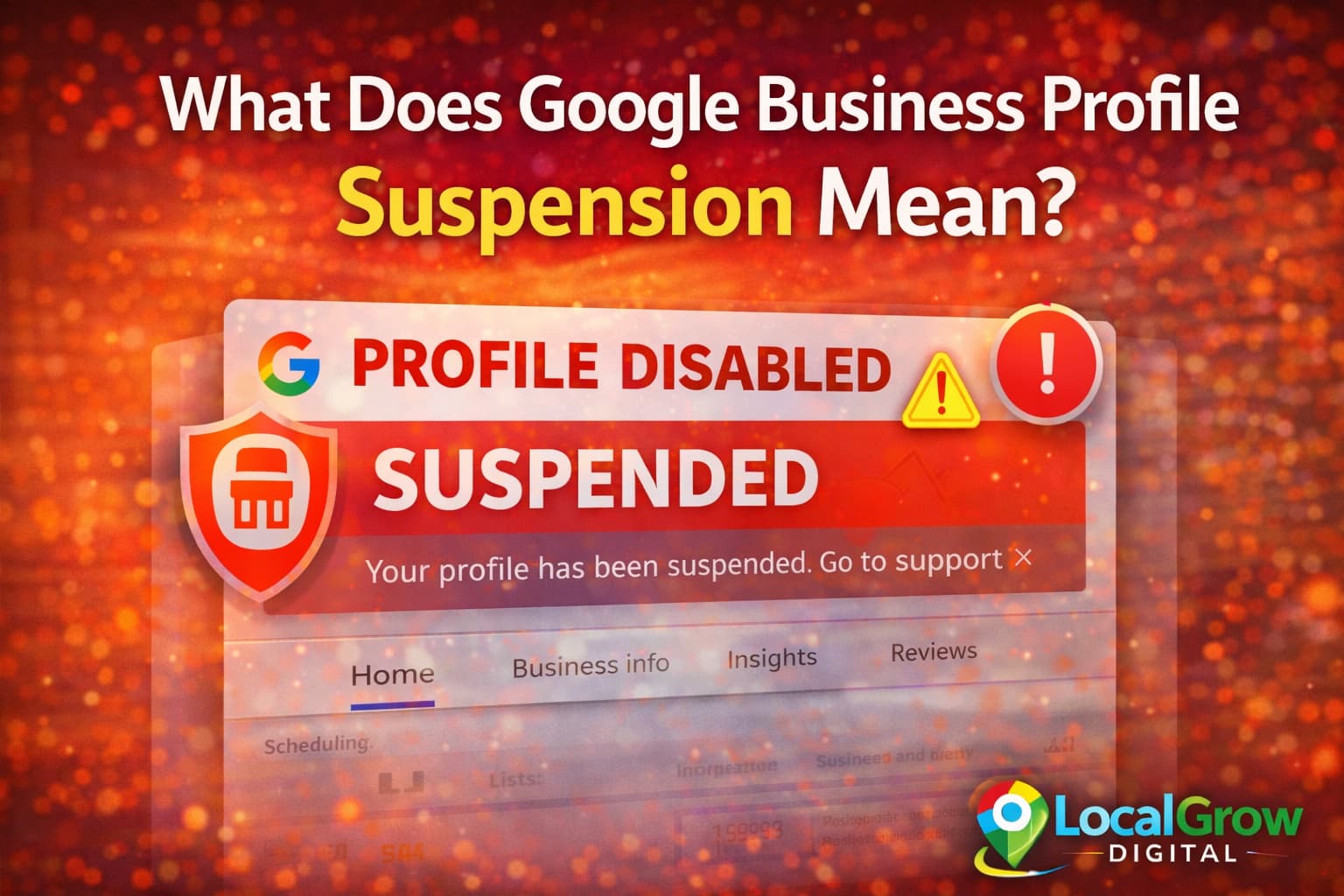
What Does Suspension Mean and Why You Must Protect Google Business Profile Early
When Google suspends a business profile, the listing becomes invisible on Google Search and Google Maps. Customers cannot find your business, call you, or navigate to your location.
Suspension is usually triggered by automated systems that detect policy violations, suspicious changes, or inconsistencies across the web. Even genuine businesses can get suspended if profile data does not match Google’s guidelines.
Most Common Reasons Google Suspends Business Profiles
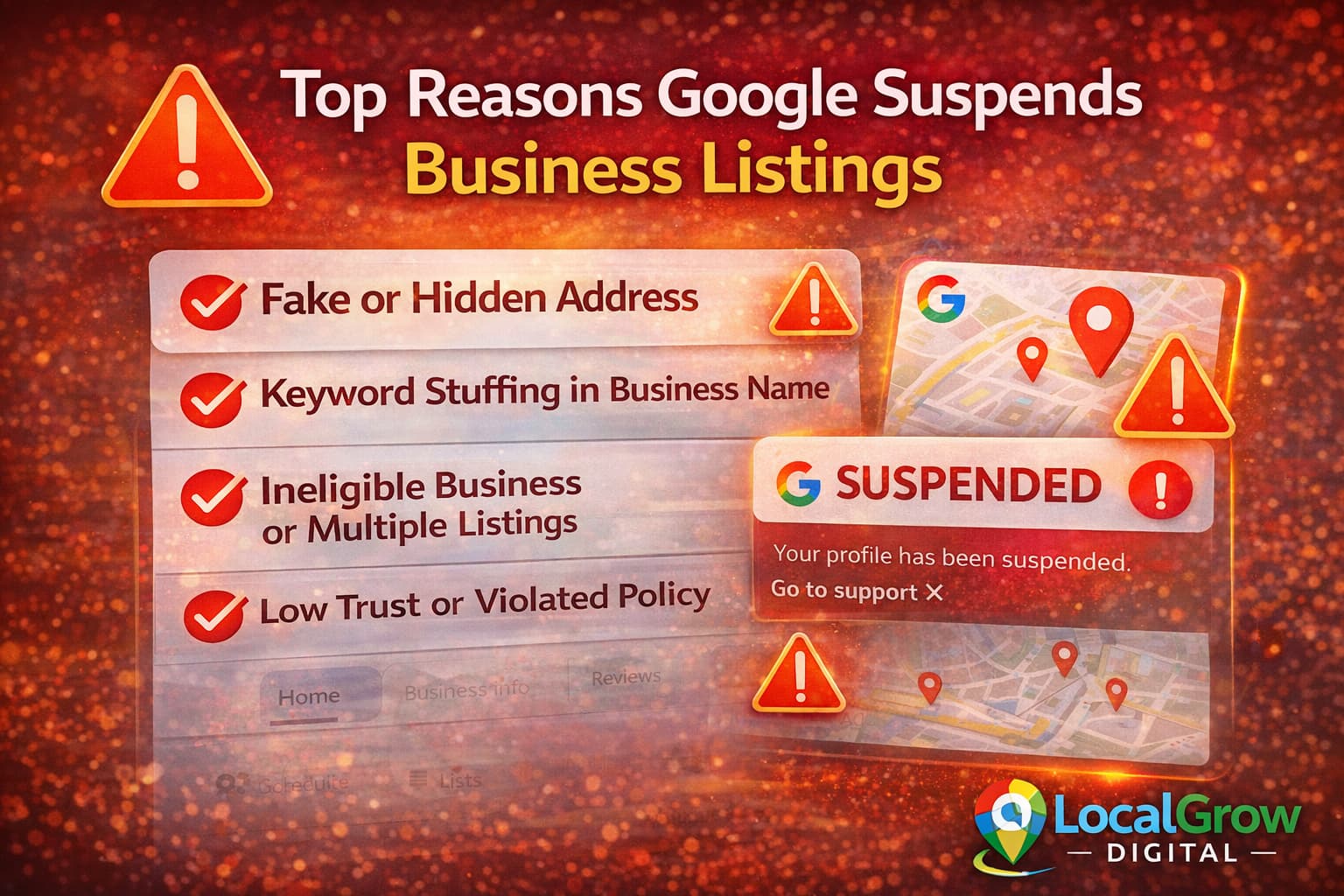
Many suspensions are not manual actions. They happen because Google’s system flags profiles that look unreliable or misleading.
- Using virtual office or fake addresses
- Keyword stuffing in business name
- Creating multiple listings for same business
- Incorrect service area setup
- Category mismatch with actual business activity
- Frequent suspicious edits
Monitoring call activity helps identify listing health issues early. Learn how to get more calls from Google Maps listing.
Why Address and Service Area Settings Matter So Much
Google strictly verifies whether your business operates from the location you claim. If you list an address where customers cannot visit, or if your service area contradicts your category, your profile becomes high risk.
Service-area businesses must hide their address and correctly define coverage zones. Storefront businesses must show real signage and permanent location proof.
Service-area businesses should follow proper setup rules explained in this guide on service area business not showing on Google Maps.
Wrong Categories and Business Models That Trigger Penalties
Google cross-checks your category, website content, photos, and user behavior. If they do not match, your profile looks unreliable.
- Listing as store while operating from home
- Showing showroom photos for service business
- Choosing high-competition categories wrongly
- Using misleading primary category
Fake or filtered reviews can also affect trust. Read why Google Business Profile reviews are not showing and how to fix it.
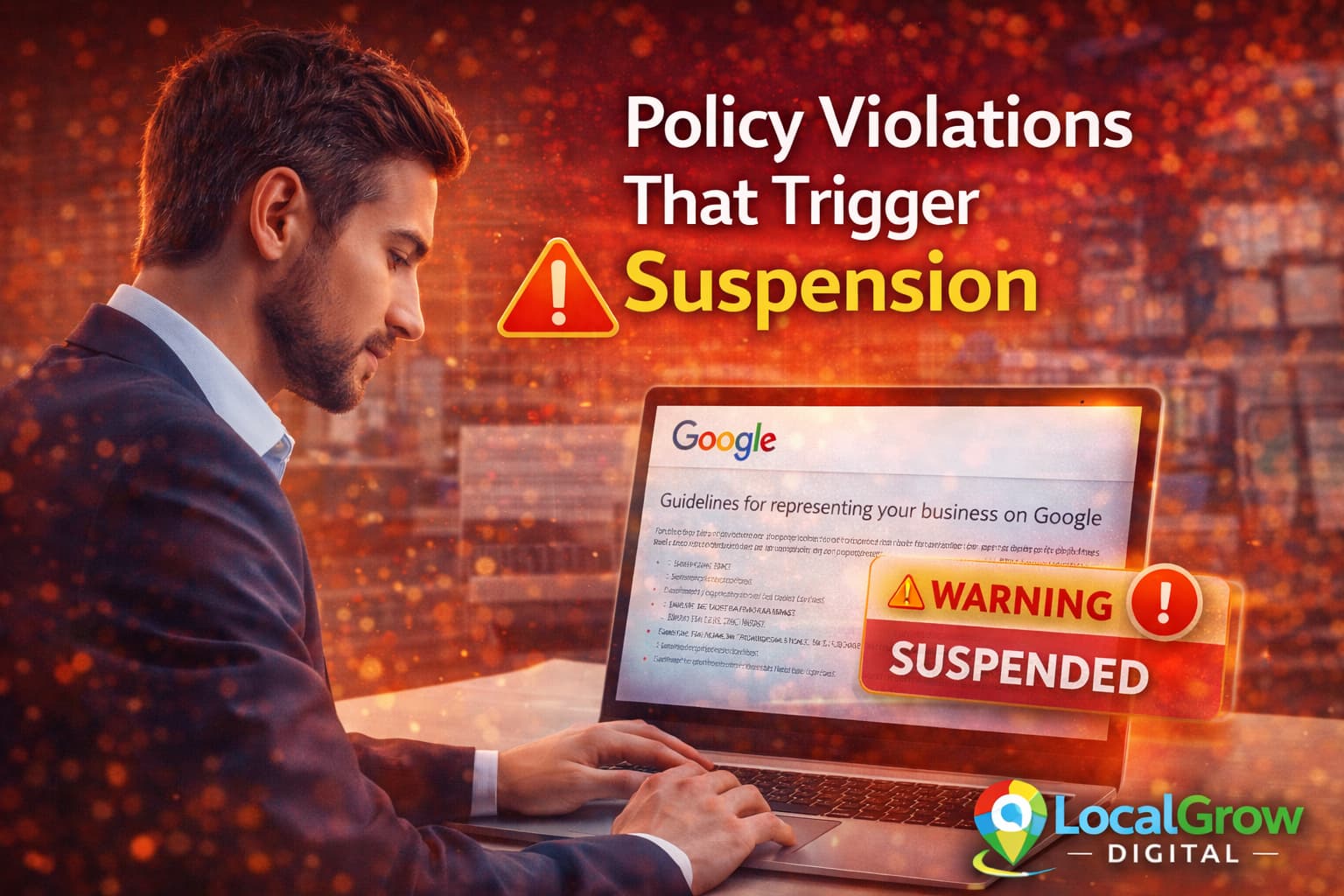
Google clearly outlines what causes suspensions in their official Business Profile guidelines.

How to Update Your Profile Without Triggering Google Filters
Many suspensions happen after aggressive editing. Google treats sudden changes as potential spam.
- Update only one major field at a time
- Avoid frequent name changes
- Keep address formatting consistent everywhere
- Upload real photos of location and team
- Maintain matching website contact details
Before making profile changes, review Google’s business information quality guidelines.
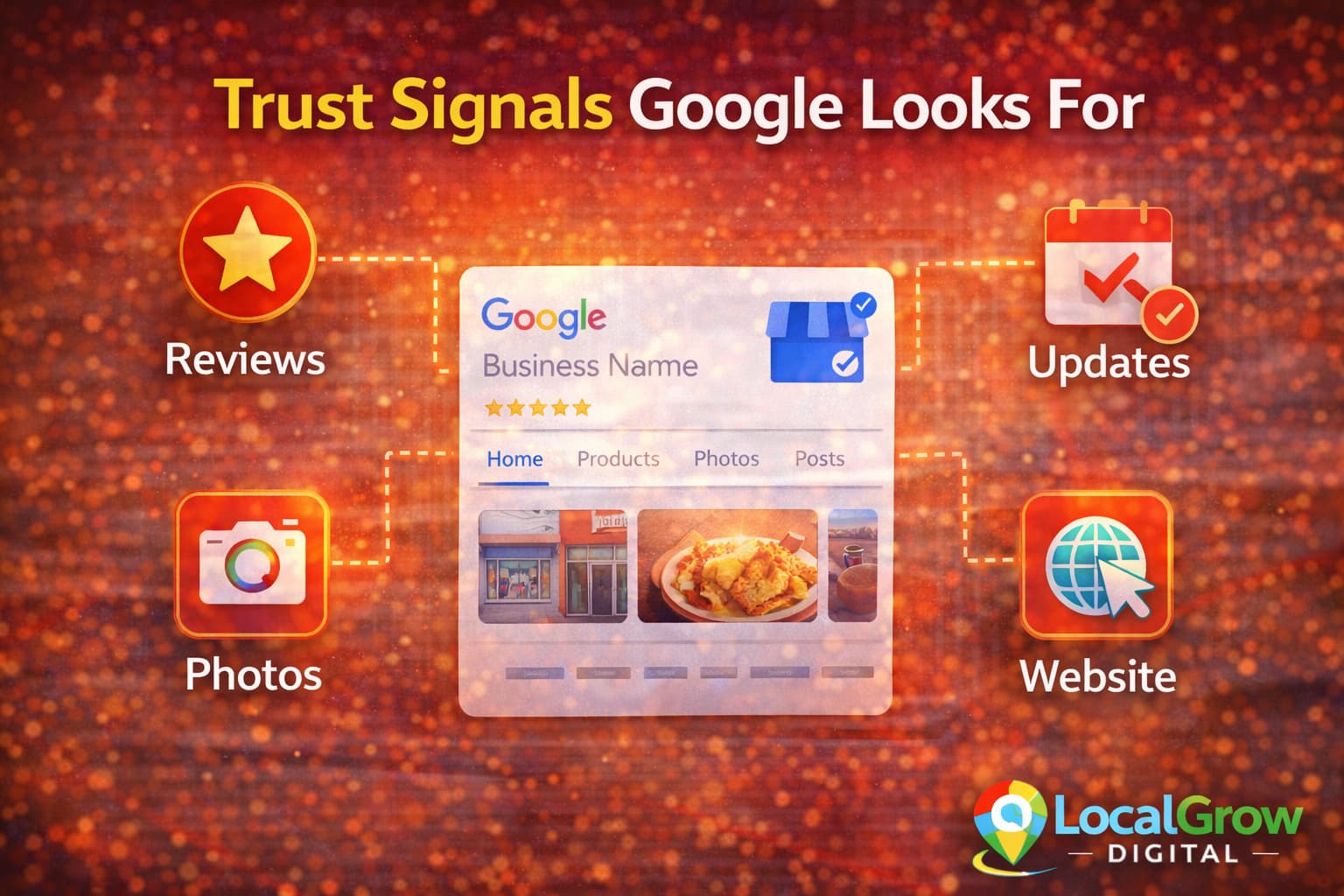
Trust Signals That Keep Your Profile Safe Long Term
Google ranks and protects businesses it trusts. Strong trust signals reduce both ranking drops and suspension risk.
- Active customer reviews
- Real business photos
- Verified website
- Consistent citations
- Regular Google Posts
Consistent trust signals are critical if you want to protect Google Business Profile from suspension and maintain long-term ranking stability on Google Maps.
Tracking performance helps detect issues early. Learn how to track calls and leads from Google Maps to monitor listing health.
Posting regularly on your profile also improves safety. Learn how to use Google Business Profile posts strategically for local SEO.
Strong trust signals are one of the best ways to protect Google Business Profile from suspension because Google continuously checks whether your business information matches real-world activity and customer behavior.
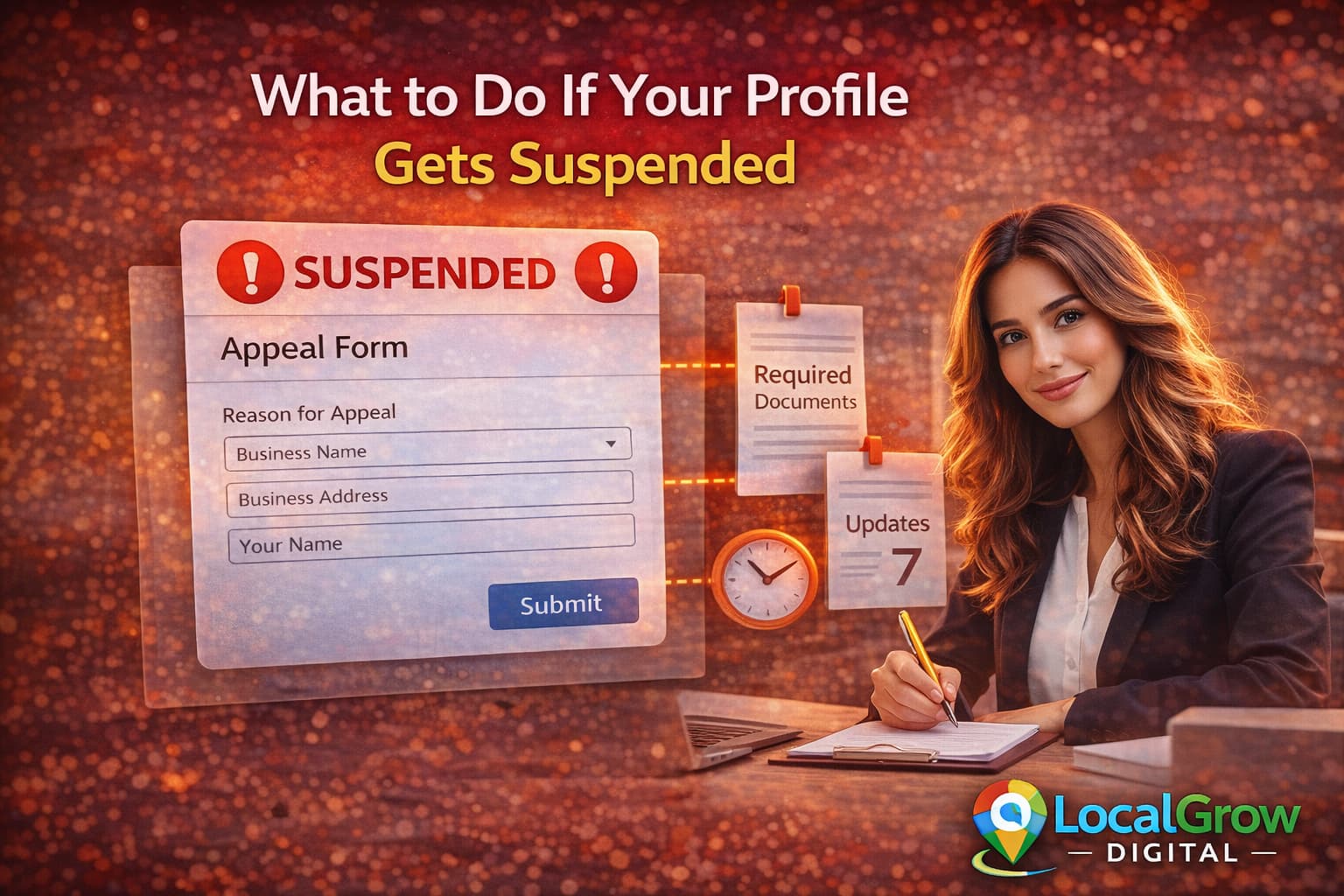
What to Do If Your Google Business Profile Gets Suspended
What to Do If Your Google Business Profile Gets Suspended
- Review Google guidelines carefully
- Fix incorrect profile data
- Collect real business proof
- Submit reinstatement request
- Wait for Google response
Even if suspension happens, the goal should always be to fix violations properly so you can protect Google Business Profile from suspension in the future and avoid repeat penalties.
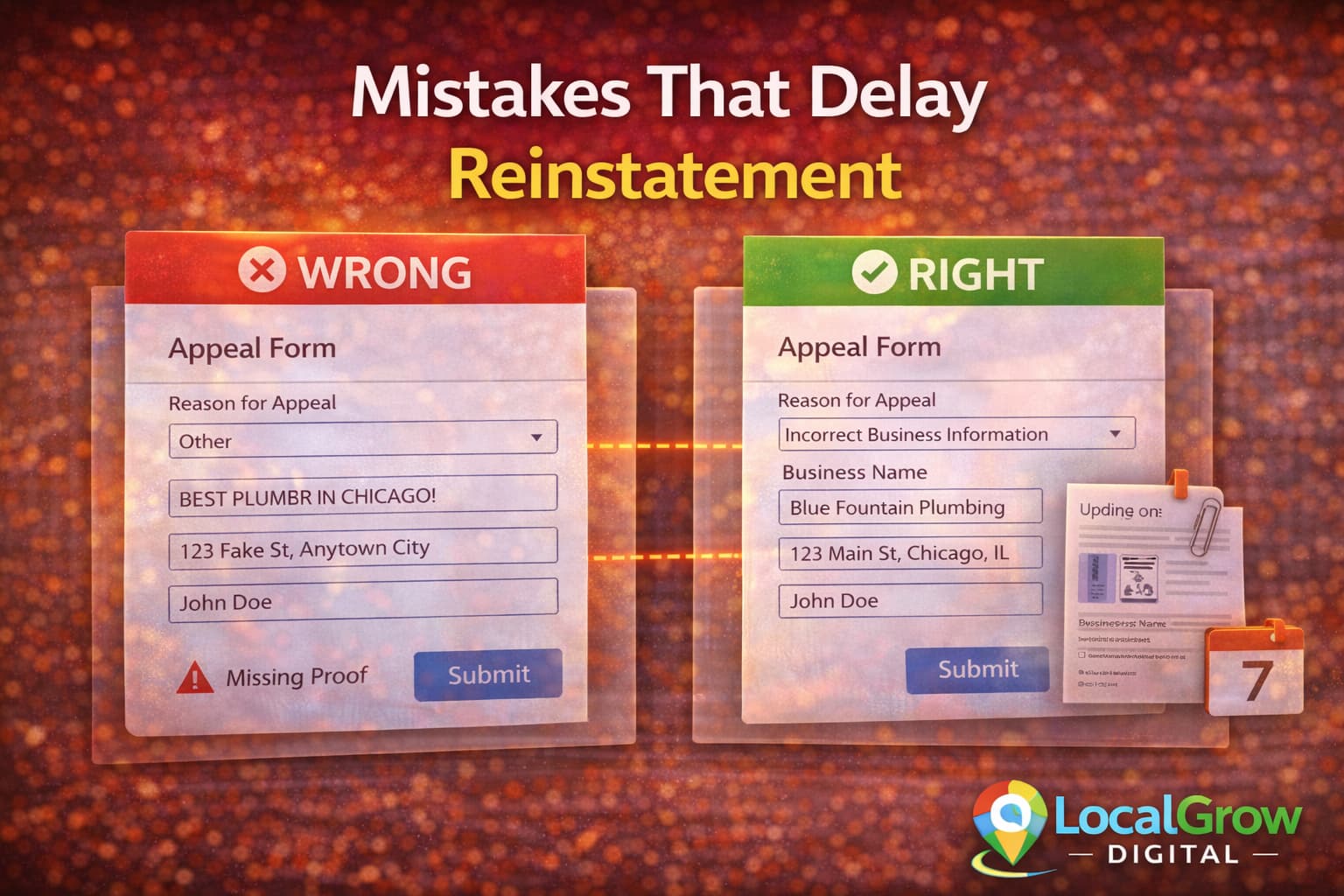
Mistakes That Make Suspension Recovery Slower
Many reinstatement requests fail due to incorrect submissions.
- Submitting without fixing violations
- Uploading unclear proof documents
- Making more edits during appeal
- Opening duplicate tickets
If your rankings dropped before suspension, review why business ranking dropped on Google Maps to identify early warning signals.
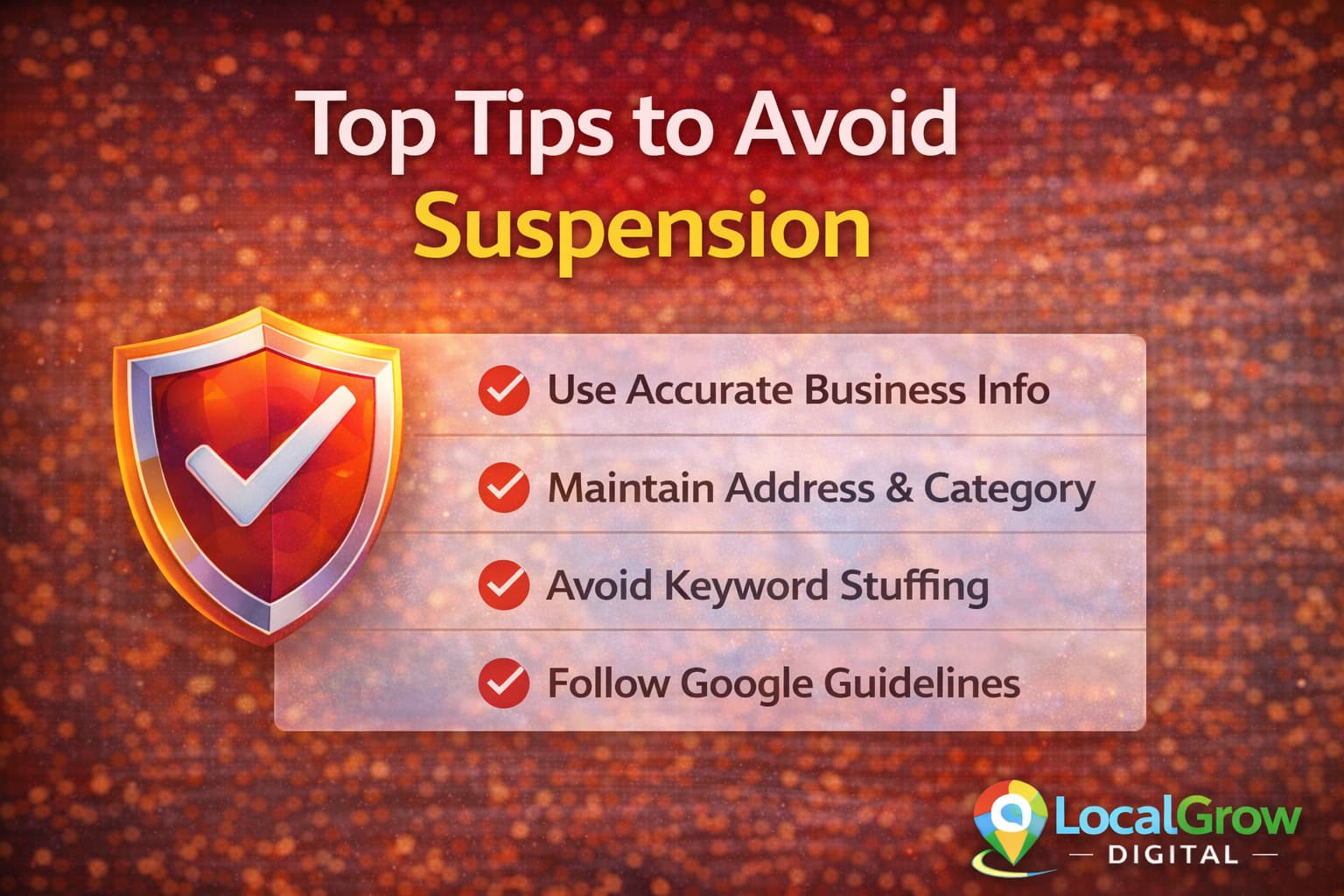
Long-Term Strategy to Keep Your Business Safe on Google Maps
A long-term compliance plan helps protect Google Business Profile from suspension and ensures your rankings remain stable even when Google updates its spam filters.
Protection is not one-time setup. It requires ongoing consistency.
- Monthly profile audits
- Monitor suggested edits
- Maintain NAP consistency
- Keep website updated
- Respond to reviews
Regular posting improves activity signals. Use Google Business Profile posts strategically for local SEO.
If your listing was previously optimized incorrectly, follow our complete guide on how to optimize Google Business Profile for higher ranking on Google Maps before making major edits.
If you are facing repeated issues, professional Google Business profile setup and optimization can help identify hidden violations and strengthen your trust signals with Google.
Why Prevention Is Better Than Recovery on Google Maps
Once a profile is suspended, recovery is not guaranteed and rankings may take weeks to stabilize again. Preventive optimization protects your revenue, customer trust, and local authority.
Businesses that invest in correct setup, policy compliance, and ongoing monitoring rarely face sudden suspensions or ranking crashes.
- Keeps calls and inquiries active
- Protects long-term SEO authority
- Avoids costly downtime
- Maintains customer trust
Businesses that actively protect Google Business Profile from suspension rarely face sudden visibility loss, while recovery cases often take weeks or months to stabilize.

If you want expert assistance to protect Google Business Profile from suspension permanently, professional profile optimization ensures your listing follows every policy requirement.
If you want professional protection and policy-safe optimization, our Google Business Profile setup service helps ensure long-term stability and ranking safety.
Industries That Face Higher Google Business Profile Suspension Risk
Some industries face higher scrutiny due to frequent spam, fake listings, and misleading addresses. Google applies stricter checks to these business categories to protect search quality.
- Home service businesses (plumbers, electricians, locksmiths)
- Clinics and medical practices
- Online-only service providers
- Co-working office addresses
- Delivery-based food businesses
If your business falls into any of these categories, it becomes even more important to protect Google Business Profile from suspension by maintaining perfect data accuracy and real-world signals.
Frequently Asked Questions
Why does Google suspend business profiles?
Suspension usually happens due to policy violations, address problems, misleading information, or suspicious profile behavior.
Can verified businesses still get suspended?
Yes. Verification only confirms ownership, not long-term compliance with policies.
Does editing profile frequently cause suspension?
Yes. Frequent or major edits can trigger Google’s spam detection systems.
Are virtual office addresses allowed on Google Maps?
No. Virtual offices usually violate Google’s location guidelines.
How long does reinstatement take after suspension?
It can take from a few days to several weeks depending on case complexity.
Can I create a new profile if mine is suspended?
No. Creating duplicates often worsens the situation.
Do reviews help prevent suspension?
Yes. Active genuine reviews improve profile trust.
Does website consistency affect Google trust?
Yes. Website contact details must match your business profile exactly.
Are service-area businesses more likely to be suspended?
They face higher scrutiny because location proof is harder to verify.
Can category changes trigger suspension?
Yes. Incorrect or frequent category changes may flag your profile.
Does uploading photos help safety?
Yes. Real photos verify business legitimacy.
Can agencies help recover suspended profiles?
Yes, when done within Google policies, experts can speed recovery.
Is suspension permanent?
No. Most genuine businesses can be reinstated if issues are fixed.
How can I monitor future risks?
Regular audits and tracking suggested edits reduce risks.