
If your business is already verified on Google Business Profile but still not appearing on Google Maps, the issue is usually related to technical trust, category relevance, or post-verification ranking filters.
For a complete step-by-step guide covering all reasons a business may not appear on Google Maps, refer to this detailed troubleshooting guide.
This issue can happen due to incorrect profile settings, location problems, or Google still processing your listing. The good news is that in most cases, business not showing on Google Maps can be fixed by following the right steps inside your Google Business Profile.aps even after completing the verification process.
If you want professional assistance to fix visibility issues and correctly set up your profile, our Google Business Profile setup service helps businesses appear on Google Maps faster and avoid common mistakes.
Table of Contents
Why Verified Businesses Still Do Not Appear on Google Maps
Many people think that once their business is verified, it will instantly start appearing on Google Maps. However, Google uses many other signals to decide whether a business should be shown in local search results.
Here are the most common reasons why your business may still not be visible even after verification.
- Incorrect or incomplete business address
- Wrong primary business category
- Duplicate business listings
- New profile still under indexing
- Service area setup issues
Check If Your Google Business Profile Is Actually Verified
Before making any changes, you must confirm that your business profile is fully verified and not pending or suspended.
According to Google, businesses must complete verification before they can appear on Google Maps and Search results. You can also review Google’s official verification guidelines to understand accepted methods and timelines.
Sometimes business owners receive verification confirmation but the profile is still under review by Google systems.
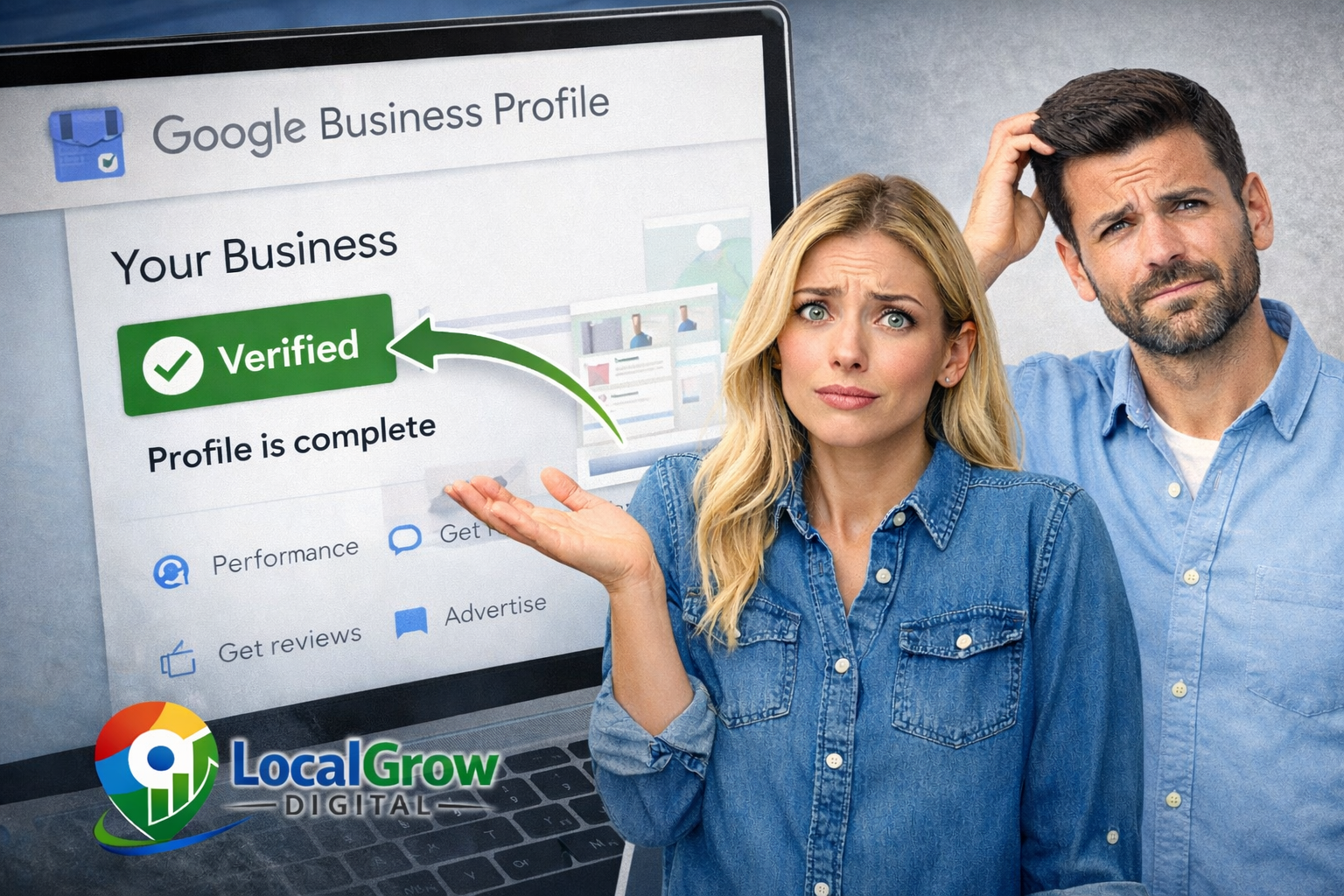
Log in to your Google Business Profile dashboard and check the status message. If it shows “Verified,” then you can move to the next steps. If not, you may need to complete verification again or contact Google support.
Top Reasons Why Your Business Is Not Showing on Google Maps
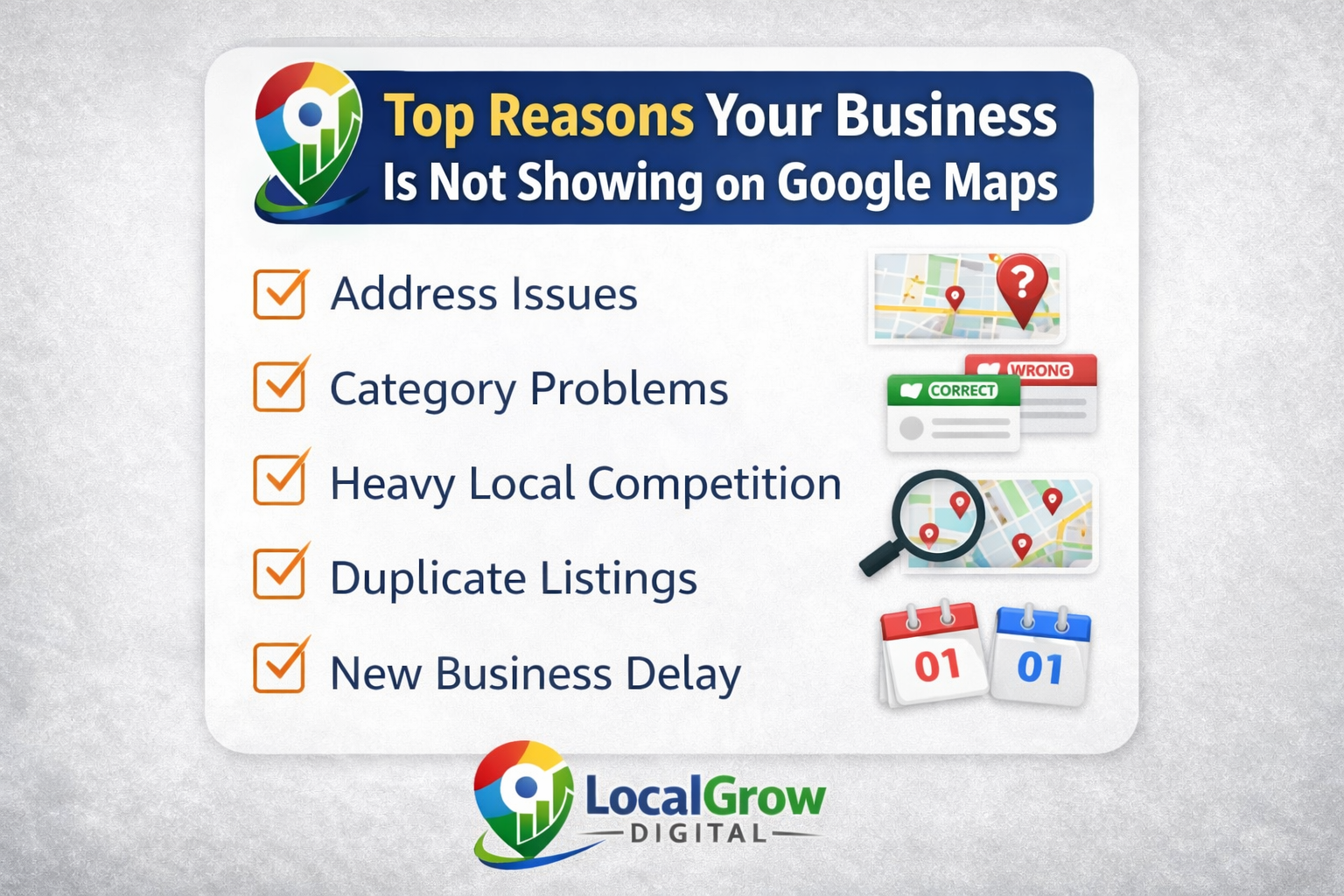
Google Maps rankings depend on accuracy, relevance, and trust. Even small mistakes can prevent your business from showing in nearby searches.
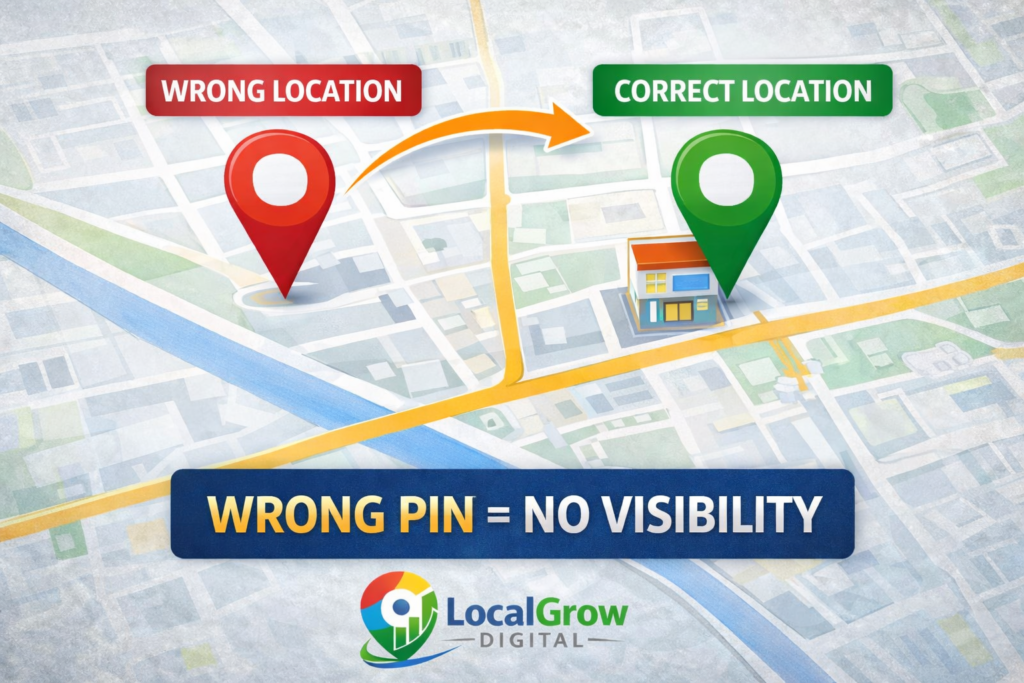
Wrong Pin Location or Address Mismatch
If your map pin is placed incorrectly or your address does not match official records, Google may not trust your location and hide your listing from results.
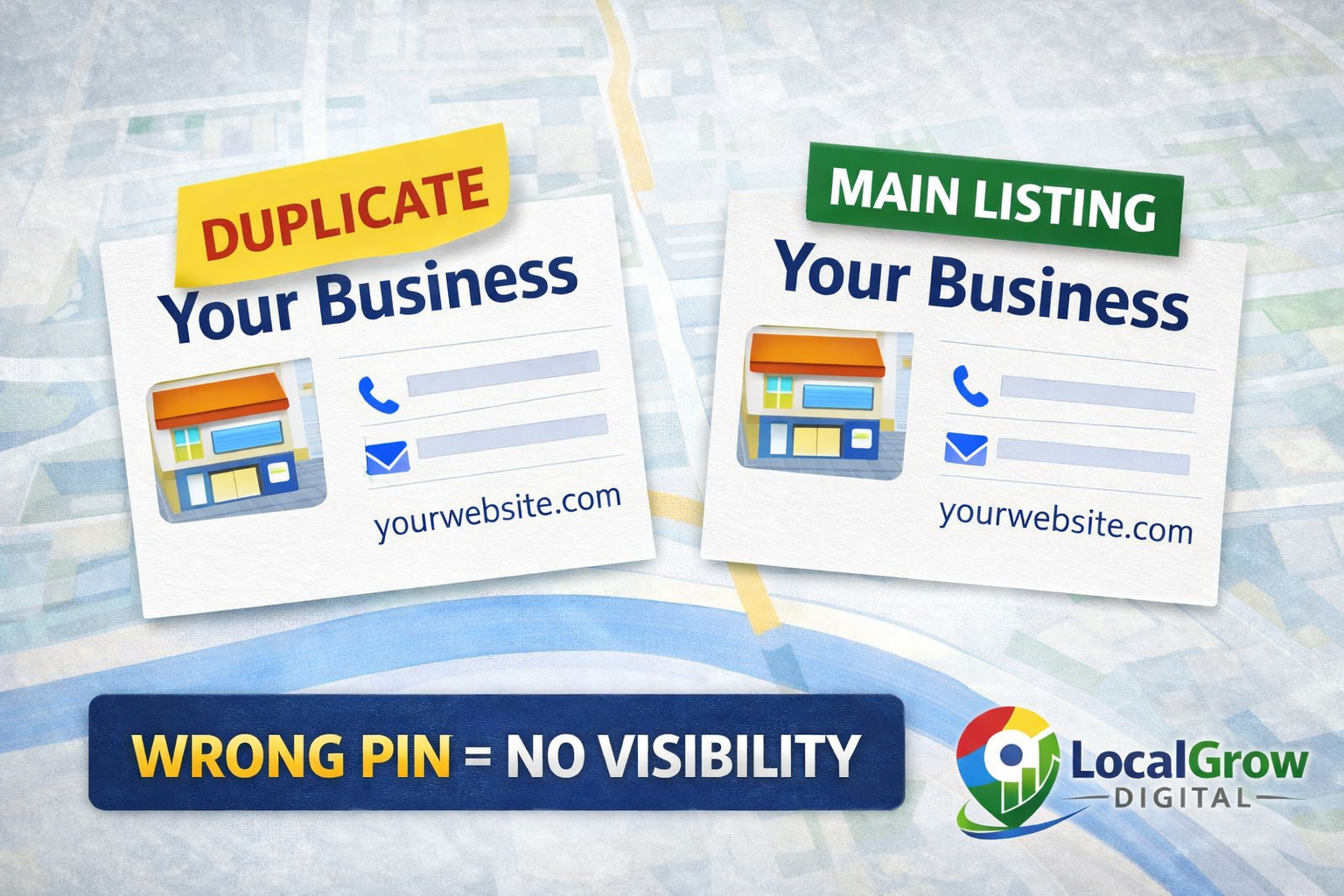
Duplicate Business Listings
If Google detects multiple profiles with the same business details, it may suppress all of them or show only one randomly.
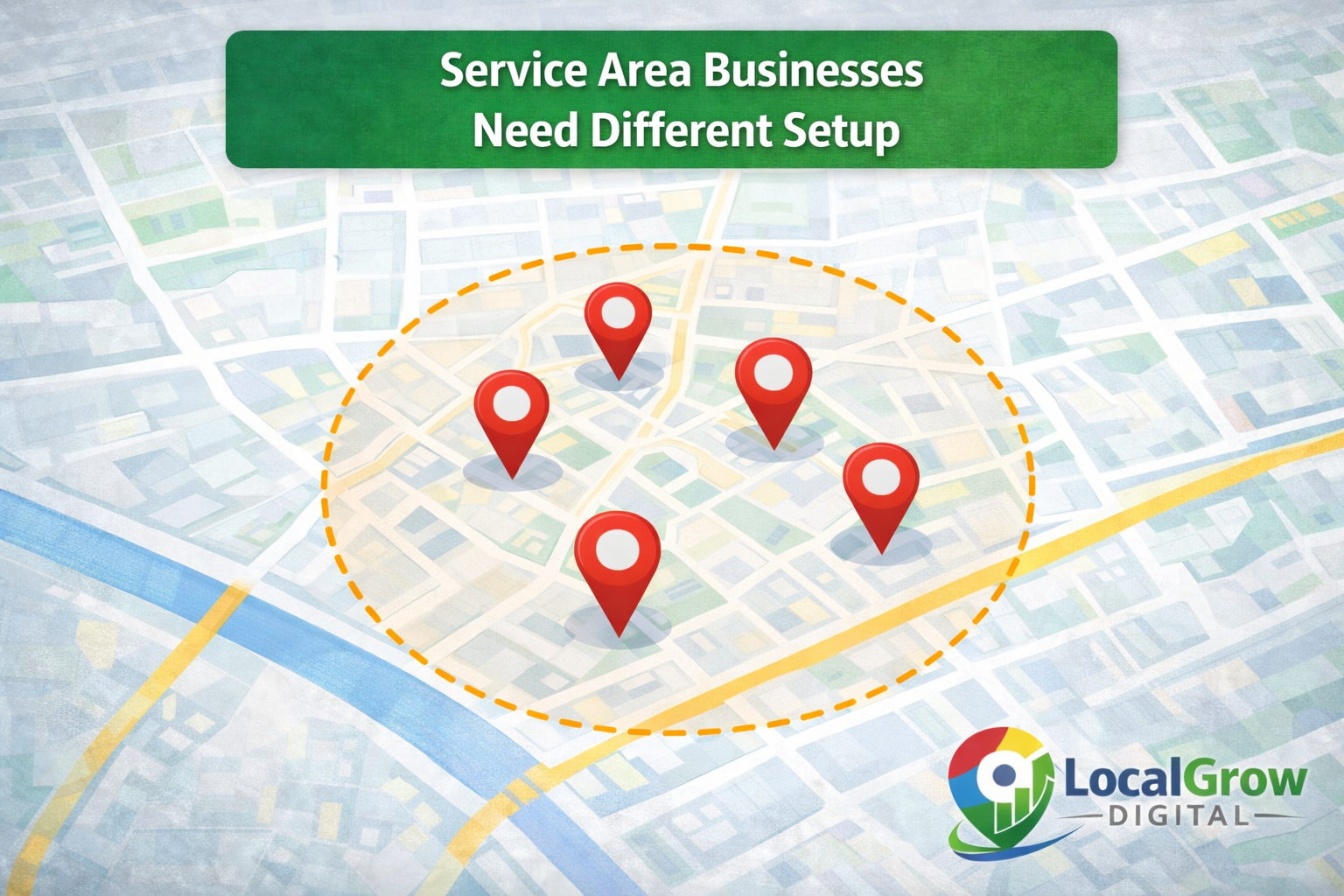
Service Area Business Configuration Issues
Service-based businesses must hide their physical address and set proper service areas. Incorrect setup can block map visibility.
How Long Does It Take for a Business to Appear on Google Maps?
If you want deeper understanding about Google’s indexing process, verification delays, and ranking timelines, we have explained it in detail in our guide on how long it takes for a business to appear on Google Maps.
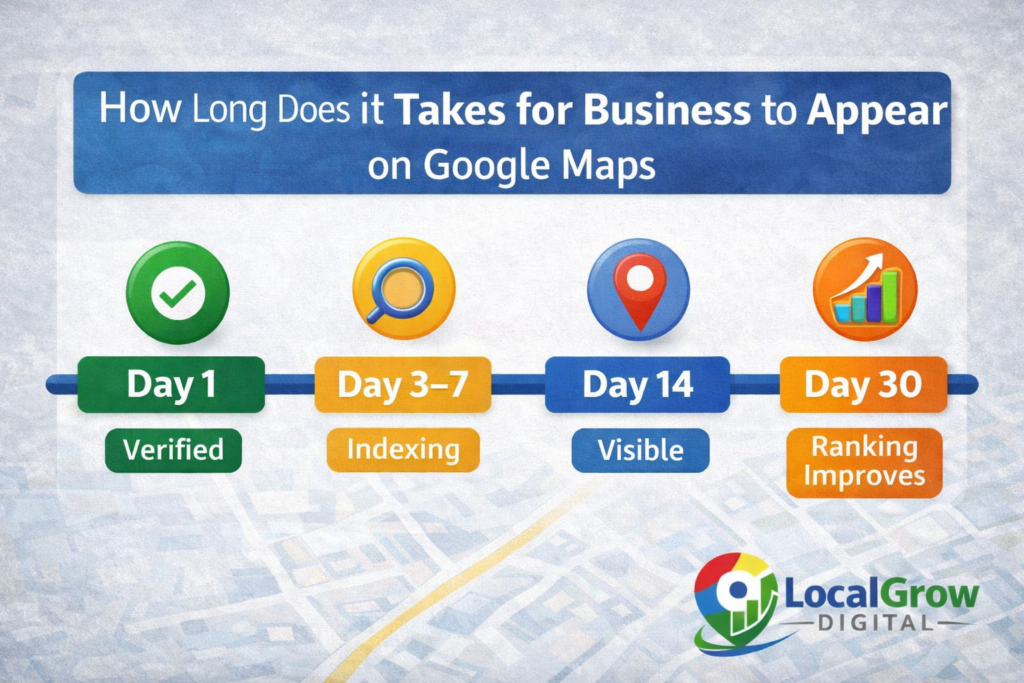
Even after verification, Google may take several days to fully index and rank your business. On average, visibility improves within 7 to 30 days depending on competition and profile optimization.
How to Optimize Your Google Business Profile for Better Visibility
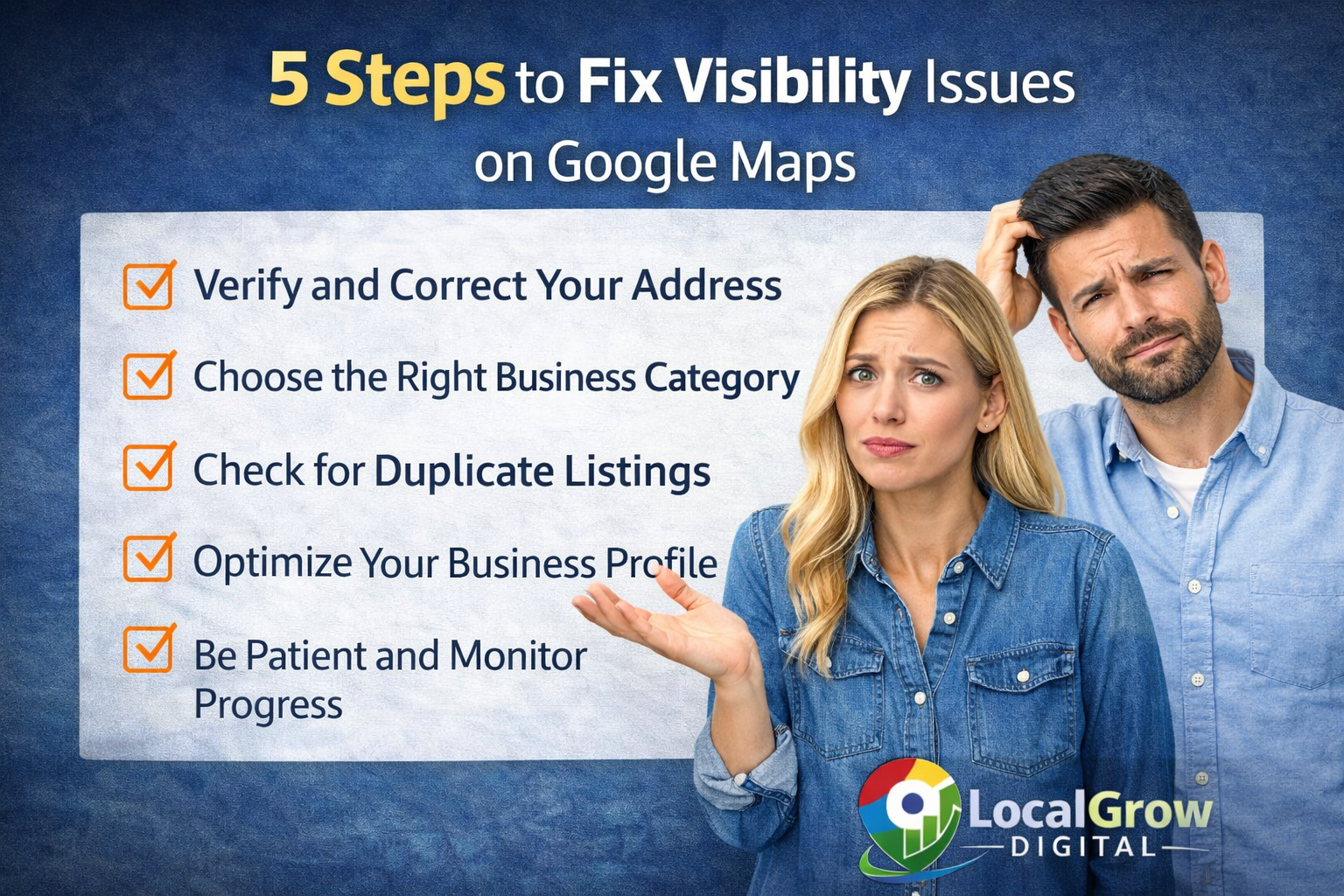
- Choose the most accurate primary category
- Add detailed business description with services
- Upload real photos of your location and work
- Get genuine customer reviews
- Add website and contact details
If you are unsure how to correctly optimize your profile, professional help with Google Business Profile setup can save time and prevent mistakes that block visibility on Google Maps.
How Google Decides Which Businesses to Show on Google Maps
Google Maps does not show every verified business equally. Google uses several ranking factors to decide which businesses appear in local search results and map packs.
The main factors include relevance, distance, and prominence. Relevance means how well your business profile matches what the user is searching for. Distance means how close your business is to the search location. Prominence means how popular and trusted your business is online.
Google explains that relevance, distance, and prominence are key factors in determining which businesses appear in local search results.
Even if your business is verified, poor relevance or low prominence can reduce visibility. That is why profile optimization, reviews, and accurate business information are extremely important for appearing consistently on Google Maps.
That is why many business owners complain about their business not showing on Google Maps even after completing verification.
Local businesses that maintain accurate business details and complete compliance documentation also build stronger trust signals for search engines over time.
Common Mistakes That Keep Businesses Hidden on Google Maps
Many business owners unknowingly make mistakes that prevent Google from trusting their listings. These mistakes can trigger filters that hide your business from search results even though it remains verified.
- Using keyword-stuffed business names
- Selecting wrong or irrelevant categories
- Changing address or phone number frequently
- Sharing address with many similar businesses
- Not responding to verification requests from Google
Fixing these mistakes improves trust signals and helps Google understand that your business is legitimate and relevant to local searches.
When Should You Get Professional Help?
If your business is still not visible after correcting basic settings, you may be dealing with deeper profile issues, verification conflicts, or algorithmic filtering by Google.
If you have tried basic fixes and your business is still not showing on Google Maps, the issue may require profile-level troubleshooting, category corrections, or address verification support.
If your business is not showing on Google Maps even after verification, fixing profile errors and optimization issues is the fastest way to improve visibility.
Why is my business verified but still not showing on Google Maps?
This usually happens due to address mismatches, wrong category selection, duplicate listings, or Google still indexing your profile. Verification alone does not guarantee visibility.
How long does Google take to show a new business on Maps?
In most cases, Google shows verified businesses within 7 to 30 days. However, ranking improvements may take longer depending on competition and optimization.
Can wrong business category affect Google Maps visibility?
Yes. Choosing the wrong primary category can significantly reduce your chances of appearing for relevant searches on Google Maps.
What should service area businesses do to appear on Google Maps?
Service area businesses should hide their physical address and correctly set service regions in their Google Business Profile to appear in nearby searches.
Should I contact experts if my listing is still not visible?
Yes. Professional assistance can help resolve technical listing issues, duplicate conflicts, and compliance problems that normal users cannot fix easily.
Can incorrect phone number stop my business from showing on Google Maps?
Yes. If your phone number does not match your website or other online listings, Google may reduce trust in your business profile and limit its visibility.
Does uploading photos help improve Google Maps visibility?
Yes. Regularly uploading real photos of your shop, staff, and work helps Google understand your business activity and can improve engagement and ranking.
Can I appear on Google Maps without a physical shop?
Yes. Service area businesses can appear on Google Maps without showing their address, but they must correctly configure service locations in their Google Business Profile.
Why does my competitor appear on Google Maps but I do not?
Competitors may have better optimized profiles, more reviews, stronger online presence, or closer proximity to search locations, which improves their ranking.
How often should I update my Google Business Profile?
You should update your profile whenever there are changes in services, hours, contact details, or promotions, and regularly add posts and photos to keep it active.