
If you want to optimize Google Business Profile for higher ranking on Google Maps, you must go beyond basic profile setup and focus on strong local SEO signals, accurate business data, and continuous profile activity.
Optimizing your Google Business Profile correctly helps your business appear more often in local searches, attract more calls, and build trust with customers. Many businesses struggle with ranking because they ignore small but powerful optimization factors that Google uses to decide which businesses deserve top positions.
If your business is not appearing at the top of Google Maps results, it does not always mean competition is too strong. In most cases, ranking issues are caused by incomplete profiles, poor engagement, incorrect categories, or weak local SEO signals. This guide explains exactly how to optimize your Google Business Profile step by step so your business can rank higher and get more calls, visits, and inquiries.
If your business is already verified but still not visible, read our guide on why a verified business is not showing on Google Maps and how to fix it.
If you recently verified your listing and are waiting for visibility, you should also check how long it takes for a business to appear on Google Maps after verification.
In some cases, ranking problems happen after account actions. Learn what to do if your Google Business Profile gets suspended and how to recover it.
If you are struggling with verification itself, read why Google Business Profile verification is not working and what alternatives you can use.
Table of Contents
How to Optimize Google Business Profile for Higher Ranking Step by Step
To optimize Google Business Profile for higher ranking, you must improve relevance, engagement, and trust signals that Google uses to evaluate business listings.
How Google Maps Ranking Works for Business Listings
Google Maps ranking is influenced by three main factors: relevance, distance, and prominence. While distance is based on the user’s location, relevance and prominence are strongly affected by how well your Google Business Profile is optimized and how active your business appears online.
- Accurate business information improves relevance
- Proper categories help match search intent
- Reviews and activity build prominence
- Website and citations support authority
Complete Every Section of Your Google Business Profile
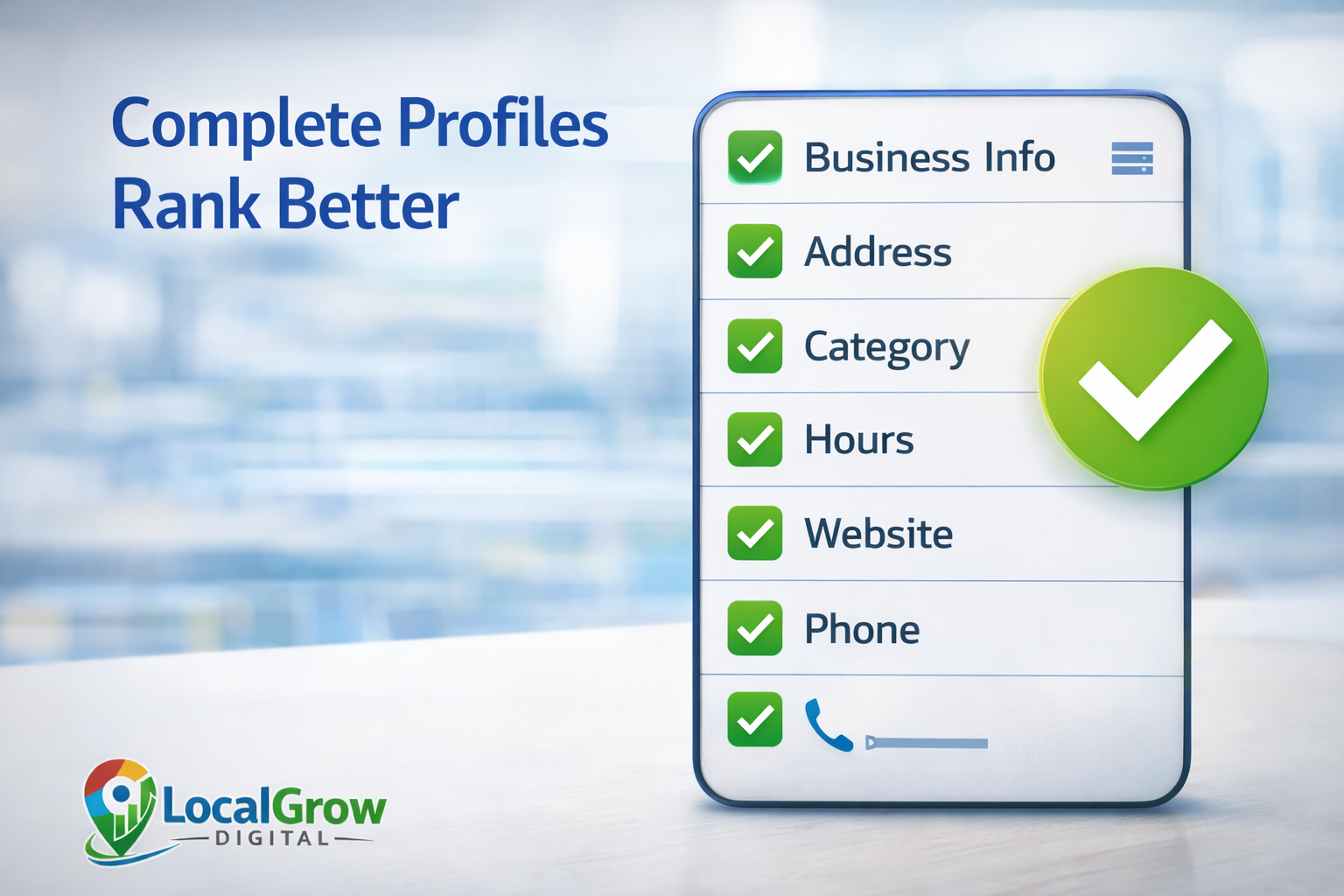
Incomplete profiles struggle to rank. Google prioritizes businesses that provide full and accurate information so users get reliable results.
- Correct business name
- Accurate address or service area
- Working phone number
- Website link
- Business hours
- Business description
When you optimize Google Business Profile for higher ranking, profile completeness is the first trust signal Google checks. Businesses that leave important fields empty often struggle to rank even if competition is low.
Choose Correct Categories and Optimize Business Description
Your primary category is one of the strongest ranking signals. It tells Google exactly what type of business you are and which searches you should appear for.
- Select the most accurate primary category
- Add relevant secondary categories
- Avoid adding unrelated services
- Write a natural business description with keywords
Use Photos and Posts to Increase Engagement Signals
Active profiles tend to rank higher because Google sees them as trustworthy and relevant to users. Photos and posts show that your business is operating and serving customers.
- Upload real business photos regularly
- Add interior and exterior photos
- Post updates, offers, and announcements
- Showcase products or services
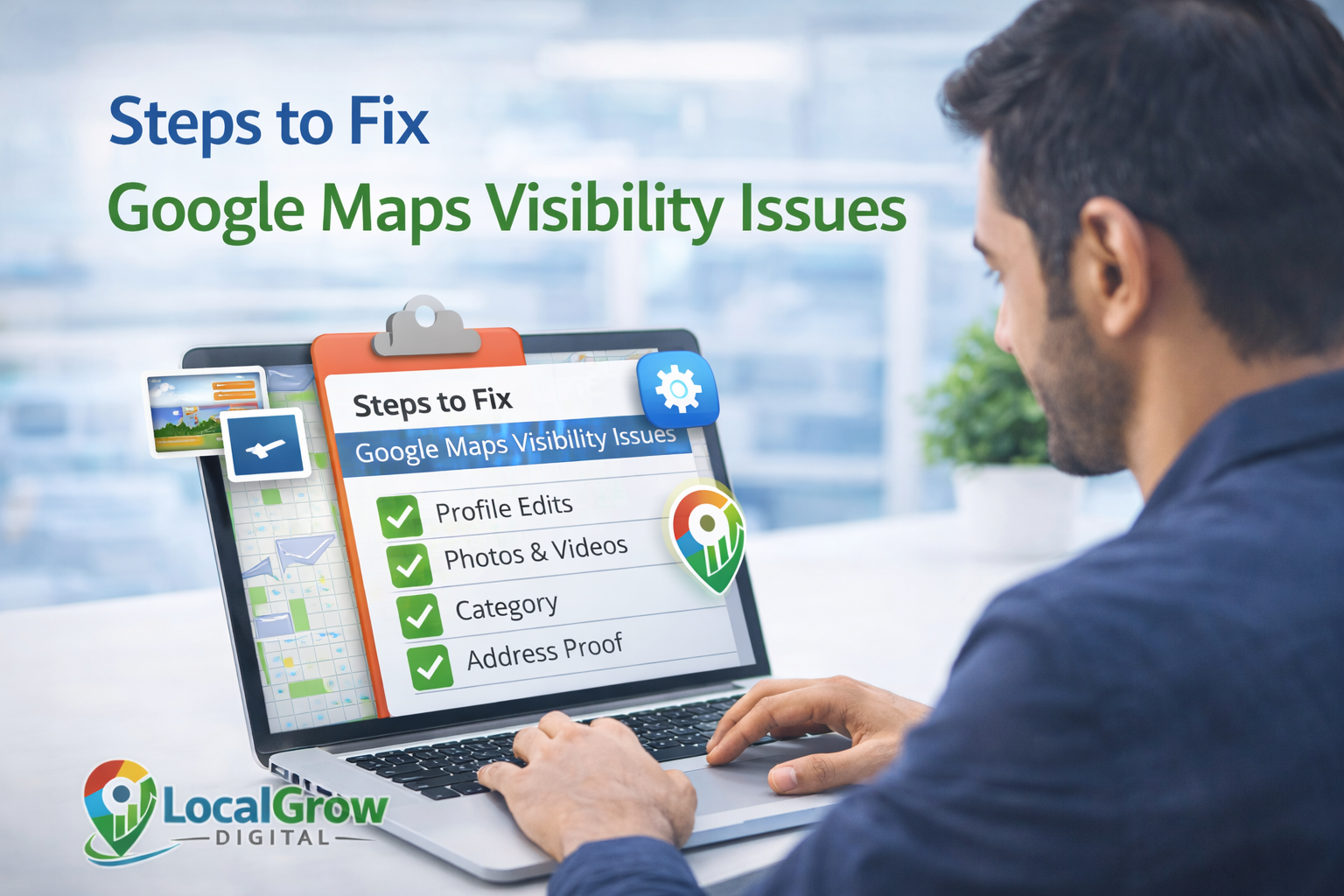
Get More Reviews and Respond to Them Professionally
Reviews are powerful trust signals. Businesses with consistent positive reviews and active owner responses often rank better and convert more customers.
- Ask happy customers for reviews
- Respond to every review politely
- Avoid fake or incentivized reviews
- Handle negative feedback professionally
How Competitor Activity Affects Your Google Maps Ranking
Google Maps ranking is relative. This means your position does not depend only on your optimization, but also on how active and optimized your competitors are.
If competitors receive more reviews, upload photos regularly, and update their profiles often, they may outrank you even if your profile is technically correct.
This is why continuous optimization is important and not a one-time activity.
- Competitors getting more reviews
- Better business categories
- More active posting
- Stronger websites
Support Your Google Maps Ranking with Website and Local SEO
Your Google Business Profile does not work alone. Your website and online business mentions strengthen your authority and ranking signals.
- Same business details on website
- Location-based pages if serving multiple areas
- Fast mobile-friendly website
- Local directory listings
If your business operates in multiple locations or offers home services, you should also read our guide on why service area businesses are not showing on Google Maps and how to fix visibility issues.
For businesses that stopped ranking suddenly, check why your business ranking dropped on Google Maps and what actions help recover positions.
How Citations and Business Listings Help Google Maps Ranking
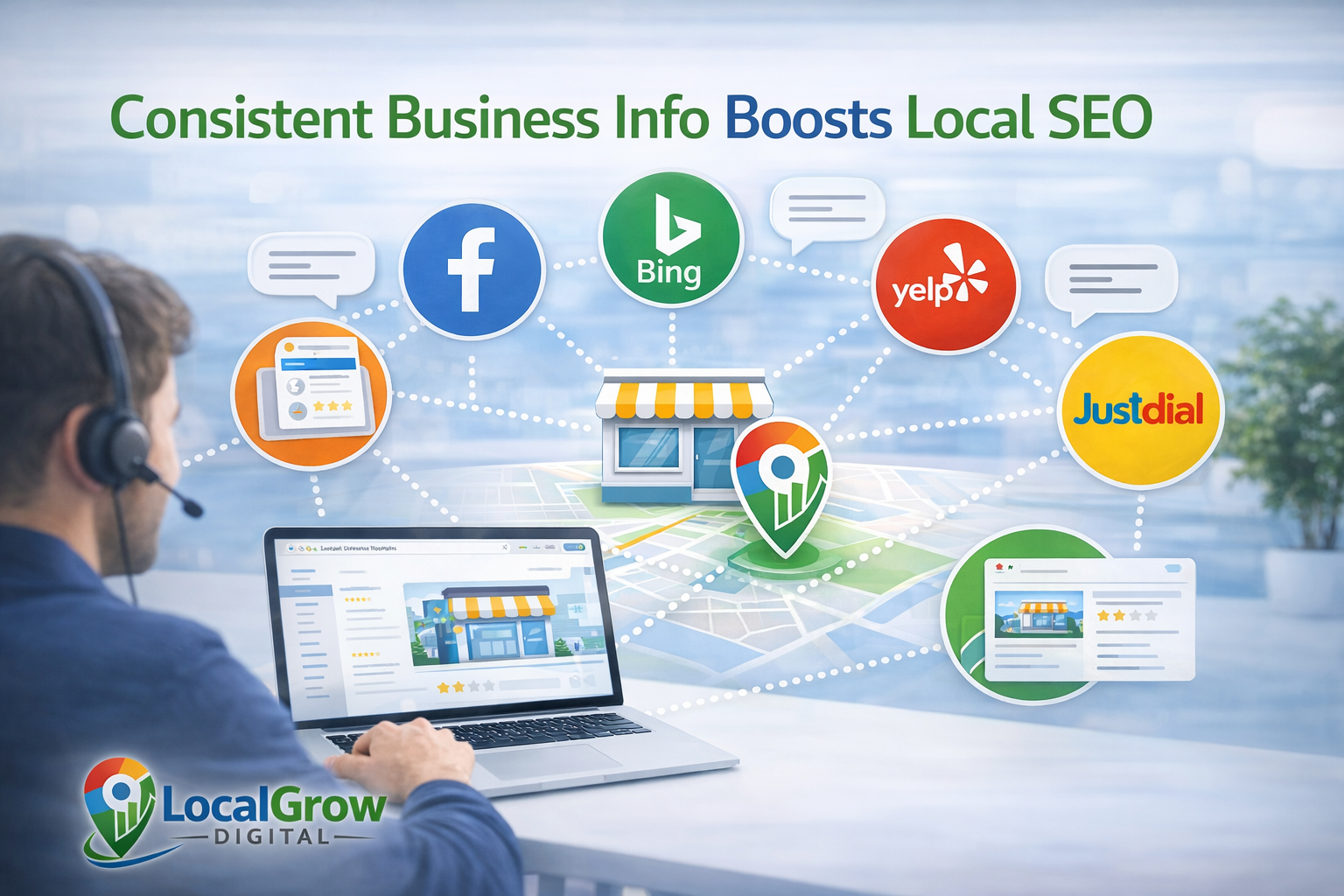
Citations are online mentions of your business name, address, and phone number on websites, directories, and business platforms. Google uses citations to confirm that your business information is consistent and trustworthy.
When your business details appear the same across multiple trusted websites, Google gains more confidence that your business is legitimate and active.
Inconsistent or incorrect business information across platforms can confuse Google and reduce your ranking potential on Google Maps.
- Business directories
- Industry listing websites
- Local business portals
- Map services and apps
Before building new citations, always ensure that your Google Business Profile details exactly match your website and all other online listings.
Mistakes That Can Reduce Your Google Maps Ranking
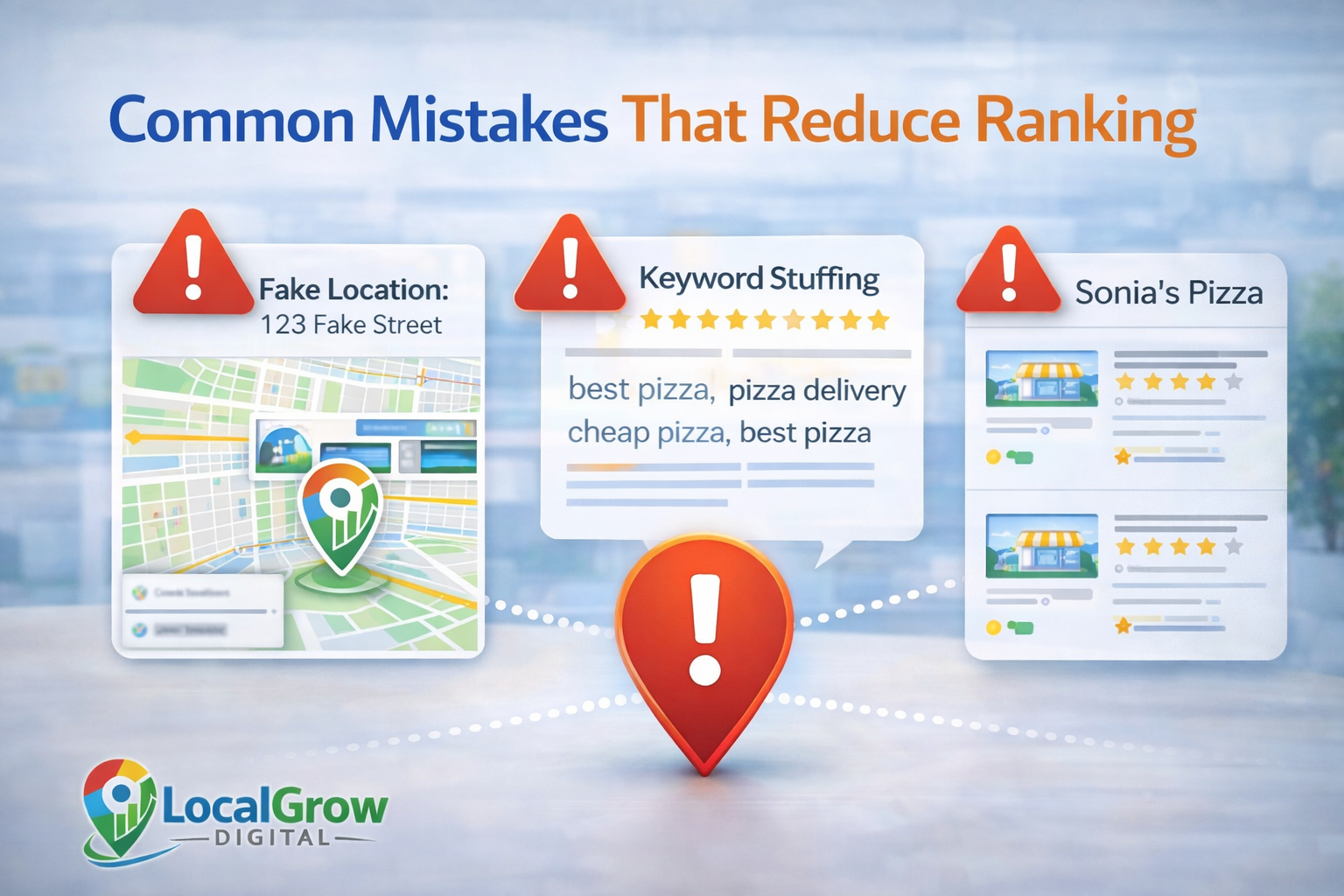
Some mistakes can silently hurt your visibility even if your profile looks complete.
- Using fake or virtual addresses
- Keyword stuffing in business name
- Duplicate listings
- Changing information too frequently
- Ignoring Google policy guidelines
How Long Does It Take to See Ranking Improvements After Optimization?
Many business owners expect instant results after making profile changes, but Google Maps ranking does not improve overnight. Ranking improvements usually happen gradually as Google processes new data and observes user engagement.
Small improvements may appear within a few weeks, but strong and stable rankings often take consistent optimization over several months.
- Profile edits may take days to reflect
- Review growth impacts ranking over time
- Website SEO takes weeks to influence maps
- Competitor activity affects your position
This is why Google Business Profile optimization should be treated as an ongoing marketing process, not a one-time setup task.
When You Should Get Professional Help for GBP Optimization
If your business has ranking drops, suspensions, ownership conflicts, or verification problems, professional assistance can prevent long-term damage and speed up recovery.
Our Google Business Profile setup and optimization service helps businesses fix ranking issues, improve profile strength, and follow Google guidelines to increase visibility on Google Maps.
How Often Should You Update Your Google Business Profile?
There is no fixed schedule, but businesses that update their profiles regularly tend to perform better in search results.
Google wants to show active businesses to users, so frequent updates improve visibility and trust signals.
- Upload photos every month
- Post updates or offers weekly
- Respond to reviews within 24–48 hours
- Update services when needed
Why Google Business Profile Optimization Is Critical for Small Businesses
For small businesses, Google Maps is often the first place customers search before making contact. A well-optimized Google Business Profile can generate phone calls, direction requests, and website visits without paid advertising.
Unlike social media or paid ads, Google Maps traffic is based on user intent, meaning people are actively looking for services or products when they find your business.
- Higher trust compared to ads
- Better local visibility
- Free long-term traffic source
- Strong influence on buying decisions
This makes Google Business Profile optimization one of the highest return marketing activities for local and service-based businesses worldwide.

Frequently Asked Questions About Google Maps Ranking
How long does it take to improve Google Maps ranking after optimization?
Ranking improvements may start within a few weeks, but strong results usually take consistent activity over several months.
Do photos really help Google Maps ranking?
Yes. Regular photo uploads increase engagement and signal active business operations to Google.
Does business description affect ranking?
It helps with relevance and conversion but works best when combined with proper categories and engagement.
How many reviews do I need to rank higher?
There is no fixed number. Consistent genuine reviews over time matter more than volume.
Can changing business name with keywords improve ranking?
No. Keyword stuffing violates Google policies and can lead to suspension.
Does website SEO affect Google Maps ranking?
Yes. Website authority and local relevance support better map visibility.
Why did my ranking suddenly drop?
Ranking drops can occur due to competitor activity, profile edits, policy issues, or Google algorithm updates.
Can service area businesses rank without showing address?
Yes. Service area businesses can rank based on location relevance and service coverage.
Is posting on Google Business Profile necessary?
Posts increase engagement and help signal active business operations.
Can duplicate listings hurt ranking?
Yes. Duplicate profiles confuse Google and reduce trust signals.
Does replying to reviews help ranking?
Yes. Owner responses improve engagement and trust.
Is professional optimization safe for my profile?
Yes, when done following Google guidelines and best practices.